Shaders for the Web
Learn how to make OpenGL shaders using the programming language GLSL, and gain insight on how the top websites use hardware-enabled graphics.

Taught by
Rik Lomas
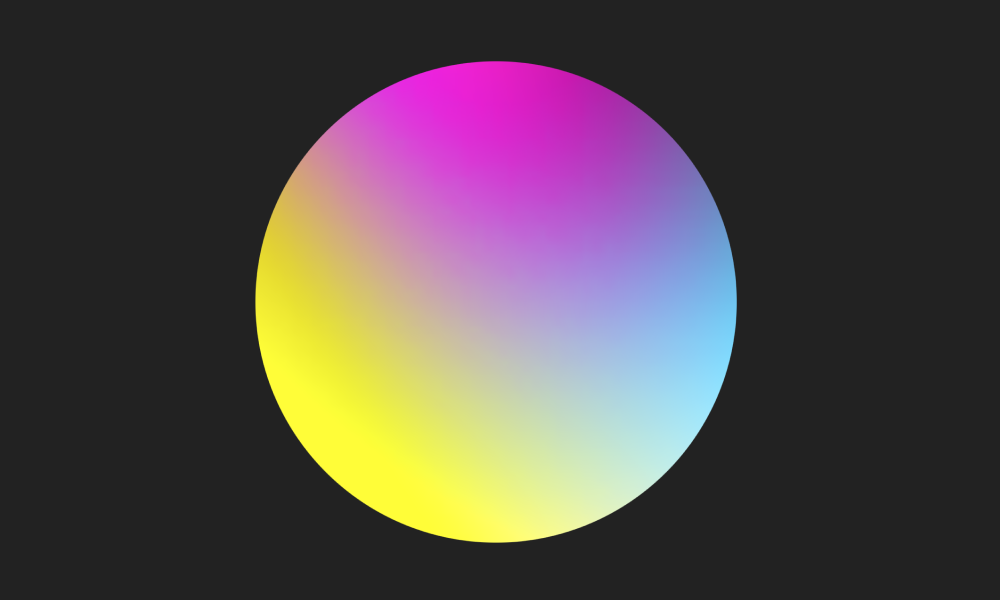
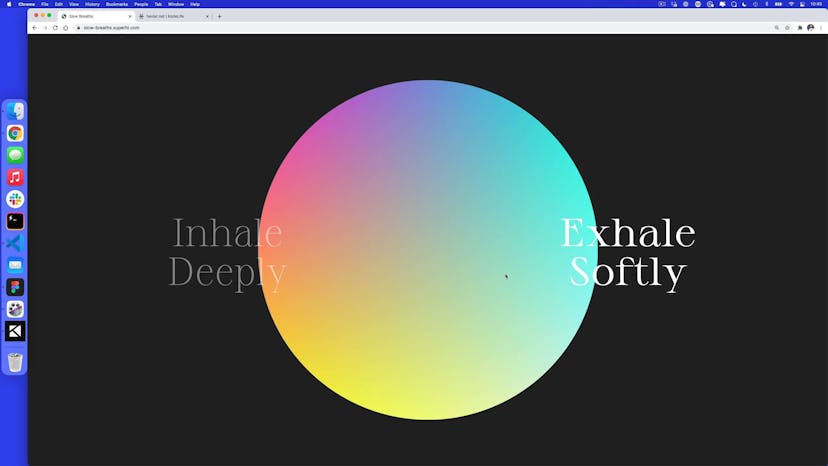
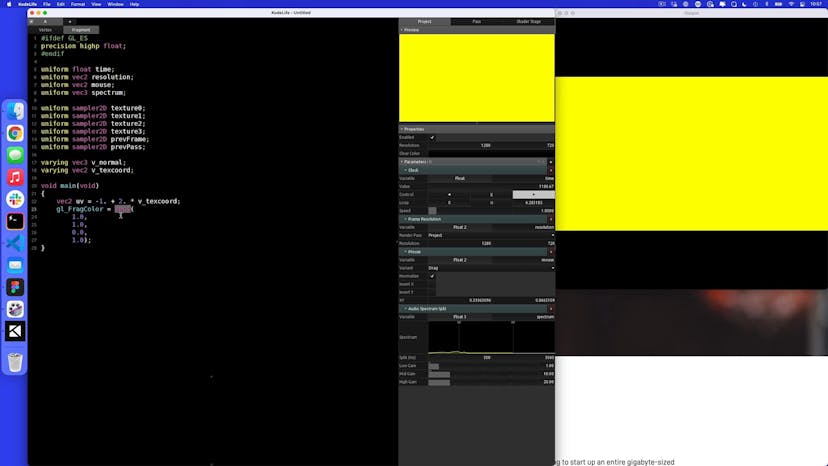
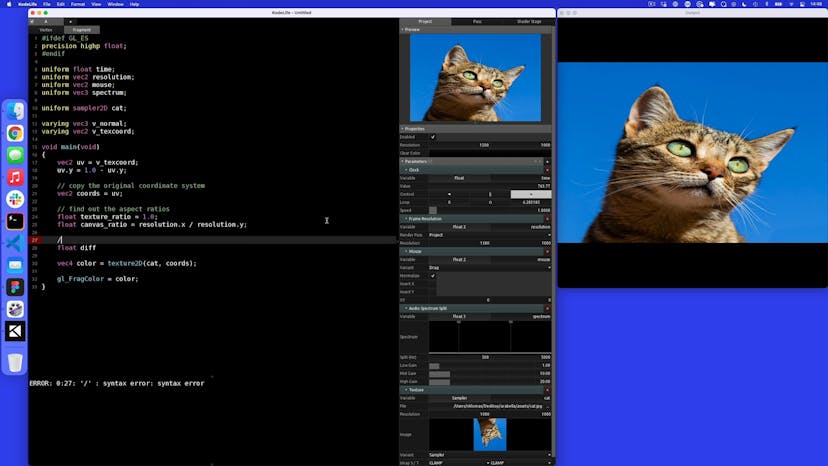
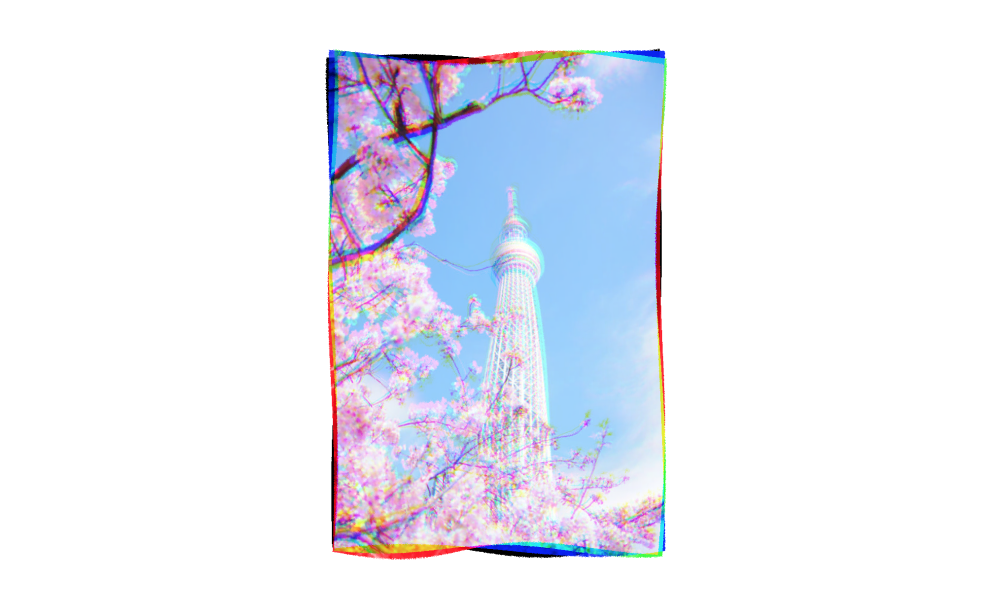
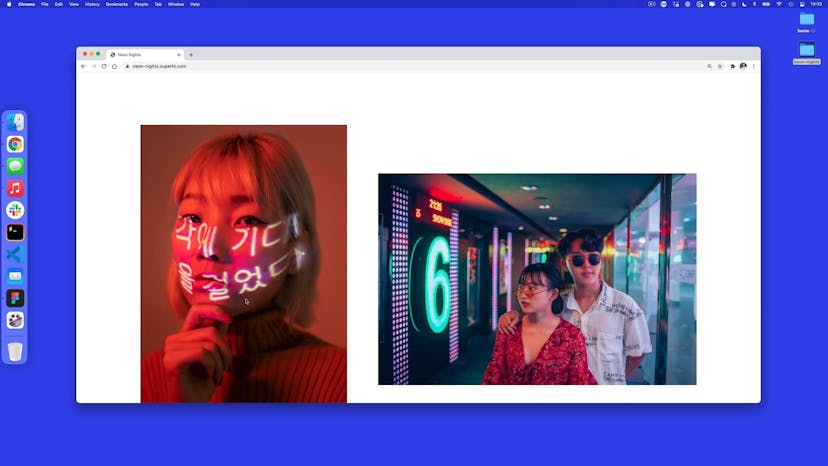
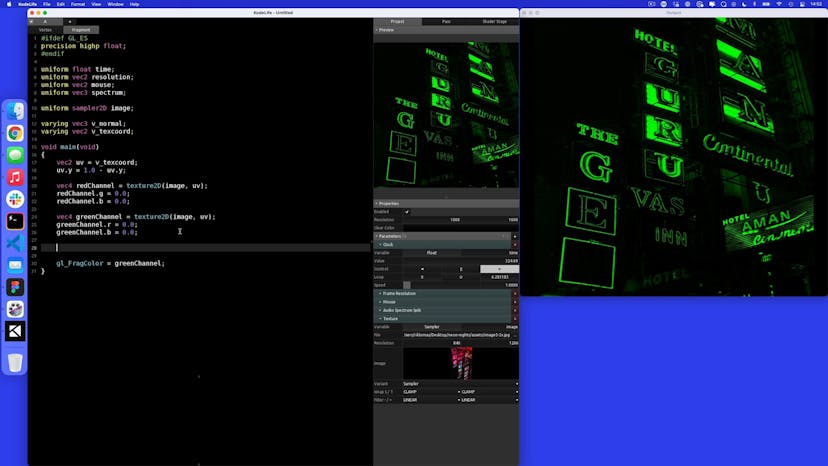
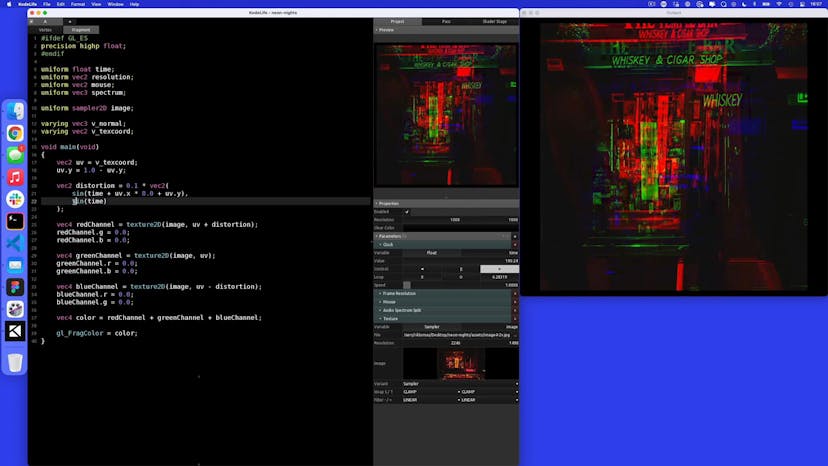
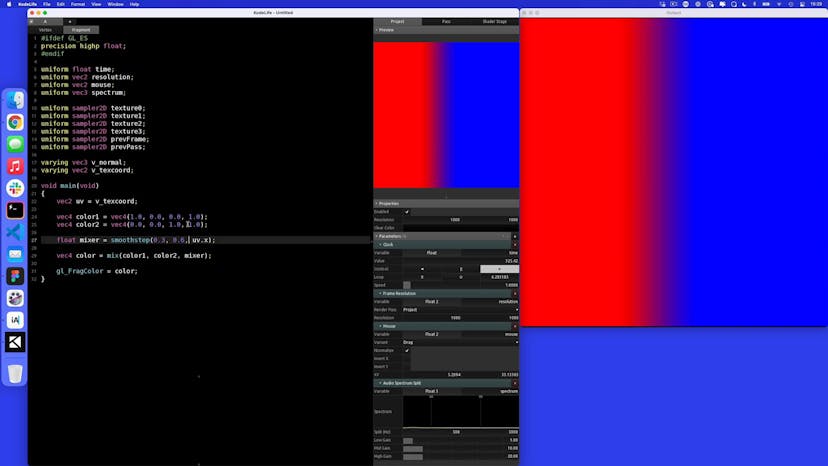
Get access to Shaders for the Web
- Practical, go-at-your-own pace learning, with help from our industry experts and experienced teachers
- Projects and code that you can alter and include in your own sites and portfolio
- Resources to get you started and going post-course
Your instructor

Rik Lomas
Course structure
Lesson 01
Intro to Slow Breaths
Lesson 02
What exactly is a shader?
Lesson 03
How to mix colors
Lesson 04
Mixing gradients together
Lesson 05
Adding movement with the time uniform
Lesson 06
Putting in correct colors
Lesson 07
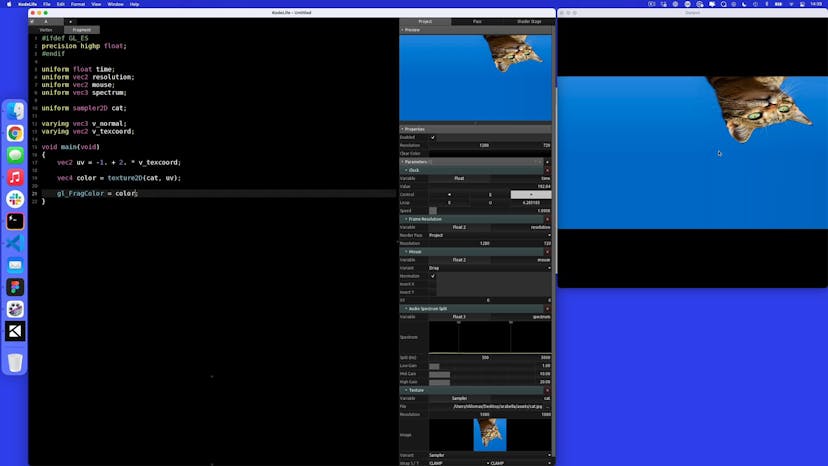
Adding a texture to our shader
Lesson 08
Sampling points using texture2D
Lesson 09
Using a displacement texture
Lesson 10
Cleaning up our shader, ready for the web!
Lesson 11
Setting up our website
Lesson 12
Adding GlslCanvas
Lesson 13
Adding our KodeLife code
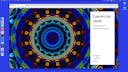
Lesson 01
Welcome to Kaleidoscope!
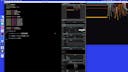
Lesson 02
Sampling the texture
Lesson 03
Resampling texture points using radius and angle
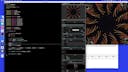
Lesson 04
Altering the sample angle
Lesson 05
Cleaning up our code for GlslCanvas
Lesson 06
Setting up our website
Lesson 07
Adding a texture
Lesson 08
Stopping canvas pixelation
Lesson 09
Fixing canvas size on browser resize
Lesson 10
Adding mouse movement
Lesson 11
Changing the texture in a slideshow

Lesson 01
Welcome to Alice McCloud
Lesson 02
What are step and smoothstep?
Lesson 03
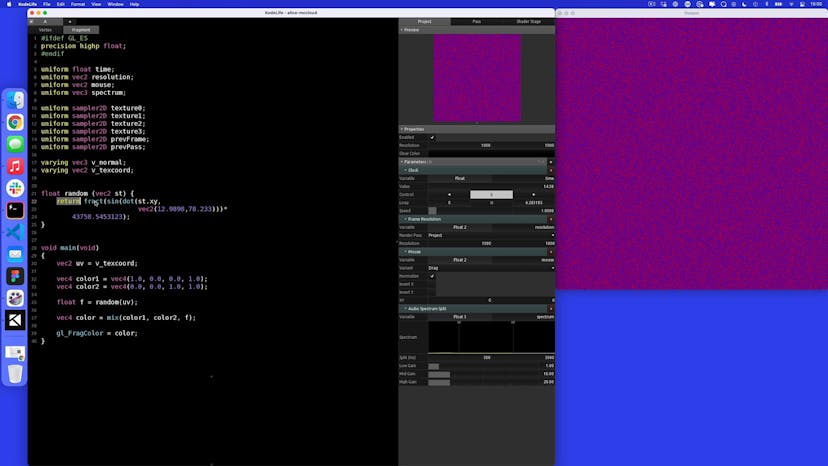
Randomness in GLSL
Lesson 04
From randomness to noise
Lesson 05
Fractional Brownian motion
Lesson 06
Moving our FBM pattern
Lesson 07
Using step and smoothstep to control the mix
Lesson 08
Adding grain using random
Lesson 09
Adding movement with time and rotation
Lesson 10
HSV to RGB
Lesson 11
Making our code ready for GlslCanvas
Lesson 12
Setting up our website
Lesson 13
Loading a fragment shader
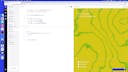
Lesson 14
Sizing our canvas
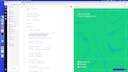
Lesson 15
Adding mouse movement
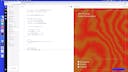
Lesson 16
How to add a random seed uniform

Lesson 01
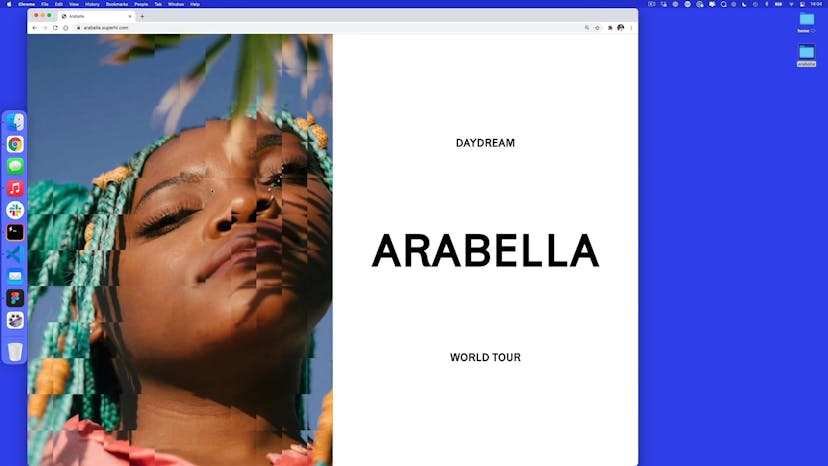
Welcome to Arabella
Lesson 02
Adding a texture
Lesson 03
How to keep the aspect ratio
Lesson 04
Keeping the aspect ratio anchored to the center
Lesson 05
Adding distortion
Lesson 06
Making a wave with distortion
Lesson 07
Distortion variations
Lesson 08
Making a safe area
Lesson 09
Grouping distortion into blocks
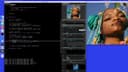
Lesson 10
Adding mouse movement
Lesson 11
Creating our website
Lesson 12
Setting up multiple canvases
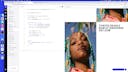
Lesson 13
Adding our KodeLife code
Lesson 14
Adding a random seed
Homework 01
Fiona McLaughlin
Lesson 01
Welcome to Neon Nights
Lesson 02
Adding color shift
Lesson 03
Adding a wave distortion pattern
Lesson 04
Sampling colors within bounds
Lesson 05
Sampling with gl_FragCoord
Lesson 06
Rotating our distortion
Lesson 07
Adding grain to our distortion
Lesson 08
Adding a strength uniform
Lesson 09
Creating our website
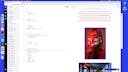
Lesson 10
Adding and styling a canvas tag
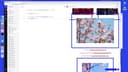
Lesson 11
Replacing images with canvas tags
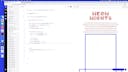
Lesson 12
Loading our sandbox
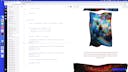
Lesson 13
Adding our fragment shader
Lesson 14
Making the shader retina-friendly
Lesson 15
Changing the strength with IntersectionObserver
Lesson 16
Variations on the strength uniform

Lesson 01
Welcome to Hi Records
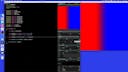
Lesson 02
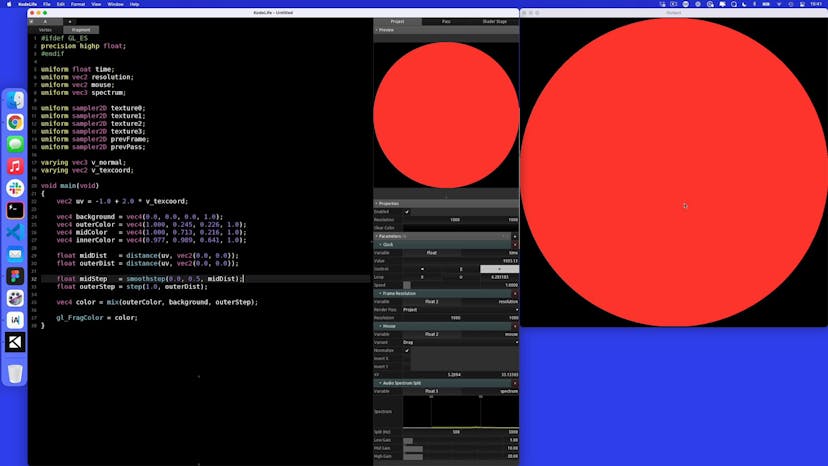
Making a circle with step and smoothstep
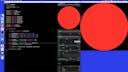
Lesson 03
Mixing colors using steps
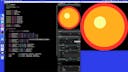
Lesson 04
Animating our gradient
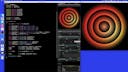
Lesson 05
Adding record ridges
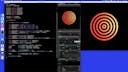
Lesson 06
Variations on outerDist
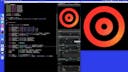
Lesson 07
Adding grain to our gradient
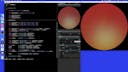
Lesson 08
Adding color palettes with arrays
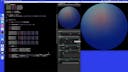
Lesson 09
Adding a scroll uniform to pick palettes
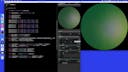
Lesson 10
Blending color palettes
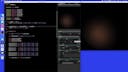
Lesson 11
How to pick from an array using WebGL
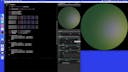
Lesson 12
Making the shader ready for the web
Lesson 13
Making our website
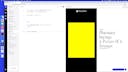
Lesson 14
Adding Javascript
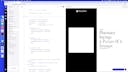
Lesson 15
Adding scroll and color uniforms
Lesson 01
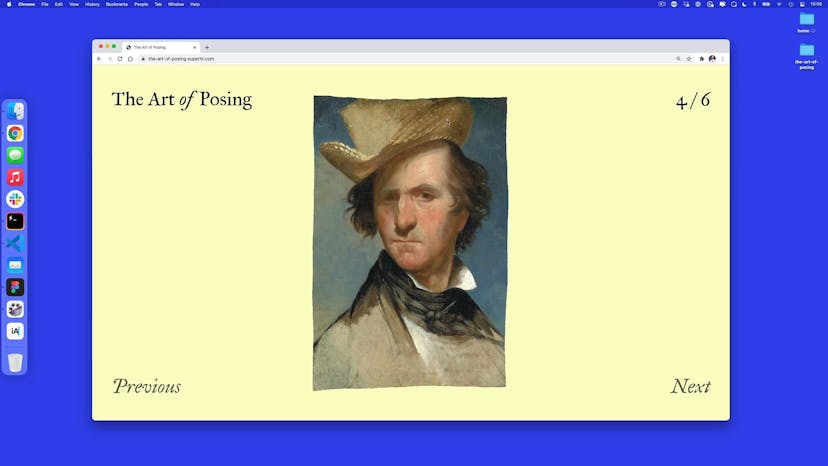
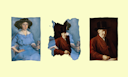
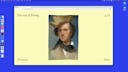
Welcome to The Art of Posing
Lesson 02
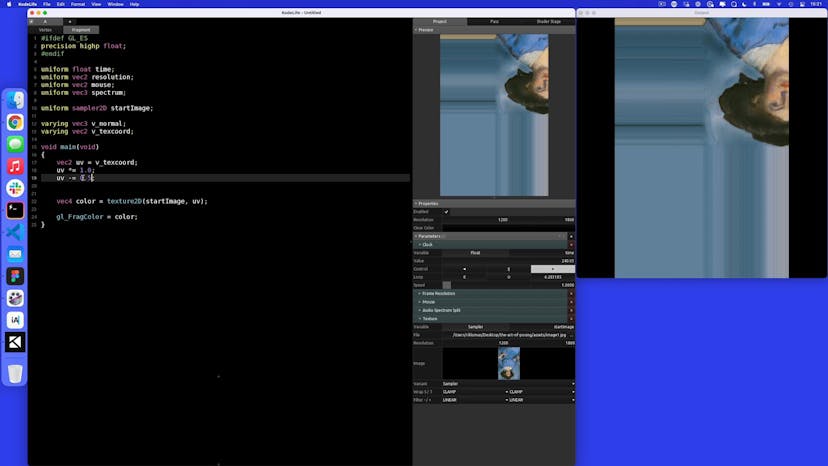
Resampling uv to start in the center
Lesson 03
Adding a distortion wave
Lesson 04
Adding noise and FBM to distortion
Lesson 05
Adding a strength and timeline uniform
Lesson 06
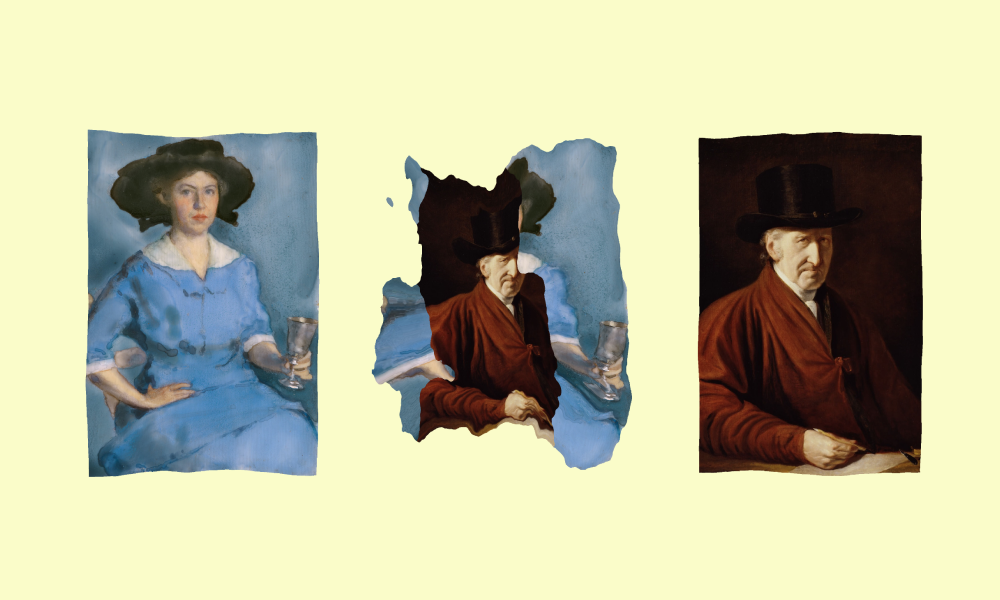
Adding a transition between textures
Lesson 07
Adding a wave-based transition
Lesson 08
Setting up multiple textures
Lesson 09
Getting ready for the web
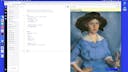
Lesson 10
HTML and CSS setup
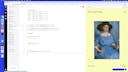
Lesson 11
Setting up a slideshow in Javascript
Lesson 12
Adding our canvas
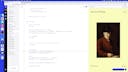
Lesson 13
Updating our fragment for a list of projects
Lesson 14
Changing our GLSL code to fit the slideshow
Lesson 15
Adding the startIndex, endIndex and timeline uniforms
Homework 01
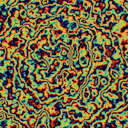
Slick Oil
Lesson 01
Welcome to Jellyfish
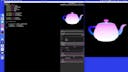
Lesson 02
How to do 3D in KodeLife
Lesson 03
Setting up a scene in Three.js
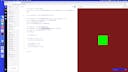
Lesson 04
Setting a background and geometry
Lesson 05
Setting up a ShaderMaterial in Three.js
Lesson 06
Adding a vertex shader
Lesson 07
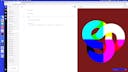
Adding a time uniform
Lesson 08
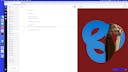
Adding a texture uniform
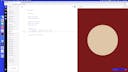
Lesson 09
Ambient lighting
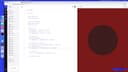
Lesson 10
Diffuse lighting
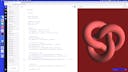
Lesson 11
Specular lighting
Lesson 12
Adding multiple lights
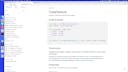
Lesson 13
Texture cubes
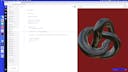
Lesson 14
Rotating vertices in the vertex shader
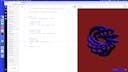
Lesson 15
Making the jellyfish
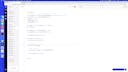
Lesson 16
Adding a camera zoom on load
Lesson 17
Updating the renderer on window resize
Lesson 18
Variation: convex to concave
Lesson 19
Variation: bubble refraction
Lesson 20
Variation: Making a thin film interference bubble
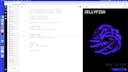
Lesson 21
Using variations in the final project
Lesson 01
Welcome to Cryptoquartz
Lesson 02
HTML + CSS setup
Lesson 03
Adding a scene with Three.js
Lesson 04
Adding a sphere geometry
Lesson 05
Setting up vertex and fragment shaders
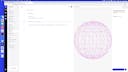
Lesson 06
Changing the vertex shaders
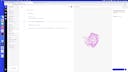
Lesson 07
Adding FBM to our vertices
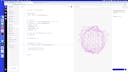
Lesson 08
Adding time and seed uniforms
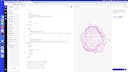
Lesson 09
Adding slider uniforms
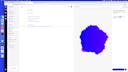
Lesson 10
Adding color based on varyings
Lesson 11
Ambient and diffuse lighting
Lesson 12
Adding a struct
Lesson 13
Adding in sliders for lighting
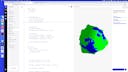
Lesson 14
Adding in new normals with dFdx and dFdy
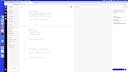
Lesson 15
Changing to HSV colors
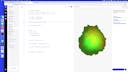
Lesson 16
Mixing two colors
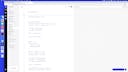
Lesson 17
Creating some noise
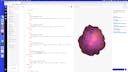
Lesson 18
Adding saturation, brightness and gradient mix uniforms
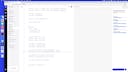
Lesson 19
Better blending with step and smoothstep
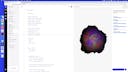
Lesson 20
Adding rotation with vertex shaders
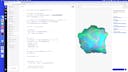
Lesson 21
Window resizing
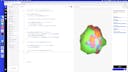
Lesson 22
Click to download as an image
Lesson 23
Adding mouse movement to the lighting
Lesson 01
Welcome to Cloth Studios
Lesson 02
HTML + CSS setup
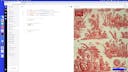
Lesson 03
Adding a Javascript counter
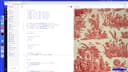
Lesson 04
Updating content with a data structure
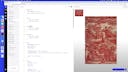
Lesson 05
Adding a theme with CSS variables and Javascript
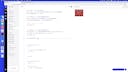
Lesson 06
Adding a Three.js scene
Lesson 07
Adding multiple planes
Lesson 08
Rotating the camera position
Lesson 09
Adding in a texture
Lesson 10
Making a shader material
Lesson 11
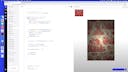
Adding ambient and diffuse lighting to our material
Lesson 12
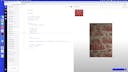
Updating the time for each material
Lesson 13
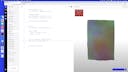
Adding wind to our vertex shader
Lesson 14
Visualizing wind by passing varyings
Lesson 15
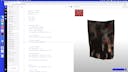
Adding in tension points and gravity
Lesson 16
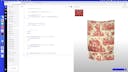
Updating our lighting
Lesson 17
Adding a mouse object
Lesson 18
Adding a raycaster to convert 2D to 3D points
Lesson 19
Adding a mouse interaction depression
Lesson 20
Adding a hover strength to mouse interaction
Lesson 21
Updating on window resize
Lesson 22
Adding a camera rotation on load
Lesson 23
CSS animations on load

Lesson 24
Thank you for taking our course!
Homework 01
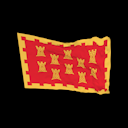
Vexillography
SuperHi students work at the best
Our students are based all over the world and work at creative companies large and small. Why not check out some of their work?
View student workFeeling stuck?
Don’t worry, we are here to help you with:
- Speedy help from one of our team members
- Detailed, relevant solutions
- Direct access to peer support through Discord!
Remember, there’s no such thing as a silly question, so don’t hesitate to reach out, we love hearing from you!