INTERMEDIATECOURSE
Javascript for Designers
Learn how to work with Javascript to build interactivity into your websites. No previous Javascript knowledge necessary!

Taught by
Lawrence Gosset
Taught by
Lawrence Gosset
Javascript is one of the most-used web languages in the world but its learning curve is relatively steep. Aimed at people who design, this short course will teach you how to work with Javascript in a fun, creative way.
This course, perfect for beginners, is designed to get you up to speed with how Javascript works, how to think about event-driven code (e.g. on click, on scroll, on movement) and generally how to make design effects you'll want to use in your own projects.
You don't need to be a designer to join the course – all we require is a little knowledge of HTML and CSS.
A computer with Mac OS X 10.9 or above, Windows XP or above, or a recent Linux version installed and a broadband internet connection. Nothing else!
Anyone who is looking to learn Javascript from scratch in a creative, practical way.
You do not need any Javascript knowledge for this course. We would recommend a little knowledge of HTML and CSS before this course starts – if you don't have HTML and CSS knowledge, try our book or join our Foundation HTML, CSS + Javascript course.
You don't need to be a designer to join this course – you can work in any industry to join – but we will be teaching in a more creative style than most other Javascript courses you may see online.
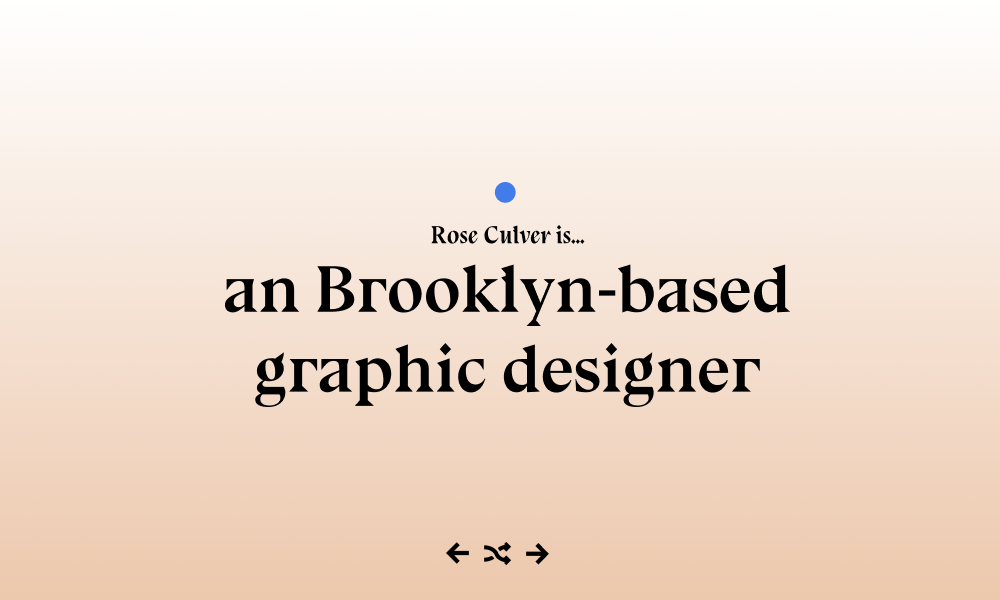
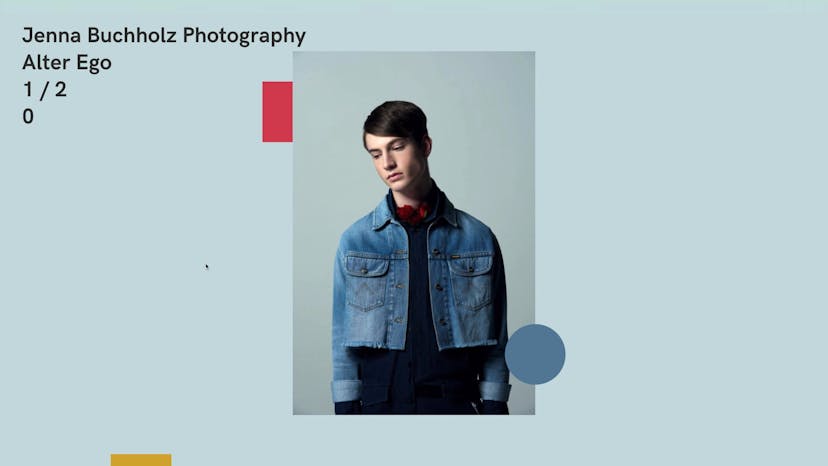
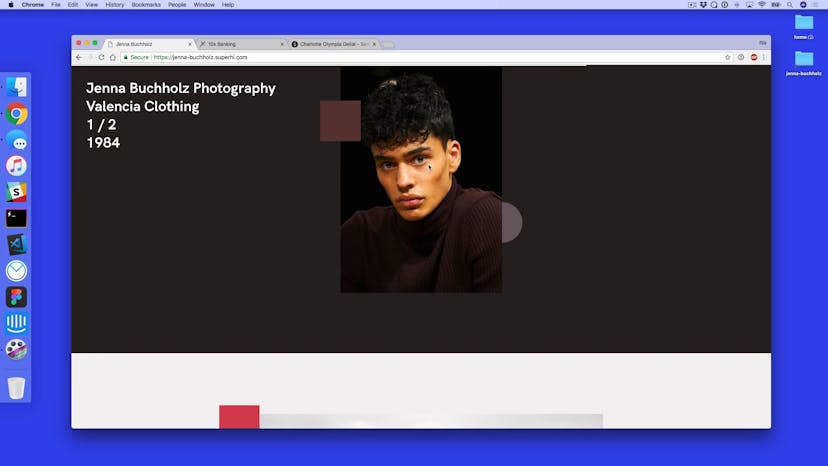
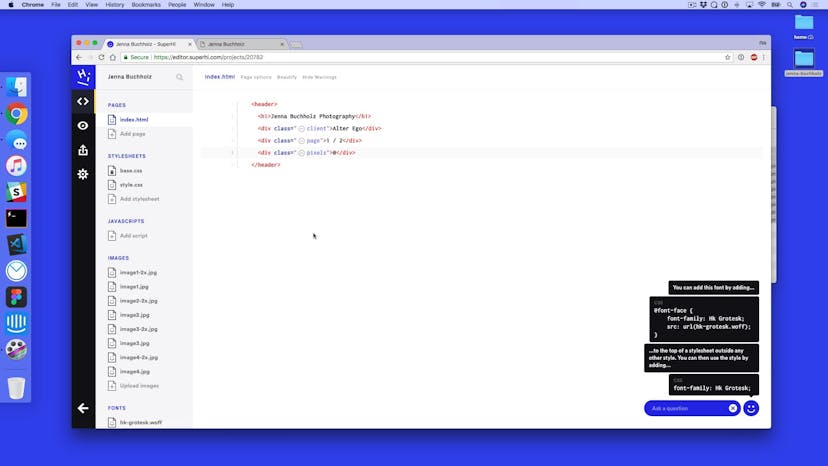
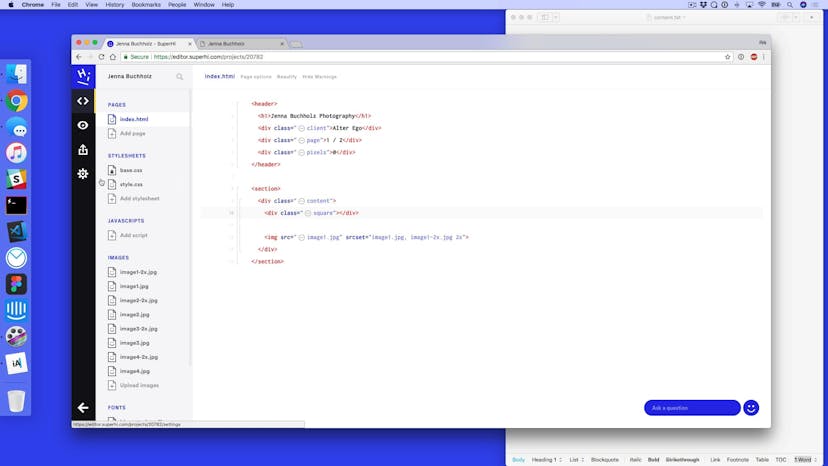
In the first chapter, we'll discuss to work with data and events in Javascript and how to apply them to a website that lets us change both HTML content and CSS styling. We'll use this to build a designer's portfolio website.
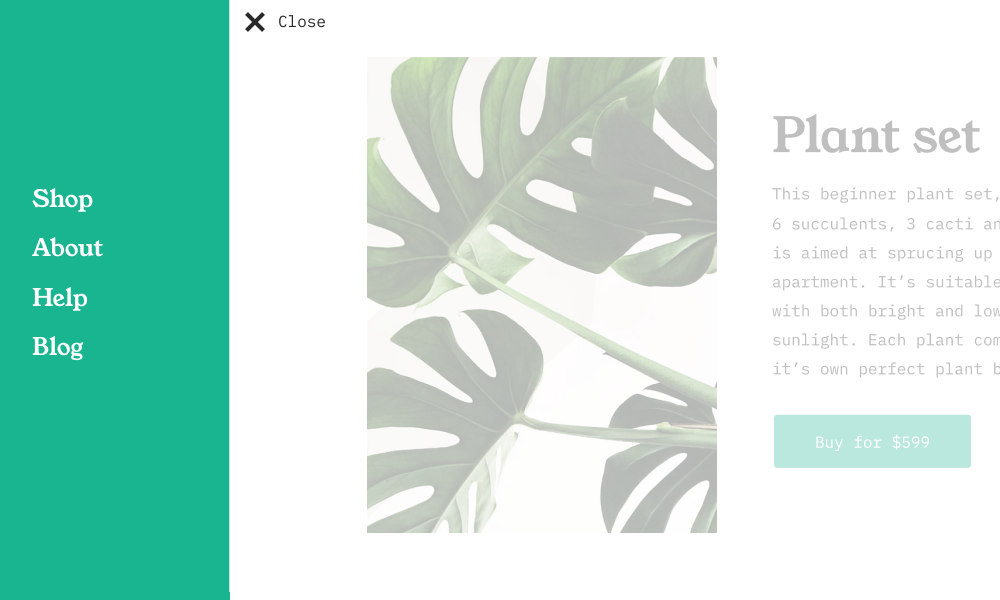
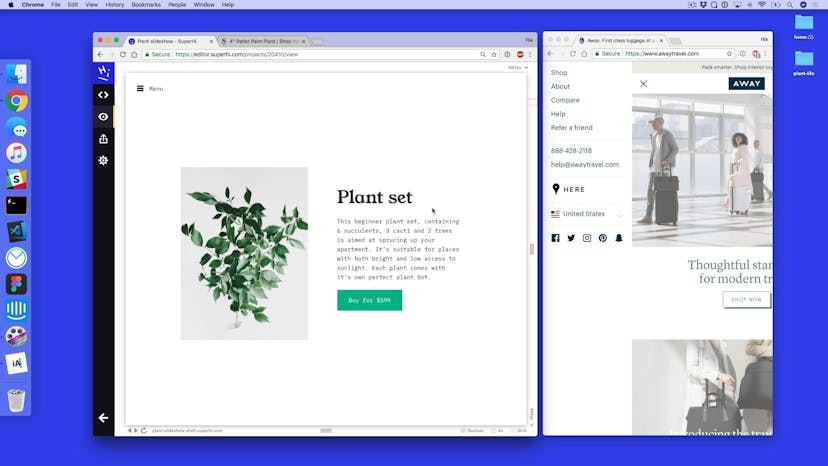
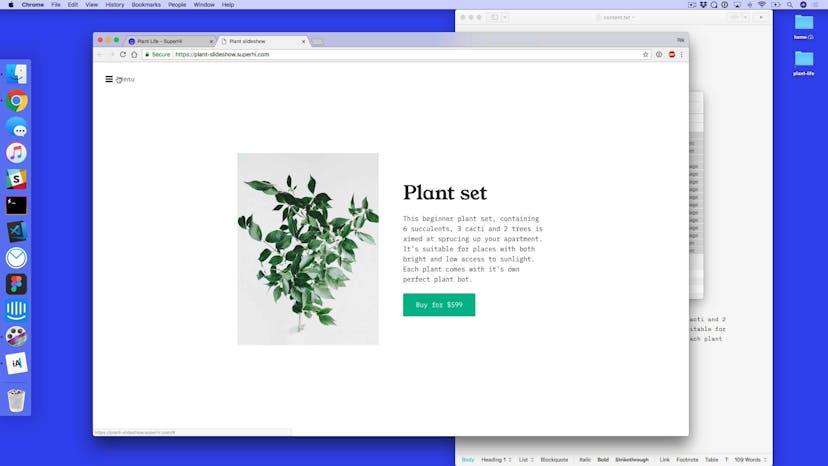
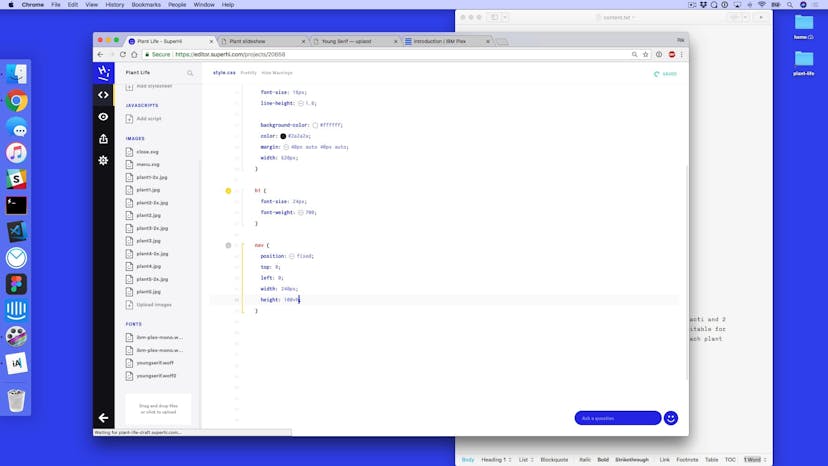
In this chapter, we create a plant shop website that features a slideshow and a sliding menu. We also go further with Javascript events by adding in click, mouseover and mouseout events, and talk about how to add randomness into our design work.
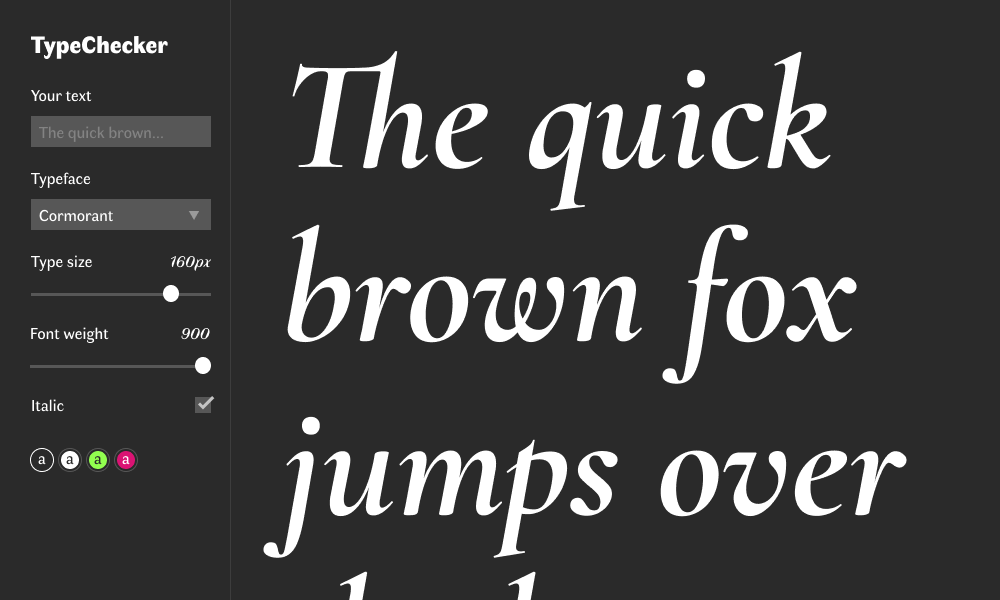
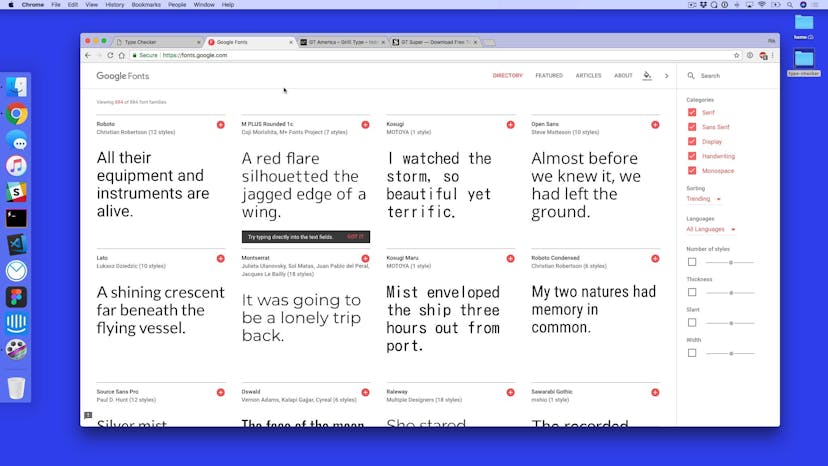
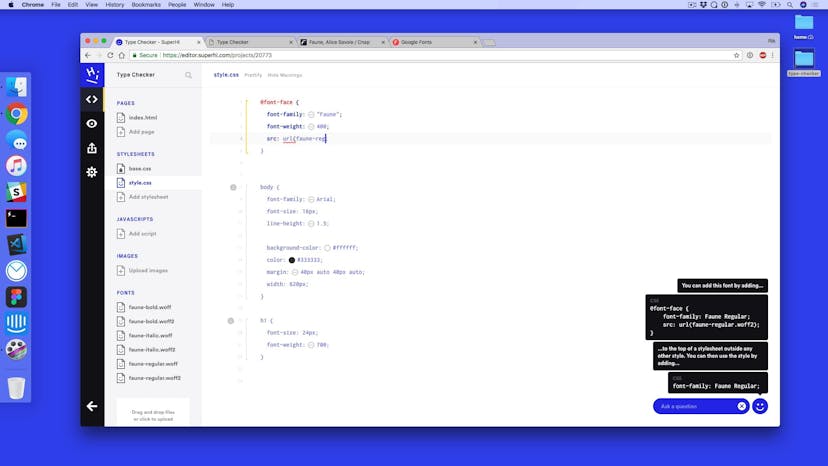
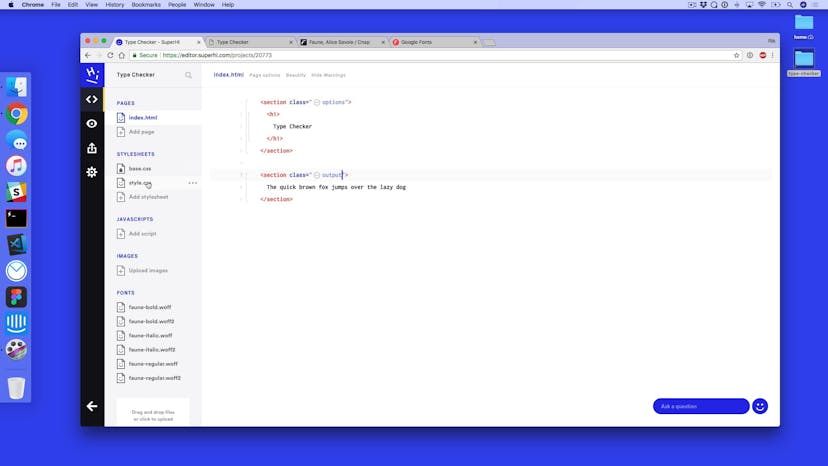
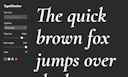
In this chapter, we make an interactive website that lets you play with text and typography live in the browser. We discuss how to work with form tags such as text inputs, sliders, checkboxes and select boxes in order to make different type settings customizable, such as the font, size, and colors.
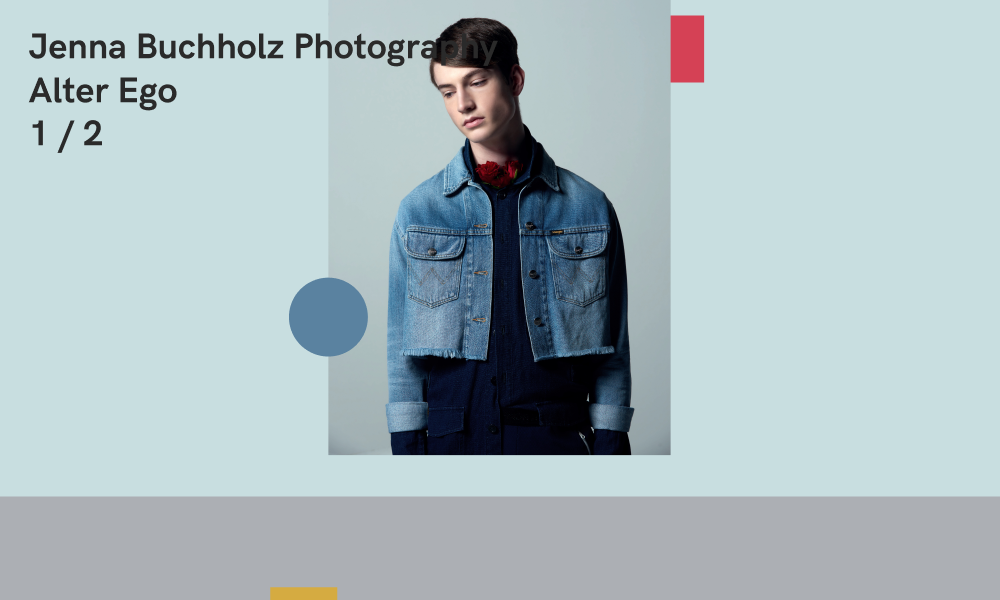
In this chapter, we go in depth into scroll events and parallax by adding progress bars, waypoints and thresholds.

We extend our Javascript events knowledge by talking more about scroll and mouse movement events to add design elements such as fade on scroll and eyes that follow your cursor.
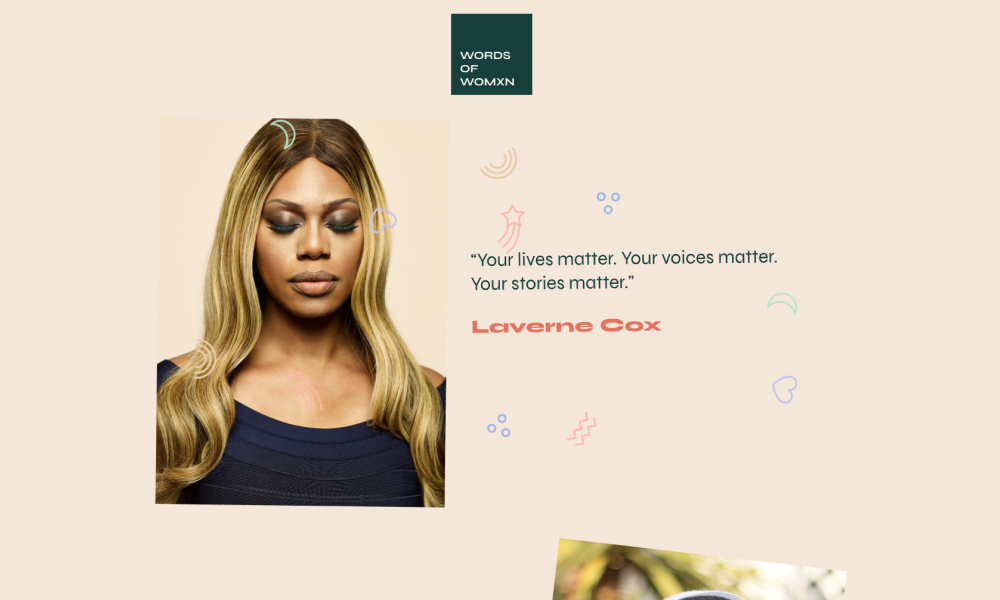
We tie all of our learnings together by adding layers of Javascript to a project to take it from something static into a dynamic, fun site.

Lawrence is a full-stack web developer and teacher who has also taught over a thousand people how to code. He was previously an instructor at London code school Steer.

Rik Lomas

Lesson 01
Welcome to Javascript for Designers!
Lesson 02
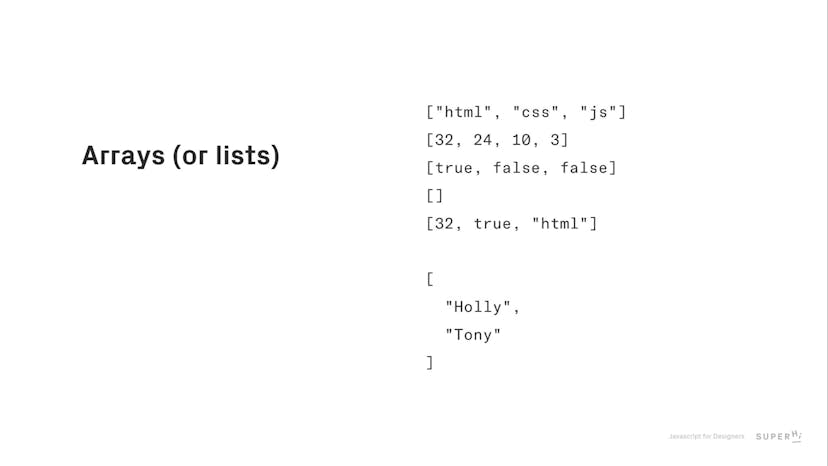
How do we hold data in Javascript
Lesson 03
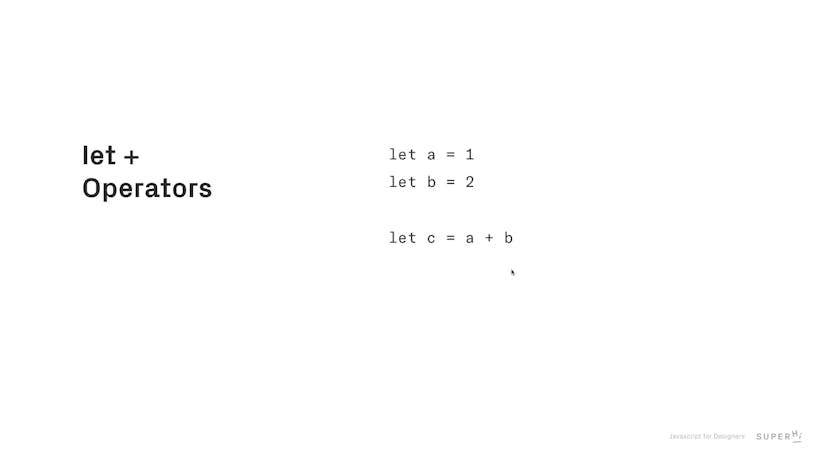
What are let and const
Lesson 04
Javascript functions
Lesson 05
Using Javascript in the browser
Lesson 06
Introduction to Rose Culver project
Lesson 07
What is the SuperHi Editor
Lesson 08
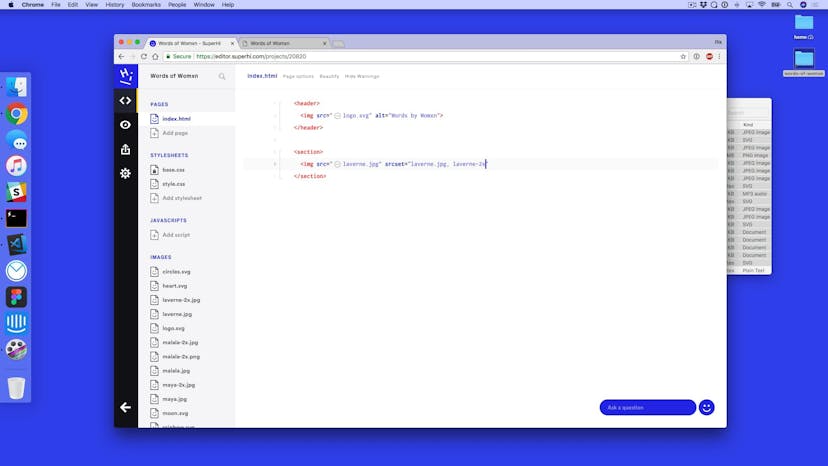
Setting up our HTML
Lesson 09
Adding CSS typography
Lesson 10
How to add the background gradient
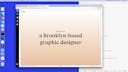
Lesson 11
Fixing our section layout
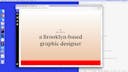
Lesson 12
Adding our footer
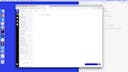
Lesson 13
How to add Javascript to our page
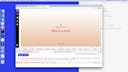
Lesson 14
The Javascript console
Lesson 15
Adding event listeners
Lesson 16
Monitoring the page number
Lesson 17
Cleaning up our code with functions
Lesson 18
If statements
Lesson 19
Adding previous functionality to our site
Lesson 20
Adding in Javascript comments
Lesson 21
Putting our data in an array
Lesson 22
Data in an array of objects
Lesson 23
Adding our background color change
Lesson 24
What is randomness?
Lesson 25
Adding a random function
Lesson 26
The keyup event
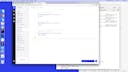
Lesson 27
Looking for arrow left and arrow right
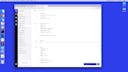
Lesson 28
Final tweaks to our project!
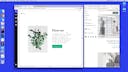
Lesson 01
Introduct to Plant Life
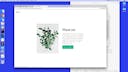
Lesson 02
How to structure our site in HTML
Lesson 03
Adding in our CSS
Lesson 04
Placing things in a main tag
Lesson 05
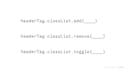
What is classList in Javascript
Lesson 06
Adding preparation for our menu
Lesson 07
Toggling our class for slide out
Lesson 08
Changing our text from Menu to Close
Lesson 09
Variation #1
Lesson 10
Variation #2
Lesson 11
Variation #3
Lesson 12
Additional styling for our menu
Lesson 13
Adding our slideshow HTML
Lesson 14
Styling up our slideshow
Lesson 15
How to add layering in HTML and CSS
Lesson 16
Looping around with Javascript
Lesson 17
Adding CSS animation with Javascript
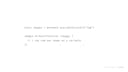
Lesson 18
The forEach function and shortcut functions
Lesson 19
Applying forEach to our project
Lesson 20
Adding the mouseover event
Lesson 21
Adding a mouseout event
Lesson 22
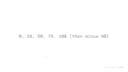
Snapping our randomness to a grid
Lesson 23
Applying grid snapping
Lesson 24
Adding a box shadow on hover
Lesson 01
Introduction to Type Checker
Lesson 02
Setting up our project
Lesson 03
Adding project layout
Lesson 04
Setting up our options
Lesson 05
Events
Lesson 06
Adding the keyup event
Lesson 07
What is this?
Lesson 08
Adding fallback text
Lesson 09
Two way typing with Javascript
Lesson 10
Adding a range tag
Lesson 11
Hooking Javascript up with our range tag
Lesson 12
Changing the line-height
Lesson 13
How to work with checkboxes
Lesson 14
Adding Google Fonts to our project
Lesson 15
Changing the typeface with a select box
Lesson 16
Changing the font weight
Lesson 17
How to think about changing the colors
Lesson 18
Adding Javascript events to multiple things
Lesson 19
Highlighting the selected color
Lesson 20
Styling inputs
Lesson 01
Introduction to Jenna Buchholz
Lesson 02
Adding our header
Lesson 03
How to structure our sections
Lesson 04
Adding additional sections
Lesson 05
document vs window
Lesson 06
Keeping track of pixels scrolled
Lesson 07
Adding a progress bar, part 1
Lesson 08
Adding a progress bar, part 2
Lesson 09
What is offsetTop
Lesson 10
Scroll vs offset
Lesson 11
What are data attributes
Lesson 12
Changing text color on thresholds
Lesson 13
Introduction to parallax
Lesson 14
Setting up parallax
Lesson 15
Adding movement to our square tags
Lesson 16
Adding in parallax speeds
Lesson 17
Adding data attributes to control speeds
Lesson 01
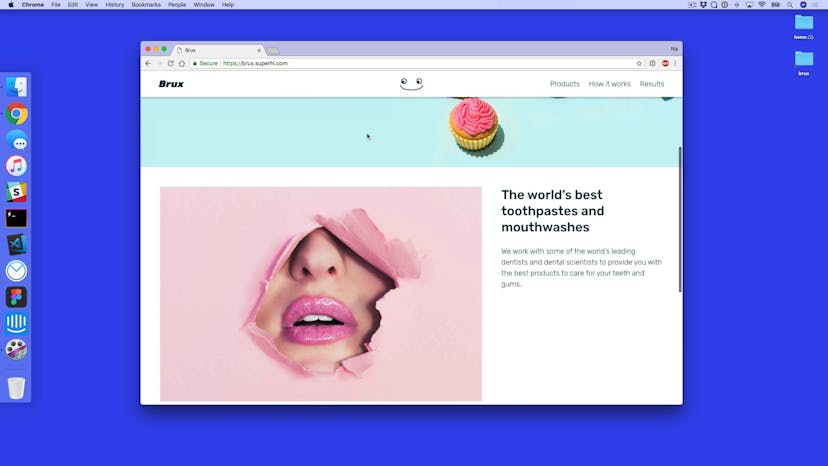
Introduction to Brux
Lesson 02
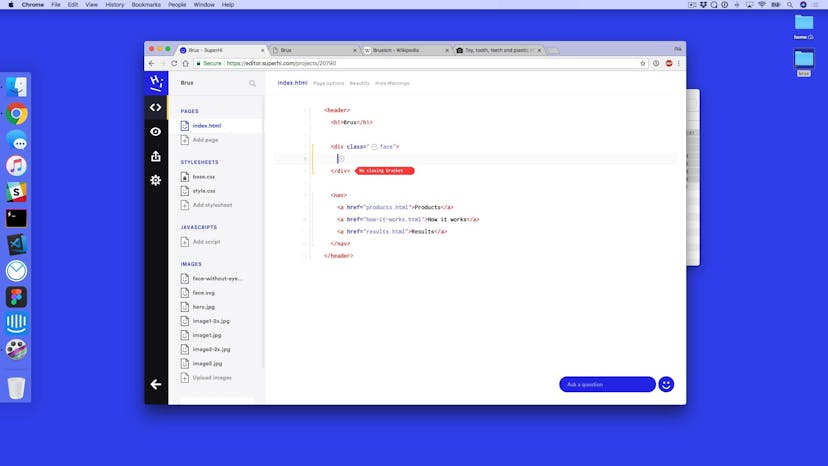
Setting up our HTML
Lesson 03
Header styles for Brux
Lesson 04
Adding in CSS generic styles
Lesson 05
Adding in CSS layout styles
Lesson 06
Header scroll threshold
Lesson 07
Adding a box shadow on scroll
Lesson 08
Animation setup
Lesson 09
Looking at tag bounding rectangles
Lesson 10
Applying animations
Lesson 11
Adding animation on upwards scroll
Lesson 12
Adding movement with the mousemove effect
Lesson 13
How to use trigonometry with Javascript
Lesson 14
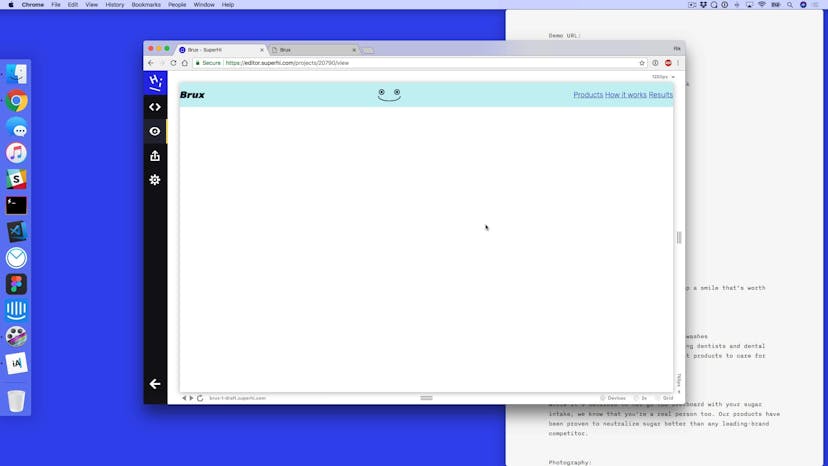
Moving our face's eyes
Lesson 15
Accounting for scroll for our animation

Lesson 16
Timeouts and intervals in Javascript
Lesson 17
Adding intervals for randomness
Lesson 01
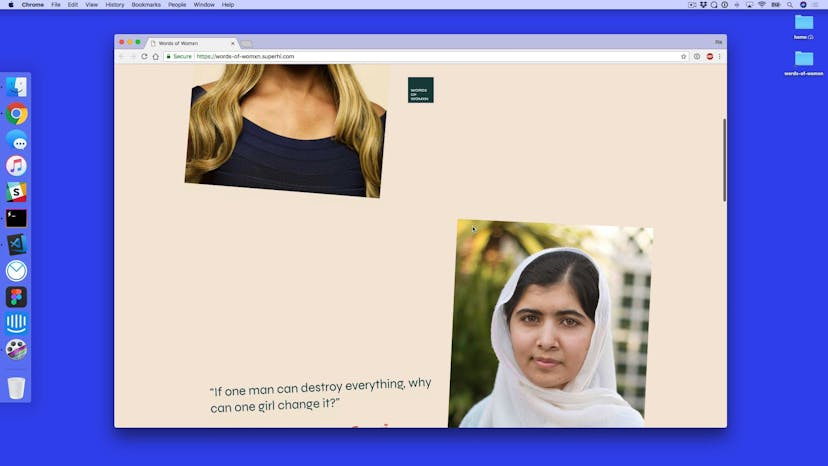
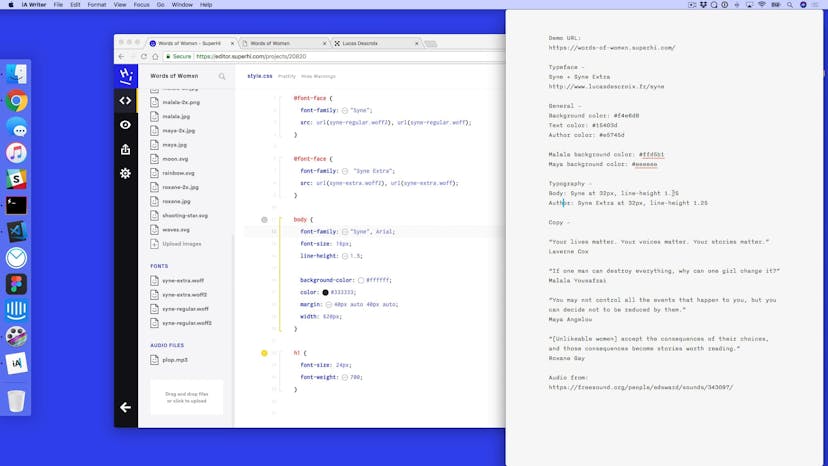
Introduction to Words of Womxn
Lesson 02
Adding HTML for our project
Lesson 03
CSS general page styles
Lesson 04
Adding layout
Lesson 05
Adding header scrolling
Lesson 06
Setting up parallax
Lesson 07
Applying rotation on scroll
Lesson 08
Finalizing parallax
Lesson 09
Adding in page backgrounds on scroll
Lesson 10
Setting up stamps
Lesson 11
Adding a stamp on click events
Lesson 12
Adding a CSS rotation to our stamps
Lesson 13
Basing our stamps from the middle of the page
Lesson 14
Adding audio to our click events

Lesson 15
Thank you!
Our students are based all over the world and work at creative companies large and small. Why not check out some of their work?
View student workDon’t worry, we are here to help you with:
Remember, there’s no such thing as a silly question, so don’t hesitate to reach out, we love hearing from you!