BEGINNERCOURSE
Intro to Python
Get to grips with one of the world’s most popular programming languages, Python, using a creative, practical approach.

Taught by
Rik Lomas
Taught by
Rik Lomas
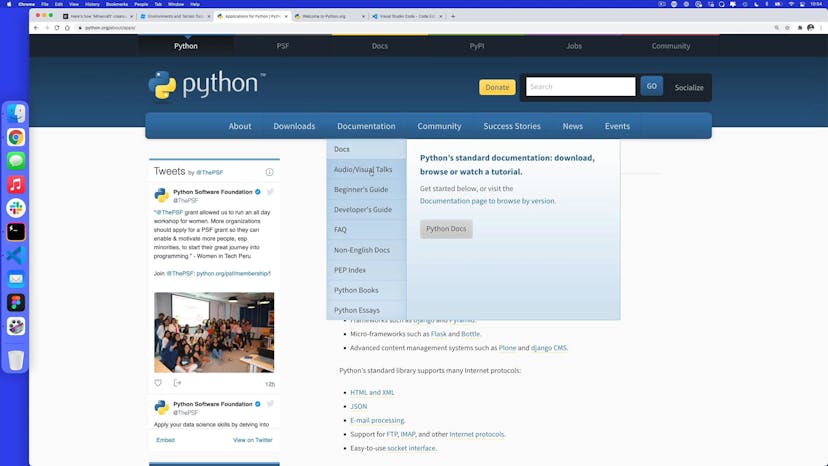
Python is one of the world’s most popular coding languages, used by some of the largest companies in the world such as Facebook, Google, Netflix and Uber. In this course, we will learn how to work with Python from a creative standpoint.
Rather than giving you just the theoretical part of what Python is, we will use Python to create scripts that you can use in your day-to-day life to automate mundane tasks.
A computer (Windows, Mac or Linux) with the latest version of Chrome installed and a broadband internet connection. That's all!
This course is aimed at creative people who are interested in learning how to write Python scripts to automate large, day-to-day tasks.
While there are a few concepts that may be familiar to designers or coders during this course, this is a beginner course so you don't need any previous experience of coding before you take part.
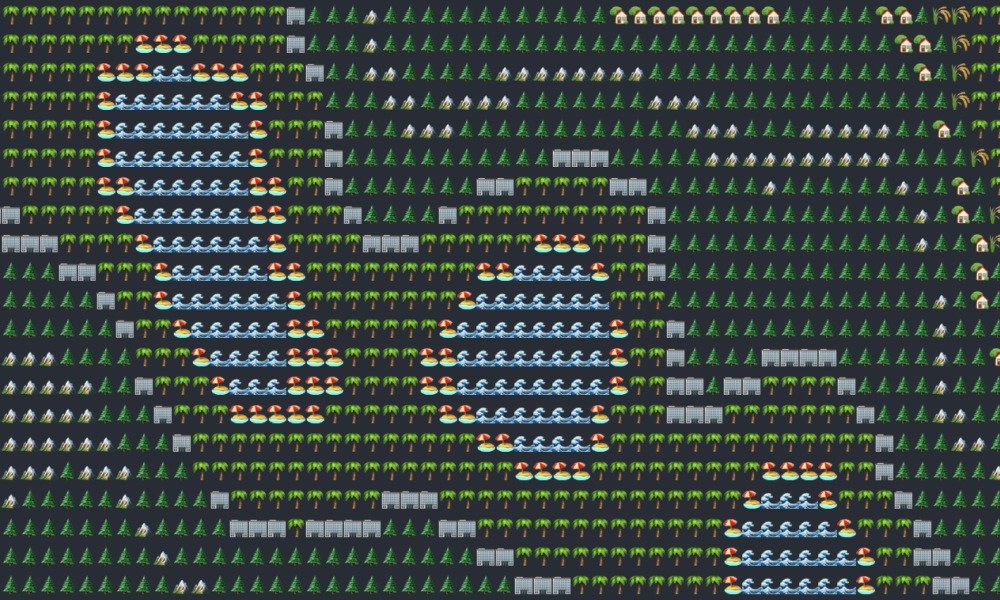
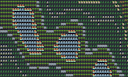
In the first project, we'll show you how to build a procedural generated landscape, as seen in Roblox, Minecraft and several popular Twitter accounts, using the toolsets included in Python. We'll also save our brand new emoji landscapes to a folder.
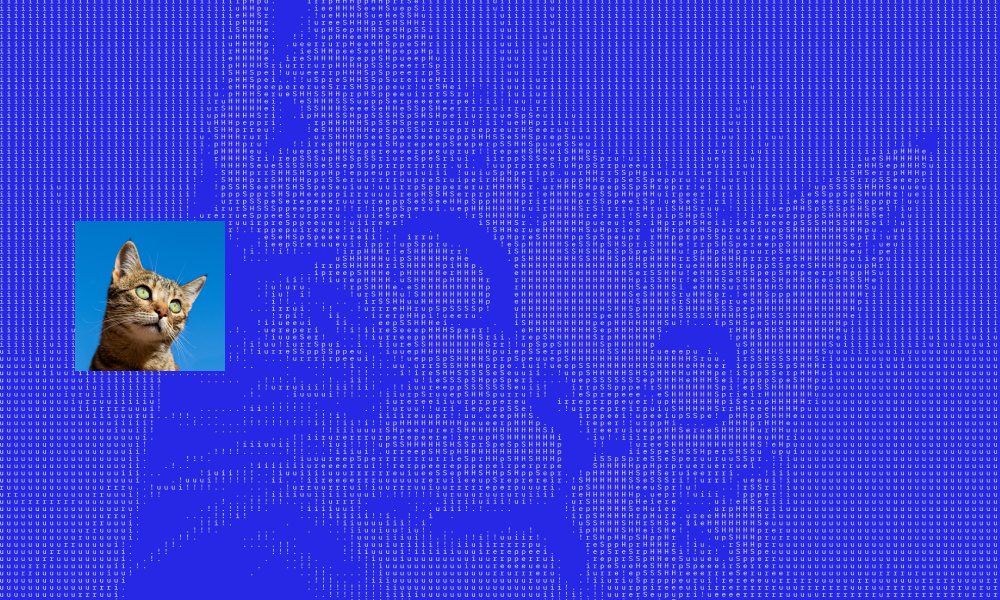
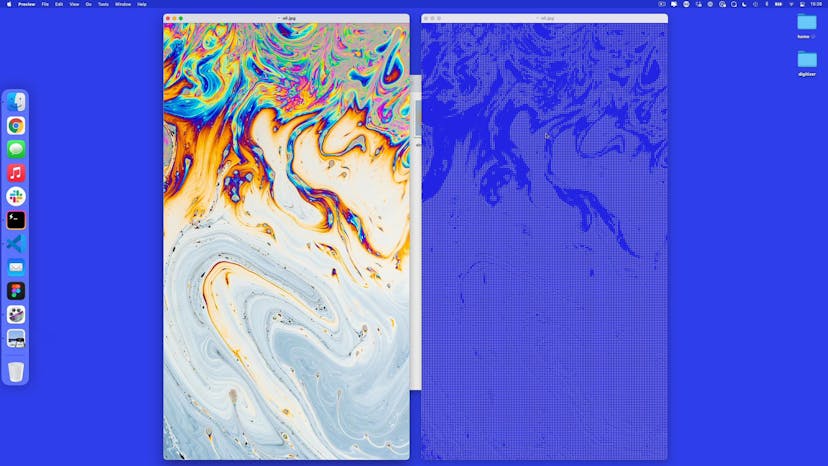
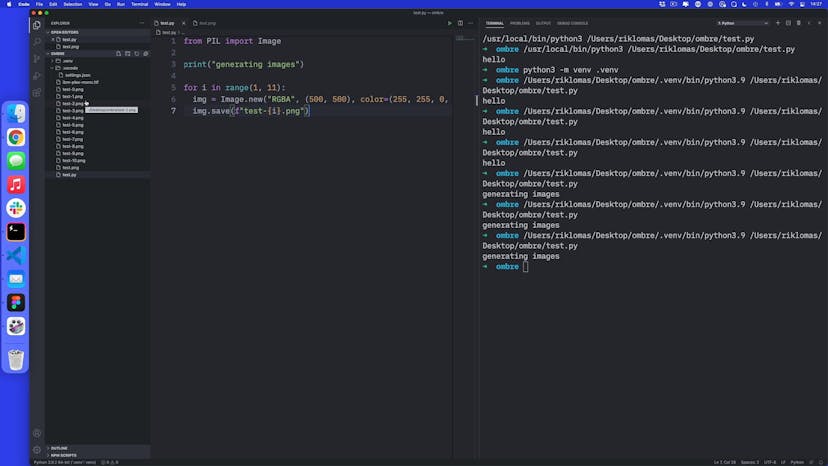
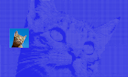
What about images? We may not only want to export things to text files! In this project, we'll use the Pillow library to alter and change images to automate common tasks, and then write our own tool to convert images to ASCII art.

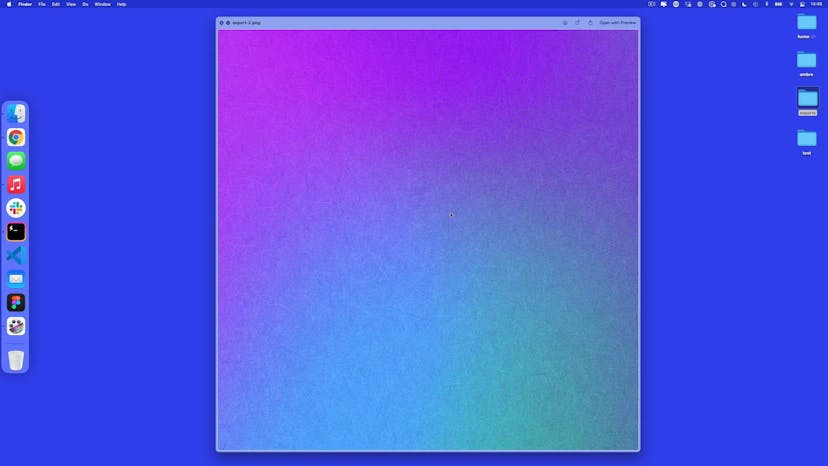
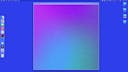
Code and art can go hand-in-hand together. We'll show you how to make your own randomly generated artwork from rules that we create, and whenever we run the script, we'll get brand new, unexpected results each time!
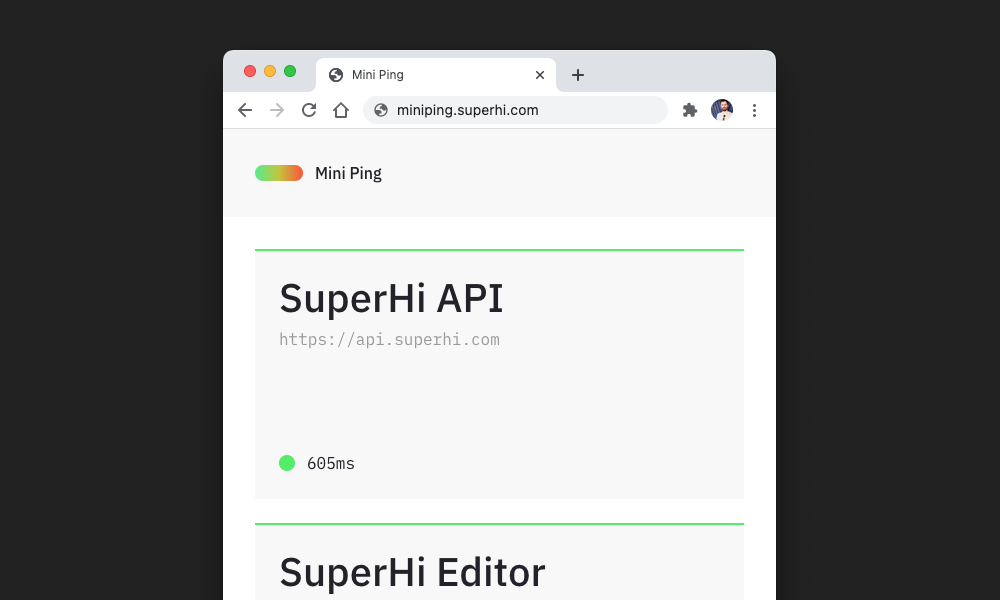
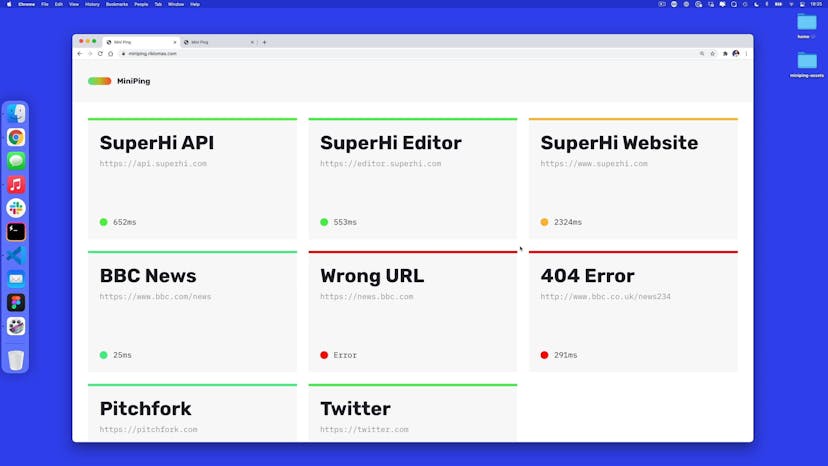
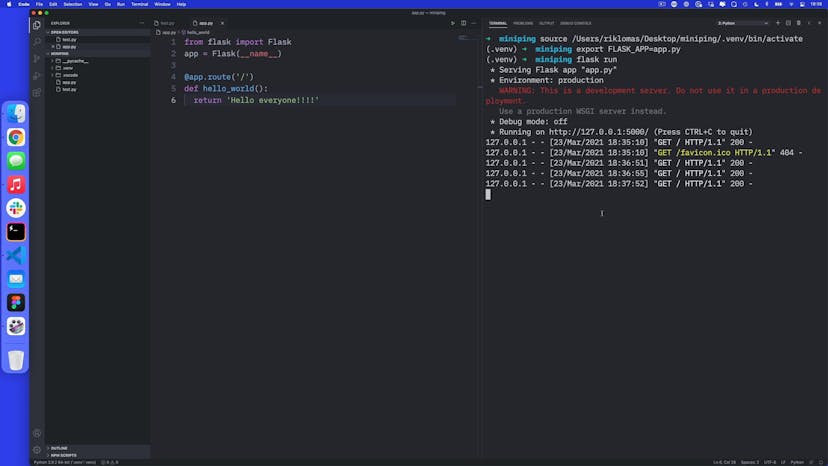
Python has a wide range of libraries and tools that work with it. In this project, we'll use the Flask library to make a website that lets you check on the health and speed of a range of websites, and then get it live on a server with a domain!

Rik (he/him) is a Mancunian coder, teacher and CEO of SuperHi. He was the co-founder of Steer (a code school in London) and has taught several thousand people to code. He is a bit too old to be posting memes on our social media and recently featured as a Sour Patch Kid in the Macy's Thanksgiving Parade.
Lesson 01
Welcome to Emoji Land
Lesson 02
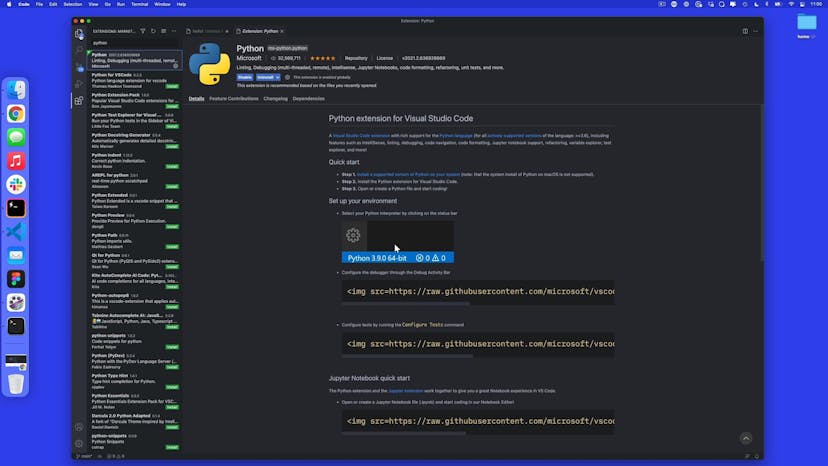
Installing Python and saying hello
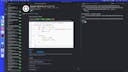
Lesson 03
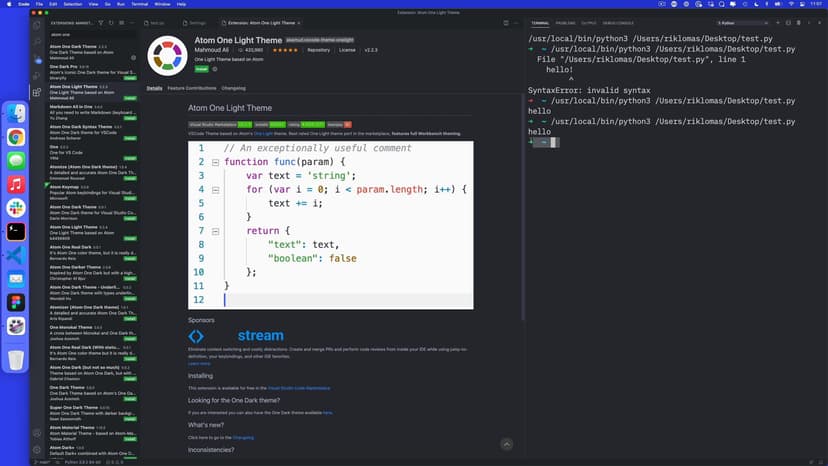
Changing VS Code settings
Lesson 04
Making a project and printing out an instruction
Lesson 05
Instructions and variables in Python
Lesson 06
Numbers and formatted strings
Lesson 07
Using a for loop
Lesson 08
Making a shopping list
Lesson 09
Importing the random module
Lesson 10
Generating two-directional random characters
Lesson 11
Defining a function
Lesson 12
Adding default arguments in functions
Lesson 13
Asking for an input
Lesson 14
Asking for a number
Lesson 15
Adding a while loop to ask again
Lesson 16
Installing libraries using PIP
Lesson 17
Adding noise
Lesson 18
Changing characters
Lesson 19
Reorganizing our generate land function
Lesson 20
Importing code from another file
Lesson 21
Writing our output to a file
Lesson 22
Saving to a folder
Lesson 23
Changing the noise level
Lesson 01
Welcome to Digitizer
Lesson 02
Setting up a virtual environment
Lesson 03
Using the glob library to grab filepaths
Lesson 04
Copy and paste with the shutil library
Lesson 05
Setting up a class
Lesson 06
Adding class functions
Lesson 07
Saving images with the Pillow library
Lesson 08
Making thumbnails
Lesson 09
Making images grayscale
Lesson 10
Adjusting the contrast
Lesson 11
Resizing to fill a square size
Lesson 12
Adding a watermark
Lesson 13
Adding and removing the alpha channel
Lesson 14
Converting to ASCII art, part 1
Lesson 15
Converting to ASCII art, part 2
Lesson 16
Converting to ASCII art, part 3
Lesson 17
Making sure we don't run code if imported elsewhere
Lesson 01
Welcome to Ombré
Lesson 02
Setting up our project
Lesson 03
Making multiple images with one script
Lesson 04
Making an export script
Lesson 05
Creating a file to reuse in both exporting and testing
Lesson 06
Making a function to run in art.py
Lesson 07
Adding in default size arguments
Lesson 08
Making an Artwork class
Lesson 09
Adding a random solid color
Lesson 10
Making rules for our randomness
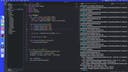
Lesson 11
HSV to RGB colors
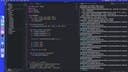
Lesson 12
Making a random pattern
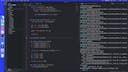
Lesson 13
Making a four-color gradient
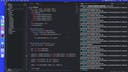
Lesson 14
Adding a grain texture
Lesson 15
Making functions for when you repeat yourself
Lesson 16
Adding noise to get shifting gradients
Lesson 17
Drawing with circles instead of pixels
Lesson 18
Randomizing the drawing of circles
Lesson 19
Drawing blocks with rectangles
Lesson 20
Drawing lines
Lesson 21
Updating our test script
Lesson 22
Adding a debug message
Lesson 23
Variation: blending artwork together
Lesson 01
Welcome to Miniping!
Lesson 02
Setting up Flask and a virtual environment
Lesson 03
Turning on debug mode
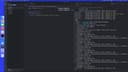
Lesson 04
Rendering HTML from another file
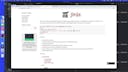
Lesson 05
Adding dynamic content to our site
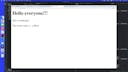
Lesson 06
Creating a new page
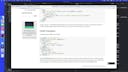
Lesson 07
Adding a layout template to our site
Lesson 08
Adding CSS and Javascript in a static folder
Lesson 09
Adding a for loop in our template
Lesson 10
Using dictionaries to store more data
Lesson 11
Creating a JSON URL
Lesson 12
Getting info from the URL itself
Lesson 13
How to grab a URL and time it
Lesson 14
How the Javascript works under the hood
Lesson 15
Setting up Git + GitHub
Lesson 16
Sending code to Heroku
Lesson 17
Adding a domain to Heroku
Our students are based all over the world and work at creative companies large and small. Why not check out some of their work?
View student workDon’t worry, we are here to help you with:
Remember, there’s no such thing as a silly question, so don’t hesitate to reach out, we love hearing from you!