
Experimental Typography For The Web
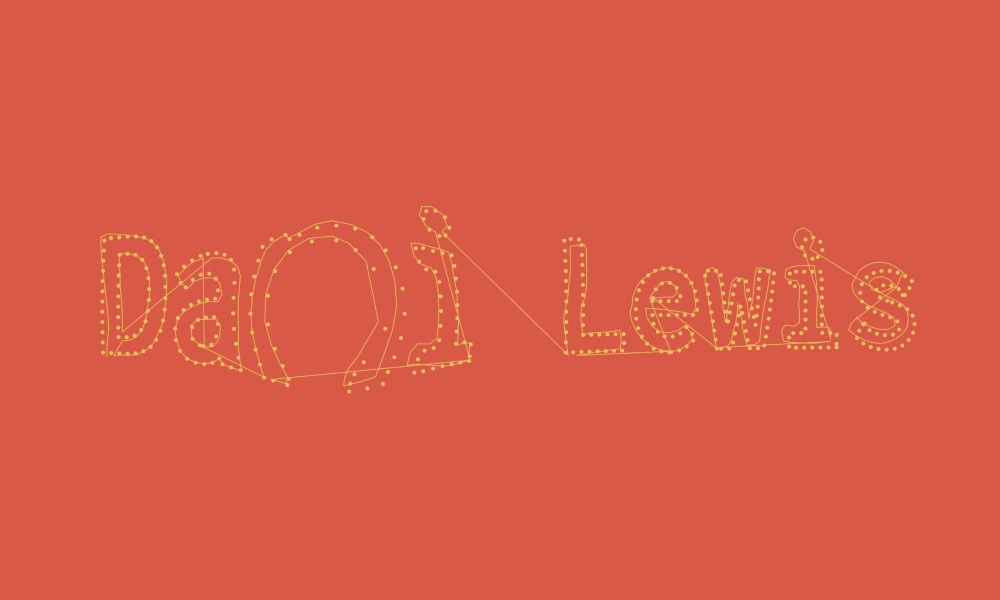
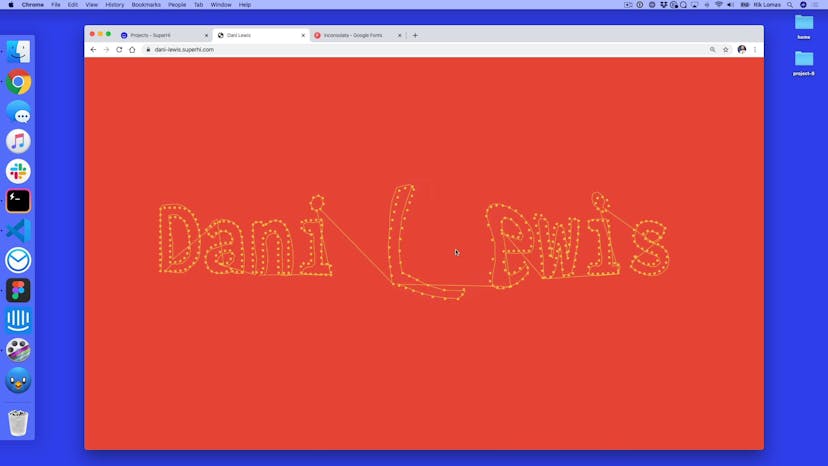
Make type animations from scratch! Learn how to bend and mould typography for use in your own websites using P5.js.

Taught by
Rik Lomas

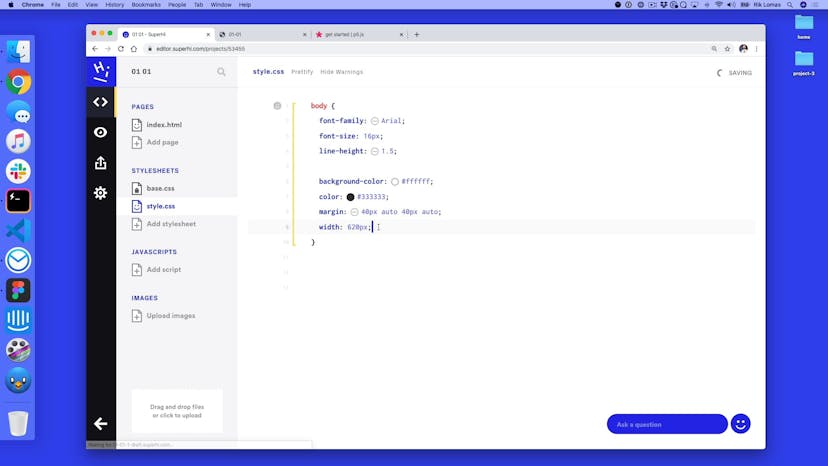
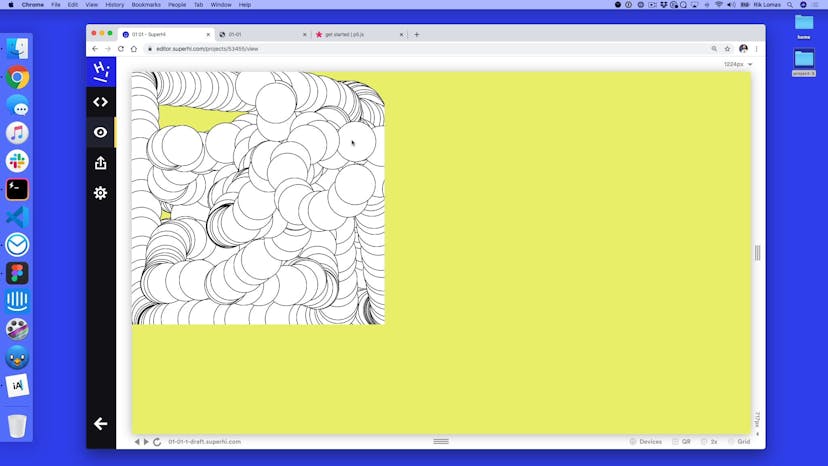

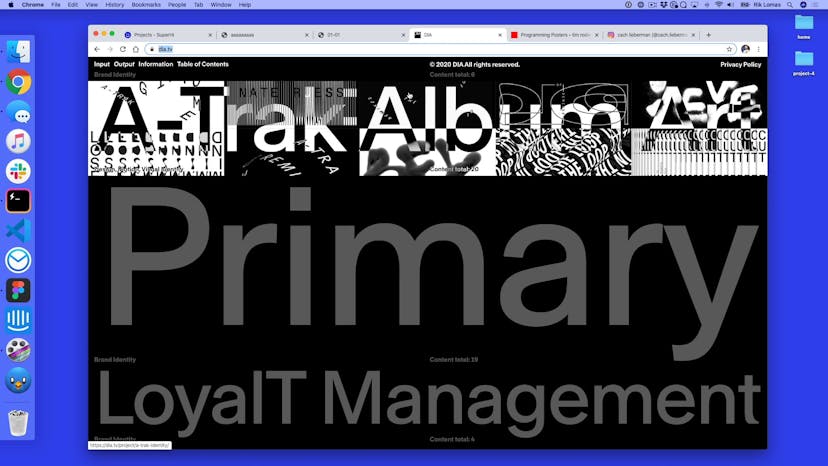


Get access to Experimental Typography For The Web
- Practical, go-at-your-own pace learning, with help from our industry experts and experienced teachers
- Projects and code that you can alter and include in your own sites and portfolio
- Resources to get you started and going post-course
Your instructor

Rik Lomas
With support from...

Jake Brussel Faria
Course structure
Lesson 01
Welcome to the course!
Lesson 02
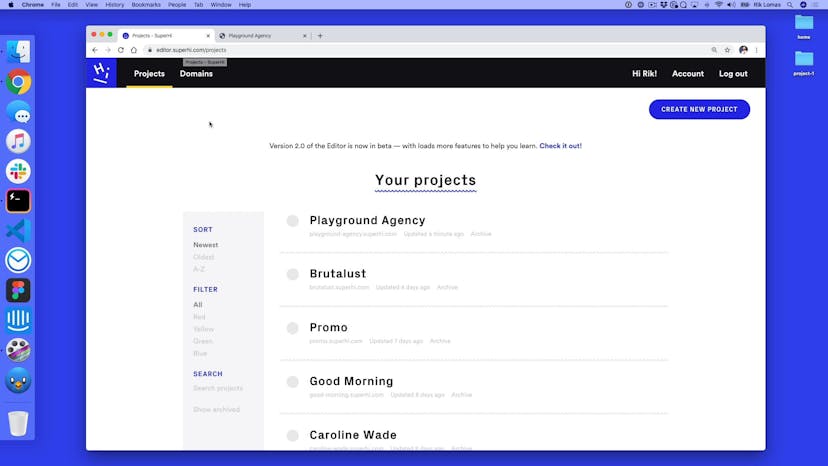
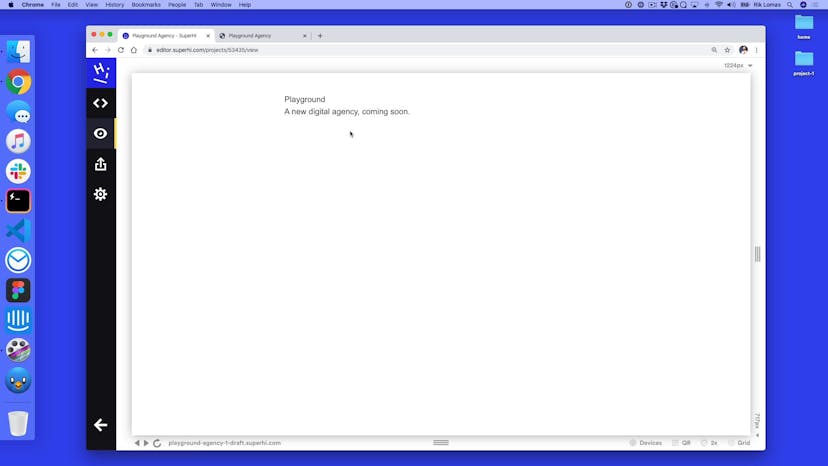
Playground and the SuperHi Editor
Lesson 03
Setting up our HTML
Lesson 04
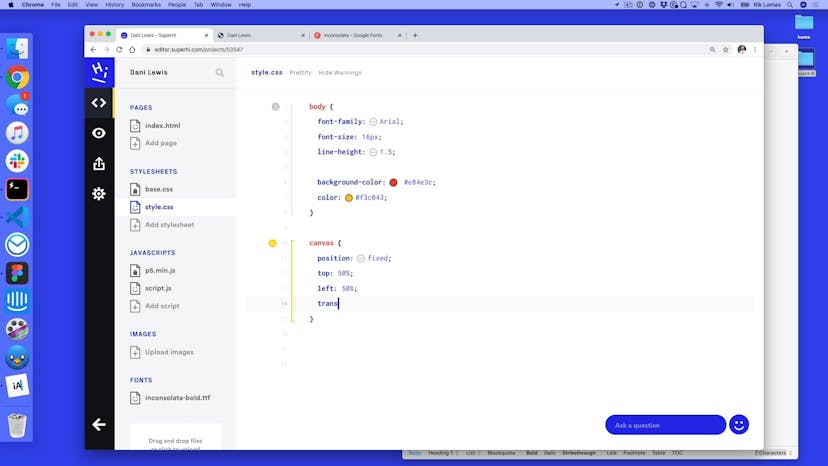
Styling our page with CSS
Lesson 05
Basic web typographic styling
Lesson 06
Adding a Google Font typeface to our project
Lesson 07
Adding your own self-hosted typeface
Lesson 08
Adding hover states
Lesson 09
Stretching the typeface
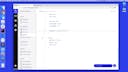
Lesson 10
Adding a CSS animation
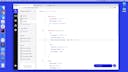
Lesson 11
Adding variable type to our project

Lesson 01
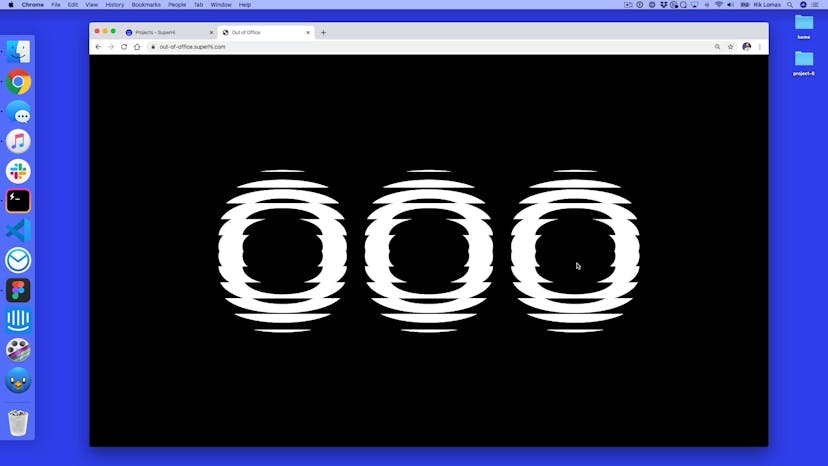
Welcome to aaaaaaaaa
Lesson 02
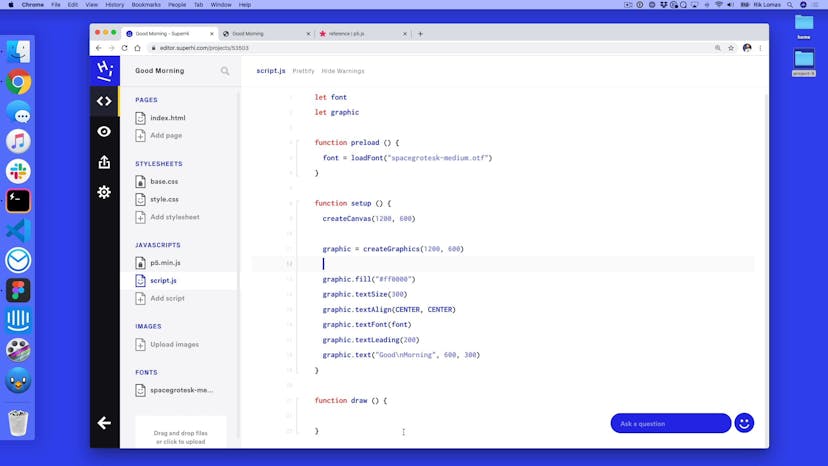
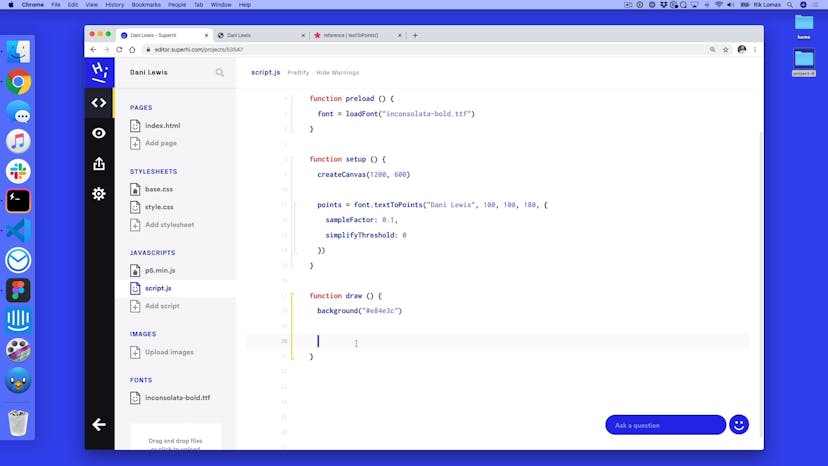
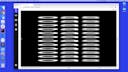
Drawing text with P5
Lesson 03
Styling our text
Lesson 04
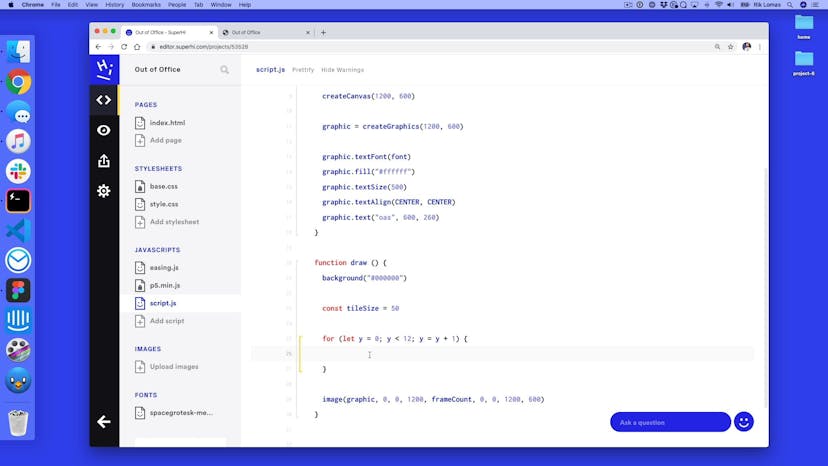
Adding a for loop
Lesson 05
Adding a y-direction with a double for loop
Lesson 06
Speed improvements with image
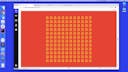
Lesson 07
Recreating the original text
Lesson 08
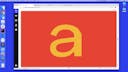
Adding global distortion and movement
Lesson 09
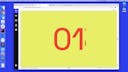
Adding in local distortion
Lesson 10
Homework
Lesson 11
Homework solution



Lesson 01
Welcome to Brutalust
Lesson 02
Setting up our site
Lesson 03
Adding typography to our site
Lesson 04
Adding in our first Javascript content change
Lesson 05
Cleaning up our script with a function
Lesson 06
Substringing our content
Lesson 07
Adding in an interval
Lesson 08
Stopping intervals with clearInterval
Lesson 09
Adding in random dots
Lesson 10
Adding in random characters
Lesson 11
The IntersectionObserver
Lesson 12
Saving the original content with dataset
Lesson 13
Adding in scroll snapping

SuperHi students work at the best
Our students are based all over the world and work at creative companies large and small. Why not check out some of their work?
View student workFeeling stuck?
Don’t worry, we are here to help you with:
- Speedy help from one of our team members
- Detailed, relevant solutions
- Direct access to peer support through Discord!
Remember, there’s no such thing as a silly question, so don’t hesitate to reach out, we love hearing from you!