
Math for Creatives
Break down concepts such as trigonometry, algebra, randomness and noise in a visual way to add layers of interactivity into your projects.

Taught by
Rik Lomas



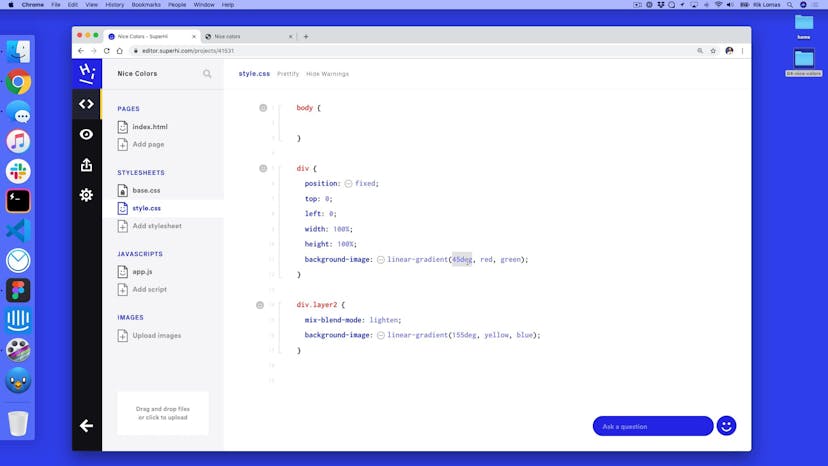
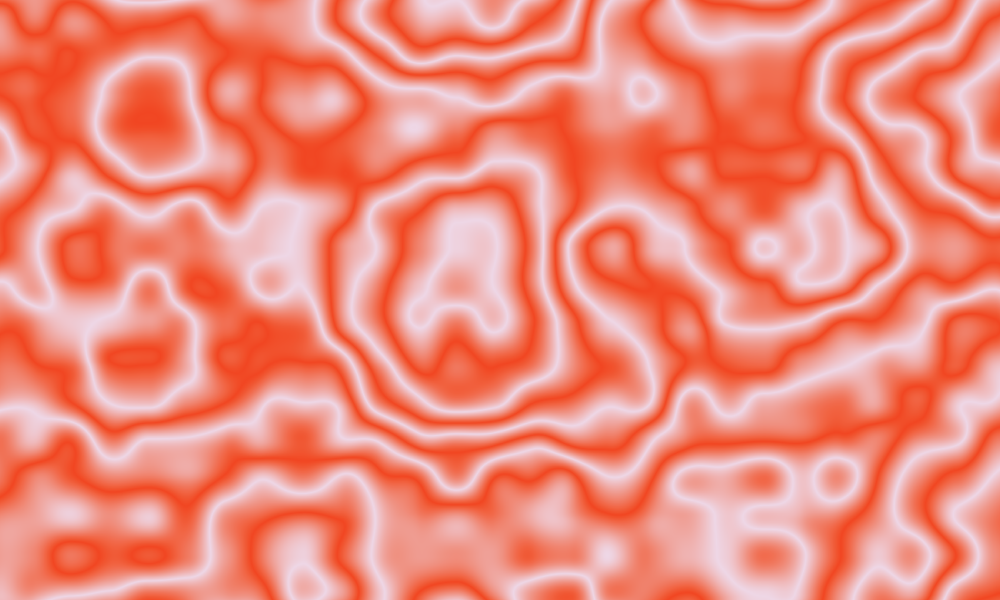
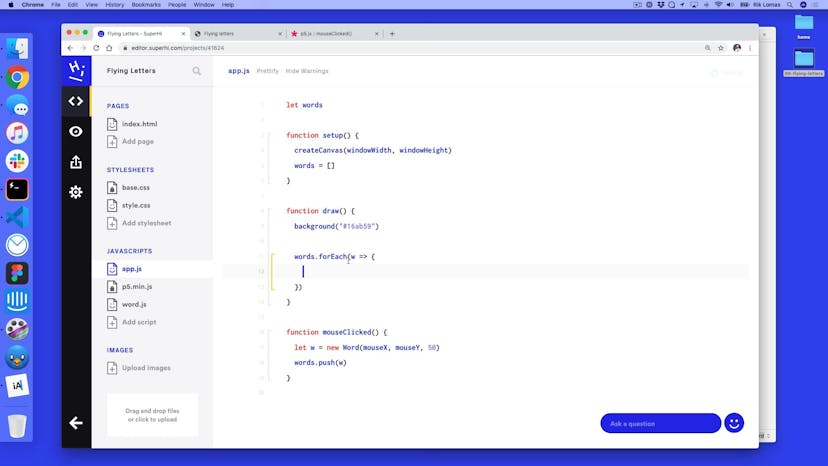
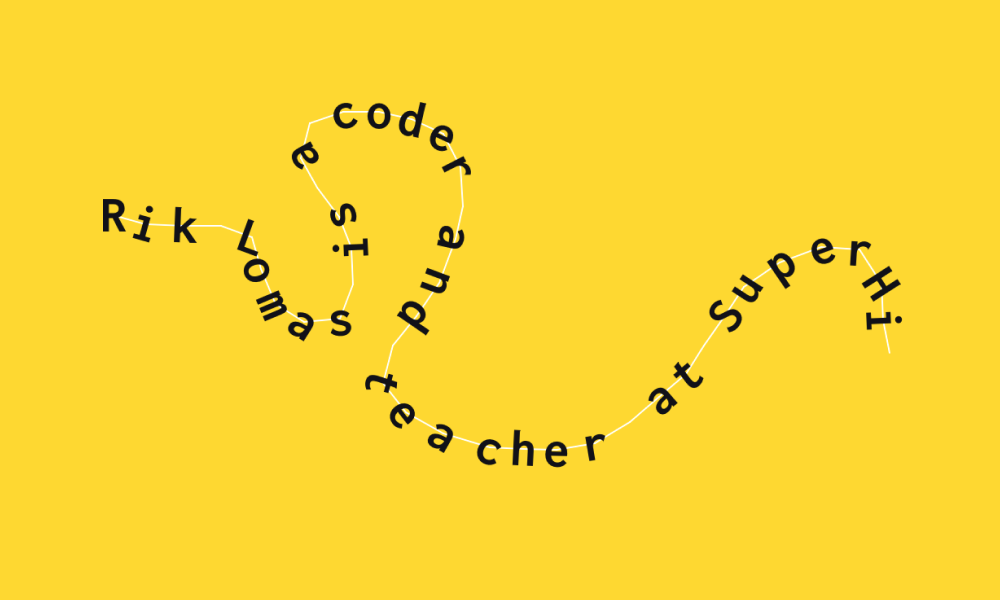
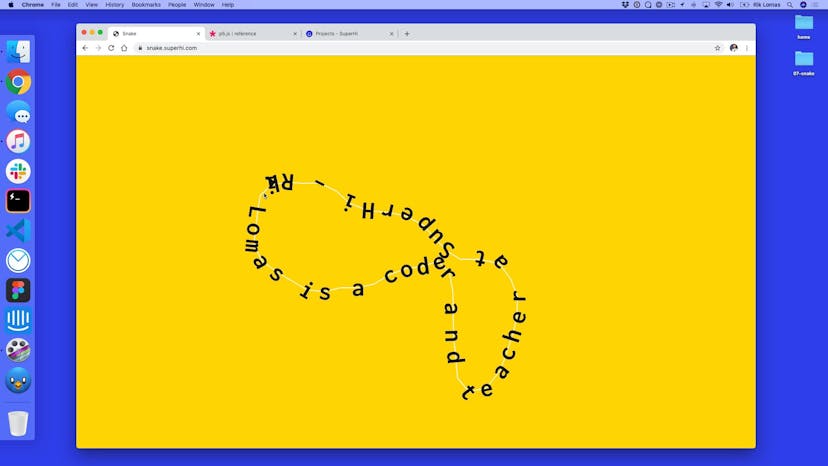
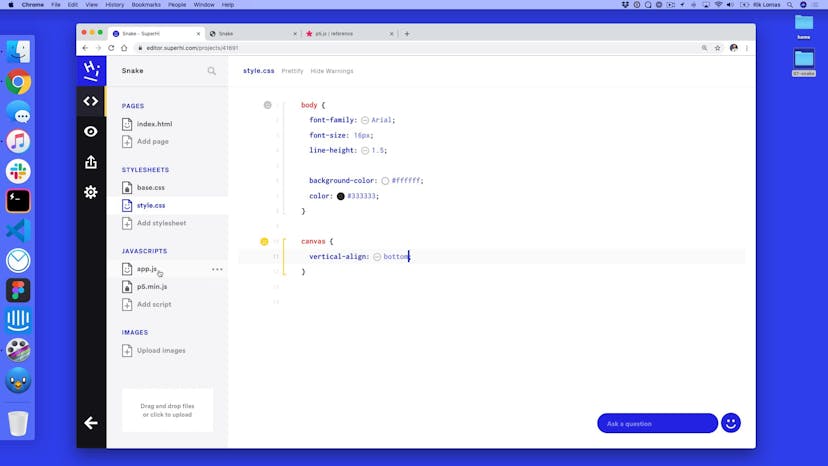
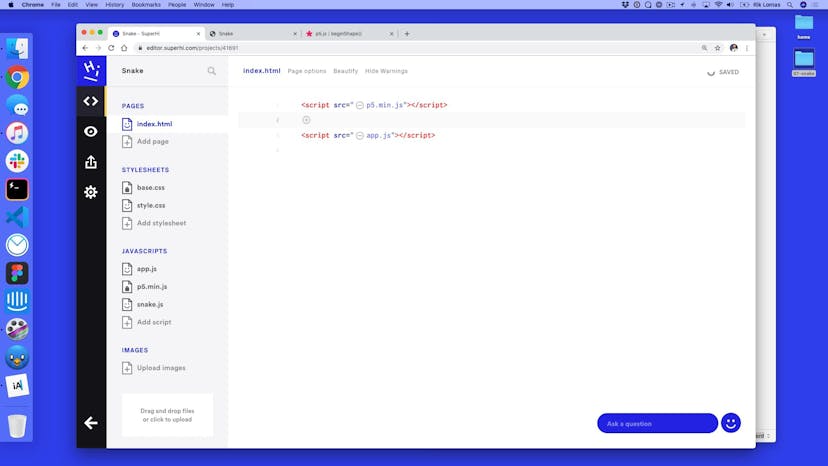
Get access to Math for Creatives
- Practical, go-at-your-own pace learning, with help from our industry experts and experienced teachers
- Projects and code that you can alter and include in your own sites and portfolio
- Resources to get you started and going post-course
Your instructor

Rik Lomas
With support from...
Jake Brussel Faria
Course structure

Lesson 01
Welcome to Math for Creatives!
Lesson 02
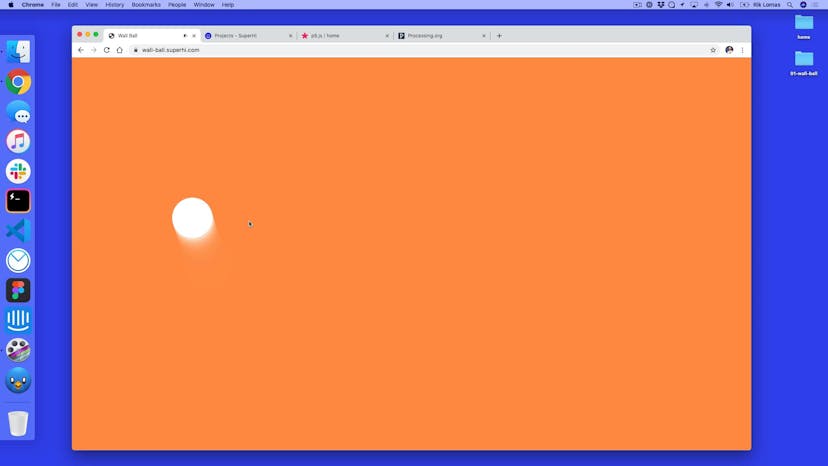
Welcome to Wall Ball
Lesson 03
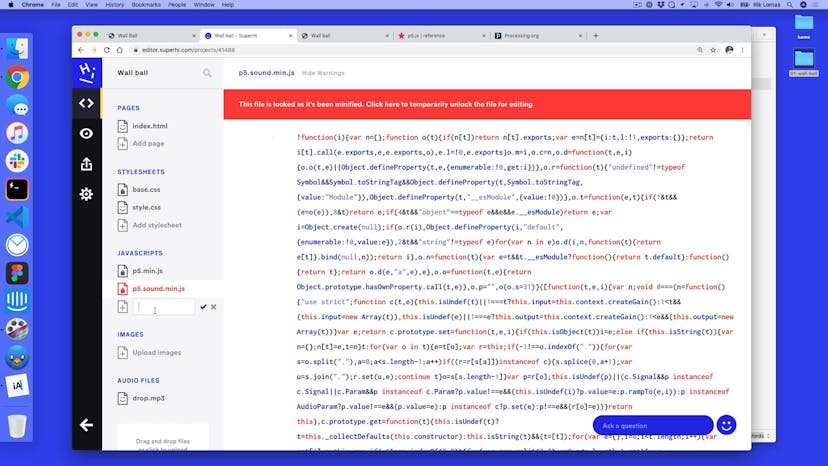
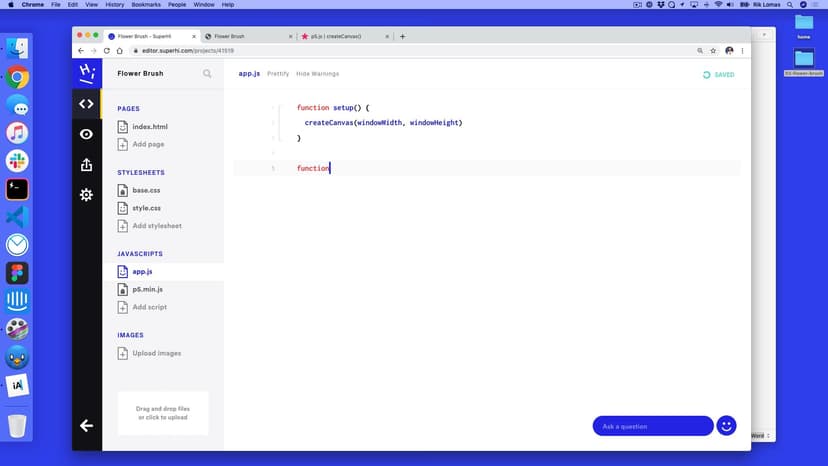
Setting up our project
Lesson 04
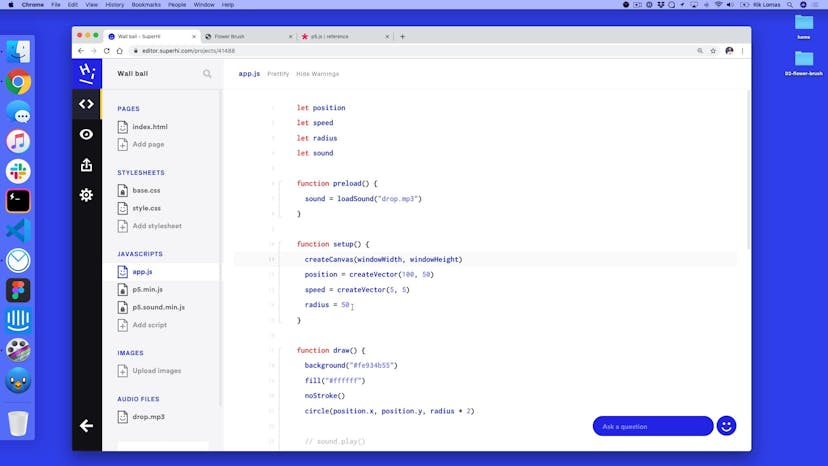
Drawing on a page with P5
Lesson 05
Styling our canvas
Lesson 06
Resizing the canvas on window resize
Lesson 07
Making our own state
Lesson 08
Adding automated movement
Lesson 09
Adding boundaries to the page
Lesson 10
Fixing our boundaries
Lesson 11
Adding sound
Lesson 12
Introducing vectors
Lesson 13
Clicking to add randomness
Lesson 14
P5.js vs Processing

Lesson 01
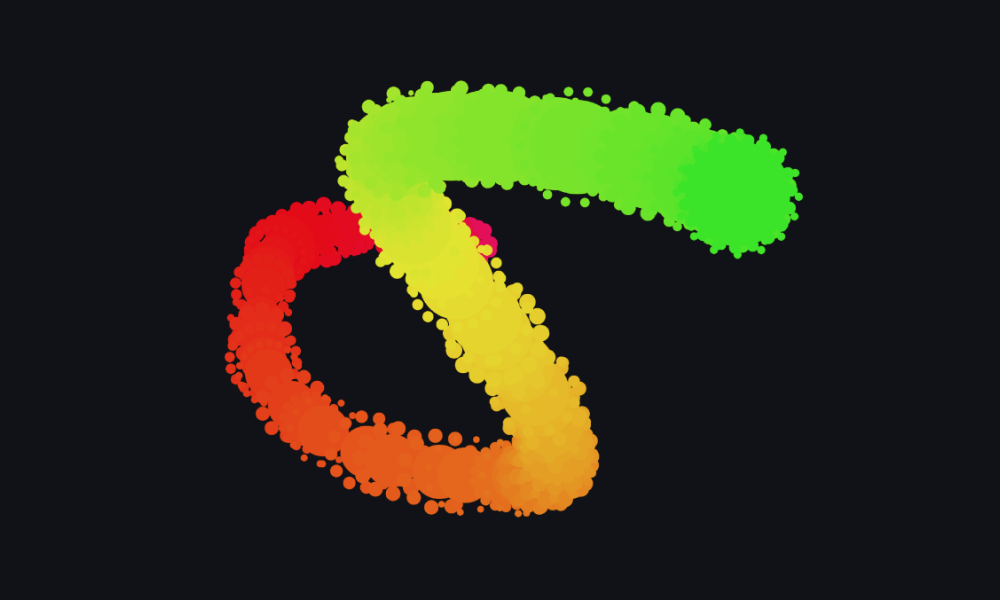
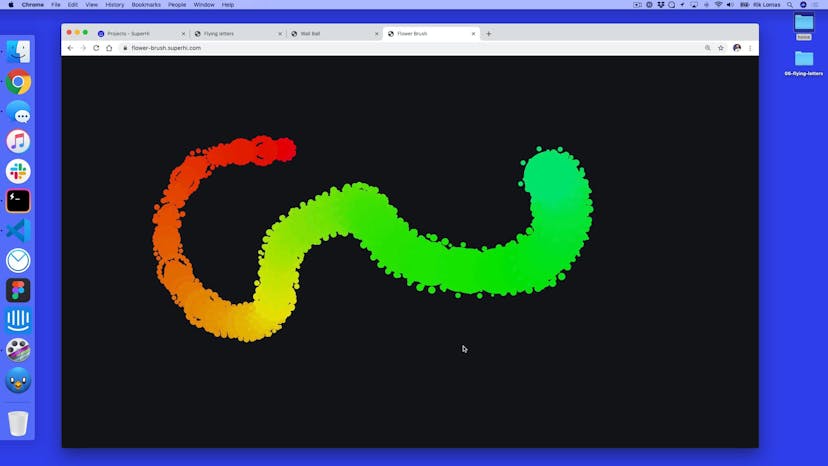
Welcome to Flower Brush
Lesson 02
Setting up our project
Lesson 03
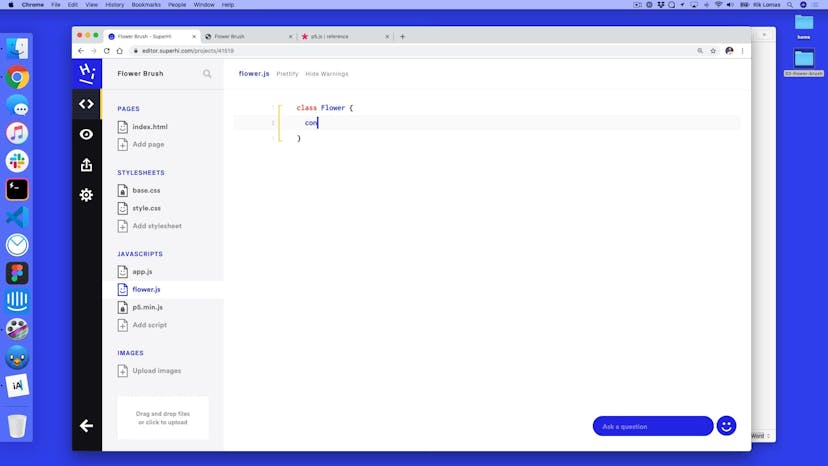
Making a class for our brush items
Lesson 04
Setting up a list of flowers
Lesson 05
Adding a random hue
Lesson 06
Controlling our hue
Lesson 07
Variation: fading and resizing
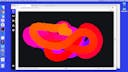
Lesson 08
Adding a reset on mouse release
Lesson 09
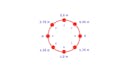
The geometry of circles
Lesson 10
Adding a for loop
Lesson 11
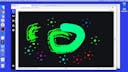
Adding petals to each flower
Lesson 12
Using P5 vectors to do our heavy lifting
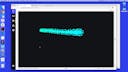
Lesson 13
Adding rotation and rotation speed
Lesson 14
Final tweaks
Lesson 15
Saving an image on key press

Lesson 01
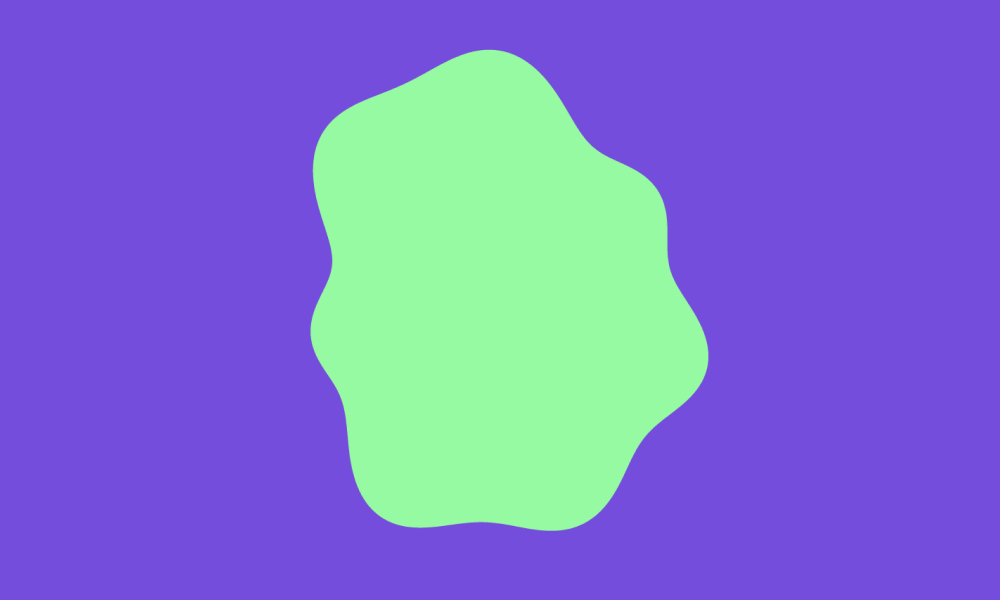
Welcome to Blobbo
Lesson 02
Setting up our project
Lesson 03
Adding a for loop
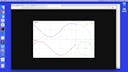
Lesson 04
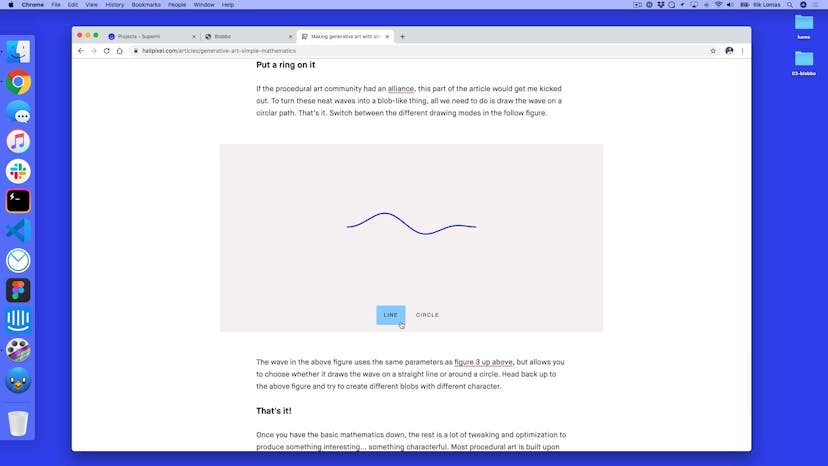
Making a sine wave
Lesson 05
Adding movement to our sine wave
Lesson 06
Additive waves
Lesson 07
Making a custom shape
Lesson 08
Making a circle from a list of points
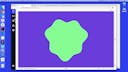
Lesson 09
Adding waves to each points radius
Lesson 10
Adding a wave speed

Lesson 01
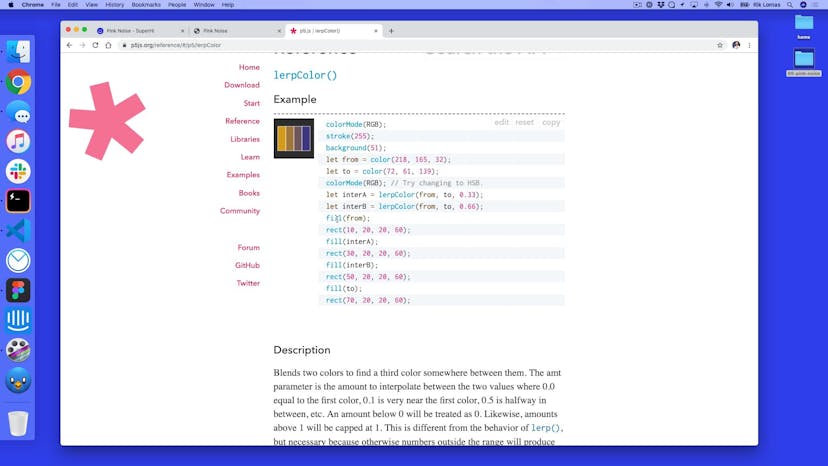
Welcome to Pink Noise
Lesson 02
Project Setup
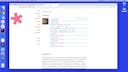
Lesson 03
Setting up randomness
Lesson 04
Adding noise and noise levels
Lesson 05
Noise space
Lesson 06
Hue change
Lesson 07
Drawing per pixel
Lesson 08
Increasing our hue density
Lesson 09
Applying our density in code
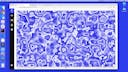
Lesson 10
Using lerpColor with our density
Lesson 11
Adding in fade in and out colors
Lesson 12
P5.js vs Processing
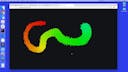
Lesson 01
Welcome to Flying Letters
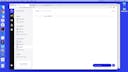
Lesson 02
Project setup
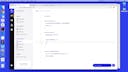
Lesson 03
Making a list of objects
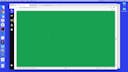
Lesson 04
Adding speed and randomness
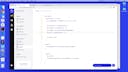
Lesson 05
Gravity and acceleration
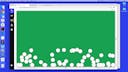
Lesson 06
Adding friction and elasticity
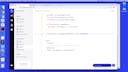
Lesson 07
Adding text to our page
Lesson 08
Typing on key press
Lesson 09
Adding a choices list to pick from
Lesson 10
Adding a timeline and alpha channel
Lesson 11
Adding easing
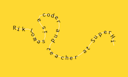
Lesson 12
Varation: images instead of text
Lesson 01
Welcome to Snake!
Lesson 02
Setting up our project
Lesson 03
03-adding-a-snake
Lesson 04
Holding points of our shape
Lesson 05
Limiting the number of points
Lesson 06
Threshold additions by distance
Lesson 07
Setting up a letter class
Lesson 08
Adding multiple letters
Lesson 09
Selecting letters from a list
Lesson 10
Adding rotation to our letters
Lesson 11
Variation: curve vertex
Lesson 12
Variation: randomness on points
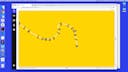
Lesson 13
Variation: noise on points
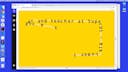
Lesson 14
Variation: noise in three dimensions; x, y and time
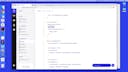
Lesson 15
Variation: line over text
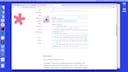
Lesson 16
Variation: images instead of text
Lesson 17
Thanks for taking our course
SuperHi students work at the best
Our students are based all over the world and work at creative companies large and small. Why not check out some of their work?
View student workFeeling stuck?
Don’t worry, we are here to help you with:
- Speedy help from one of our team members
- Detailed, relevant solutions
- Direct access to peer support through Discord!
Remember, there’s no such thing as a silly question, so don’t hesitate to reach out, we love hearing from you!