
Intro to React.js
Learn how to write cleaner, more flexible Javascript with React.js, an open-source frontend framework. Create beautiful websites with user interface components and easy-to-understand code!


Taught by
Isabel K. Lee and Ryan Smith
Get access to Intro to React.js
- Practical, go-at-your-own pace learning, with help from our industry experts and experienced teachers
- Projects and code that you can alter and include in your own sites and portfolio
- Resources to get you started and going post-course
Your instructors

Isabel K. Lee

Ryan Smith
Course structure
Lesson 01
Welcome to Intro to React.js
Lesson 02
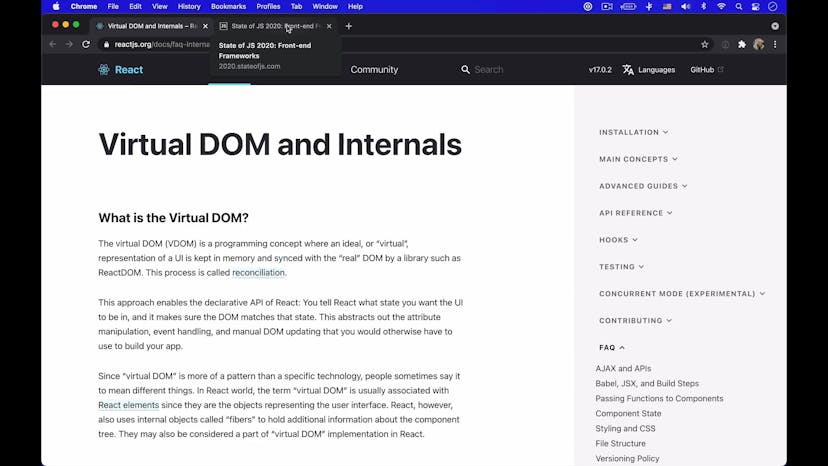
Introducing React

Lesson 03
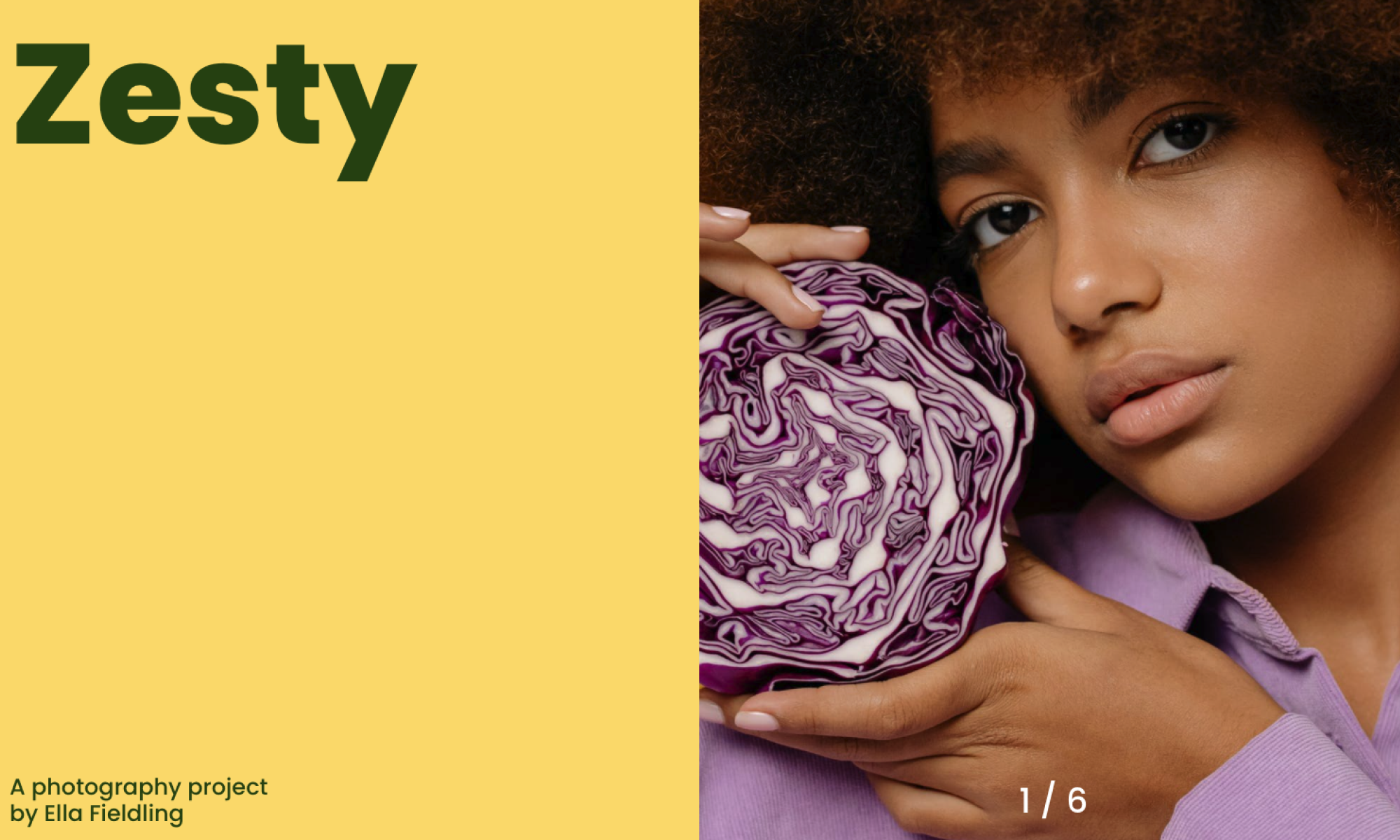
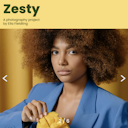
Introduction to Zesty
Lesson 04
Getting started with CodeSandbox
Lesson 05
Breaking down the App component
Lesson 06
Building Zesty
Lesson 07
Creating a global state
Lesson 08
Intro to hooks and event handlers
Lesson 09
Updating the index position with an event handler
Lesson 10
Adding an index counter and refactoring HTML/CSS
Lesson 11
Creating a loading component
Lesson 12
Writing the loading logic
Lesson 13
Making our project responsive
Homework 01
Photoflick
Lesson 01
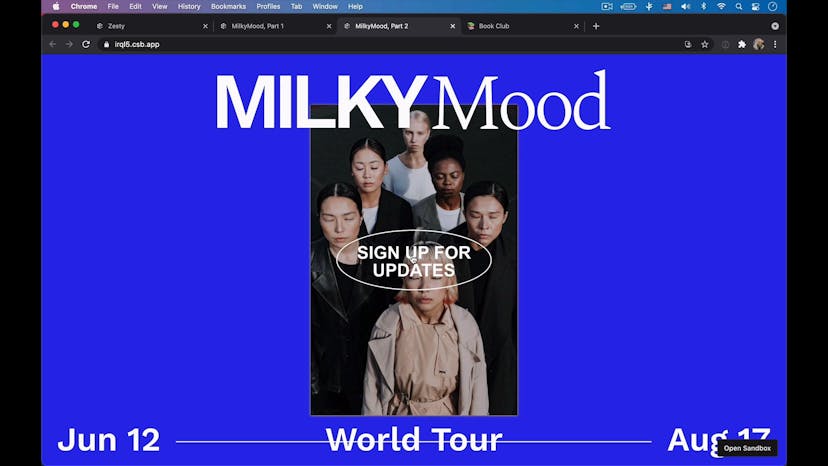
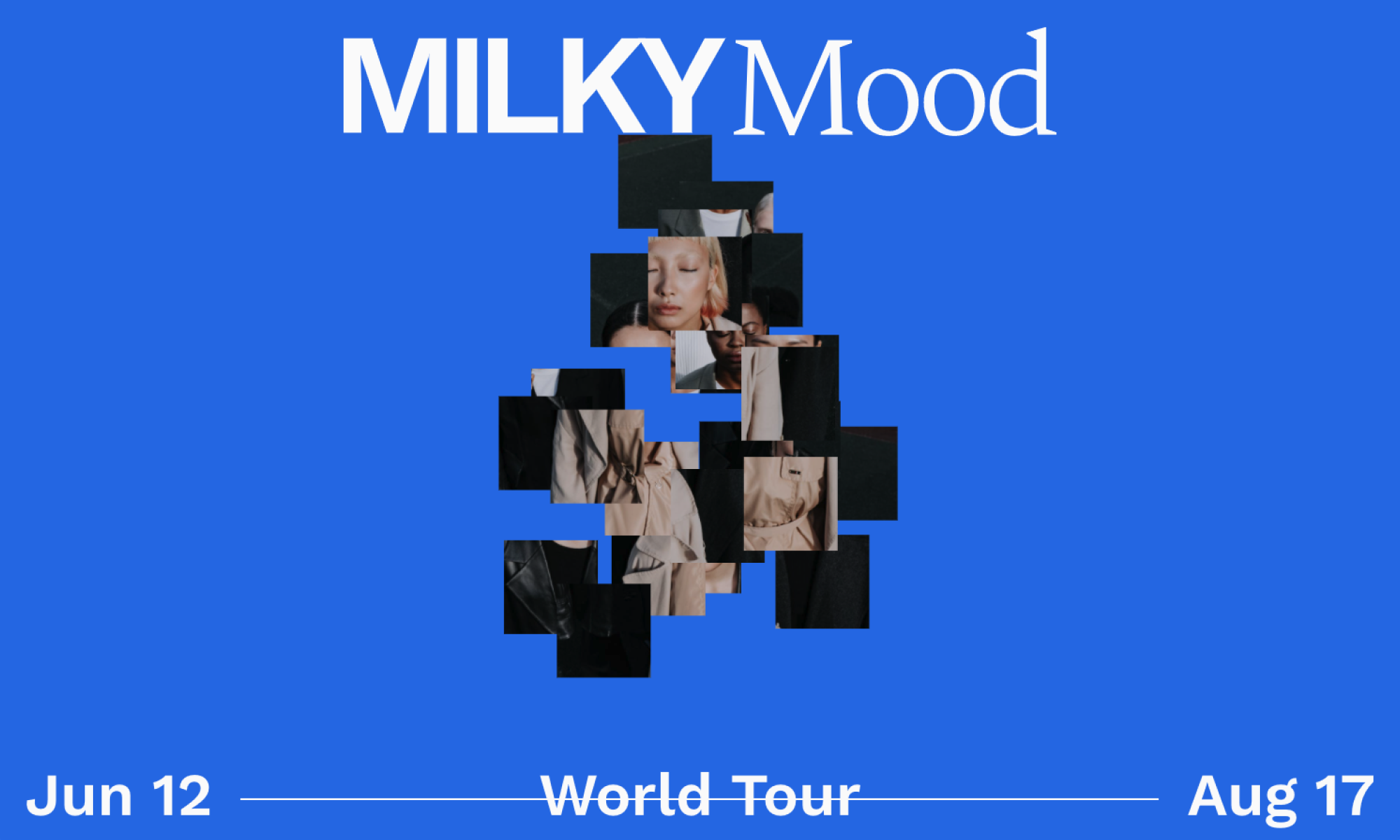
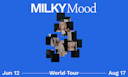
Introduction to MilkyMood
Lesson 02
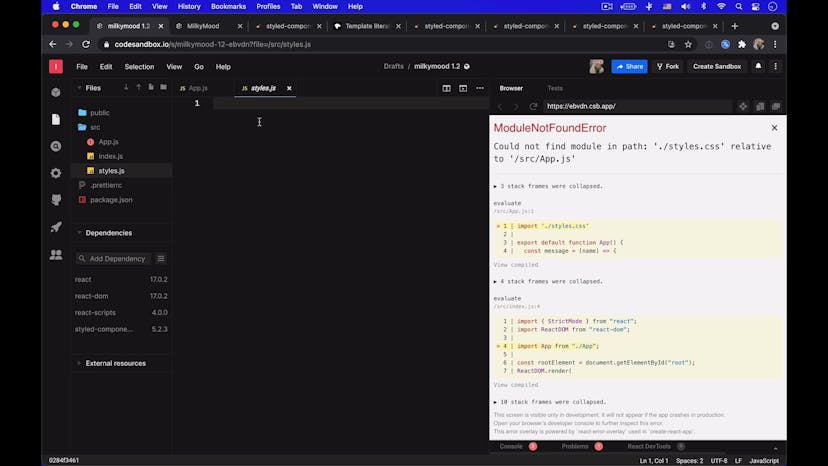
Introduction to Styled Components
Lesson 03
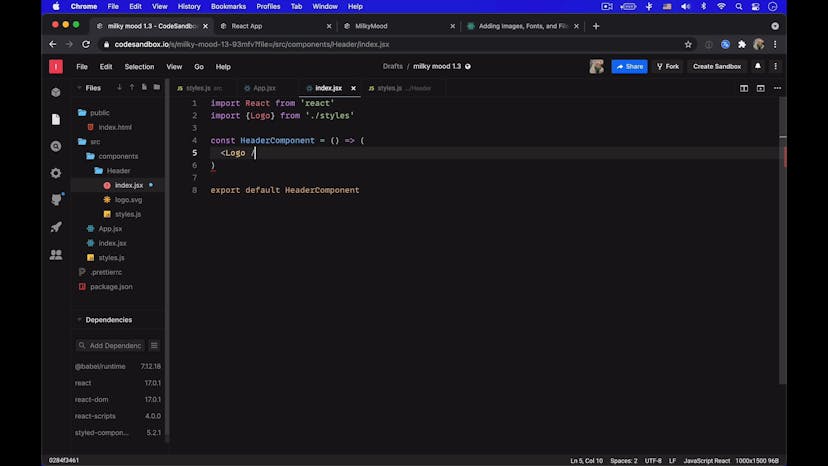
Building the Header component
Lesson 04
Building the Footer component
Lesson 05
Building the Image component
Lesson 06
Using a matrix to slice the image into a puzzle
Lesson 07
Using hooks, event handlers, and maths to calculate the cursor distance
Lesson 08
Setting new positions for the image squares
Lesson 09
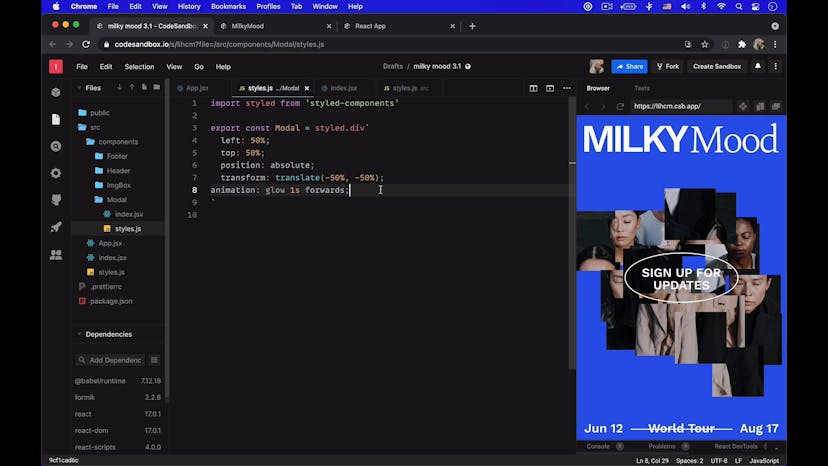
Changing the background color and glow animation based off of the image's status
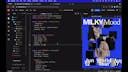
Lesson 10
Adding responsive styles
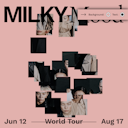
Homework 01
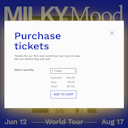
Moodshade
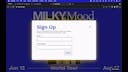
Lesson 01
Introduction to MilkyMood, Part 2
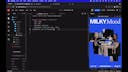
Lesson 02
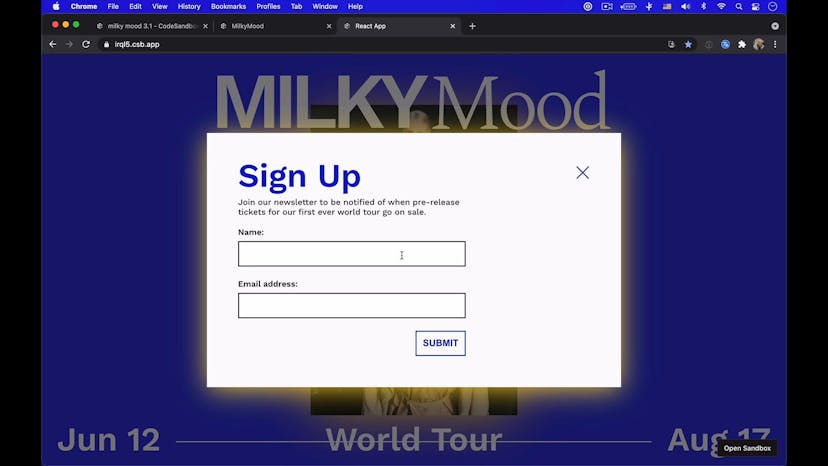
Creating a sign up button and modal window
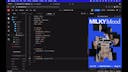
Lesson 03
Adding functionality to the modal window
Lesson 04
Creating a Basic Form
Lesson 05
Refactoring the form to use Formik and Yup
Lesson 06
Refactoring the input fields to use Formik's Field hook
Lesson 07
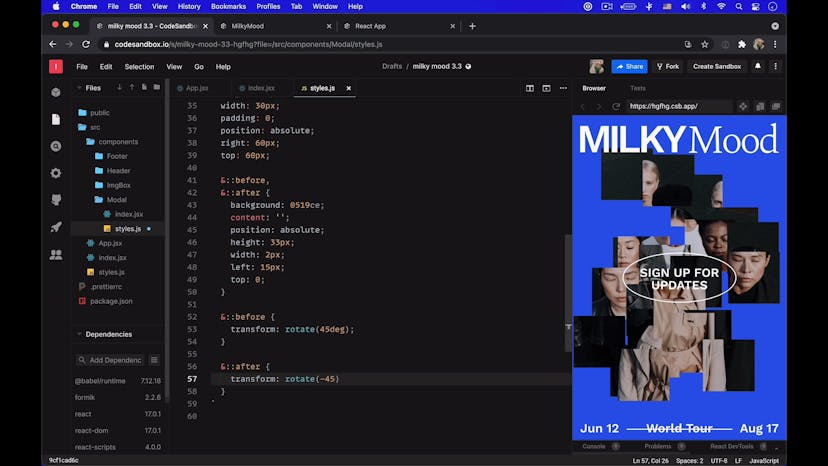
Styling the form and modal using styled components
Homework 01
Glow Up
Lesson 01
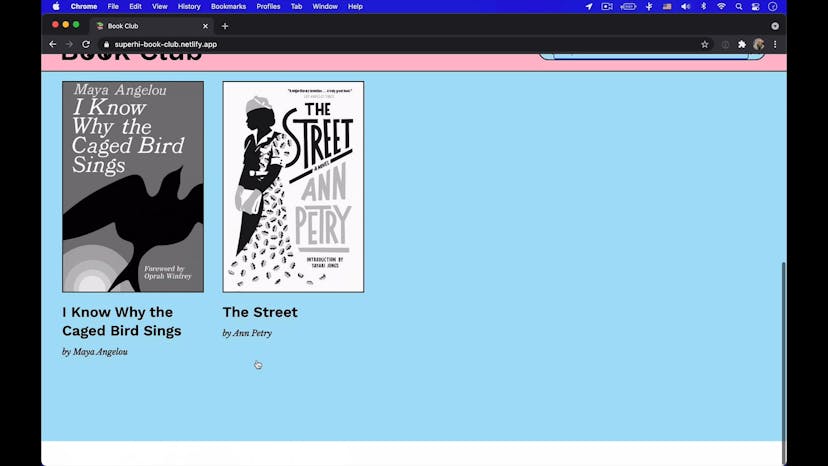
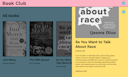
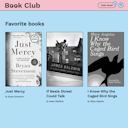
Introduction to Book Club
Lesson 02
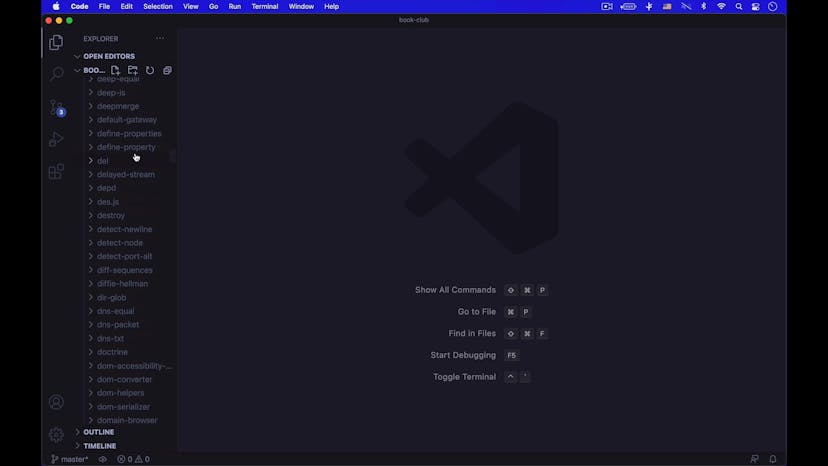
Setting up a local environment and creating a new React app
Lesson 03
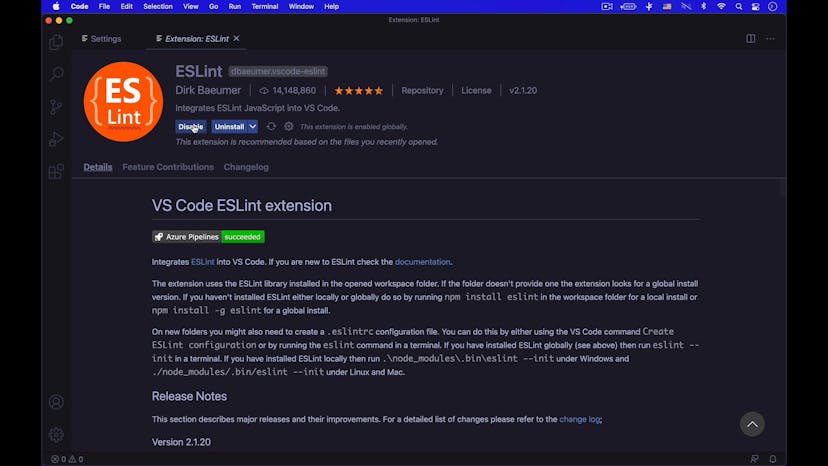
Configuring our code editor and cleaning up default files
Lesson 04
Fetching data from an API
Lesson 05
Rendering the book as a React component
Lesson 06
Creating global styles and a header
Lesson 07
Selecting a book from the list
Lesson 08
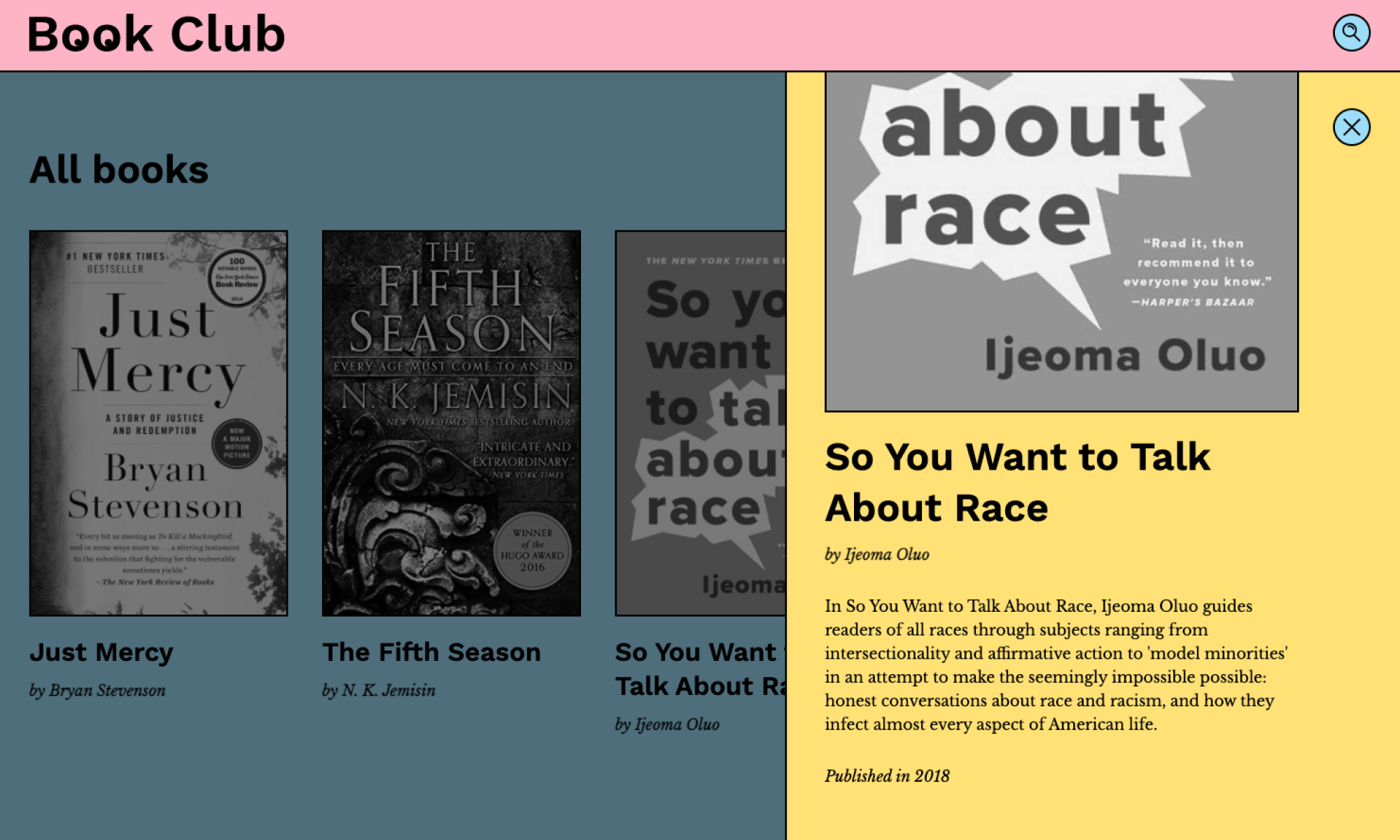
Building a detail panel to show more book info
Lesson 09
Closing the panel and building a background shadow
Lesson 10
Adding animation to the panel
Lesson 11
Refactoring the book list's scrolling behavior
Lesson 12
Building a search component
Lesson 13
Refining the search feature
Lesson 14
Deploying our project with GitHub and Netlify
Homework 01
Booklove
SuperHi students work at the best
Our students are based all over the world and work at creative companies large and small. Why not check out some of their work?
View student workFeeling stuck?
Don’t worry, we are here to help you with:
- Speedy help from one of our team members
- Detailed, relevant solutions
- Direct access to peer support through Discord!
Remember, there’s no such thing as a silly question, so don’t hesitate to reach out, we love hearing from you!