
Page Transitions
Integrate the Barba.js Javascript library into your websites and use CSS and Javascript techniques to add smooth and harmonious effects.


Taught by
Kristen Altomare-Ciallella and Rik Lomas




Get access to Page Transitions
- Practical, go-at-your-own pace learning, with help from our industry experts and experienced teachers
- Projects and code that you can alter and include in your own sites and portfolio
- Resources to get you started and going post-course
Your instructors

Kristen Altomare-Ciallella

Rik Lomas
Course structure

Lesson 01
Welcome to the Page Transitions course
Lesson 02
Setting up ourselves for page transitions
Lesson 03
What's in our starter kit?
Lesson 04
Adding Barba.js to our project
Lesson 05
Setting up our HTML for Barba.js
Lesson 06
Setting up our Javascript for Barba.js
Lesson 07
Setting up Barba's CSS
Lesson 08
Adding nicer page transitions to our project
Lesson 09
Barba's beforeEnter hook
Lesson 10
Correcting our navigation links
Lesson 11
Changing the body tag with Barba's views
Lesson 12
Adding Barba's 'once' and adding CSS animations

Lesson 01
Welcome to Canvas Magazine!
Lesson 02
Setting up our project
Lesson 03
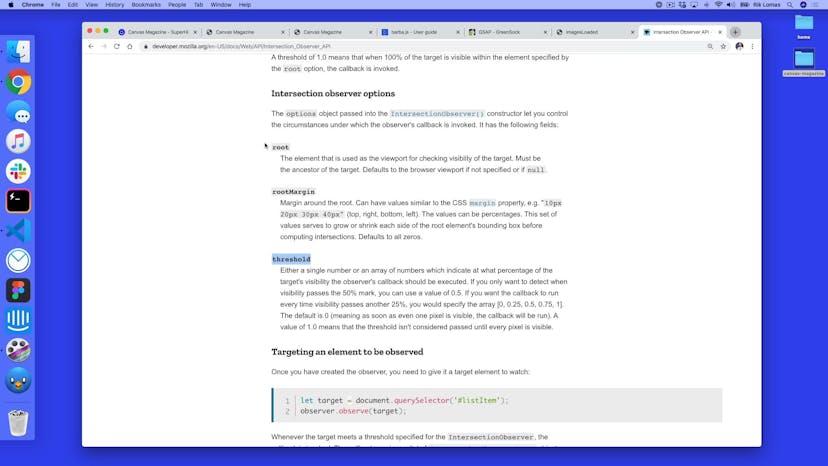
The IntersectionObserver
Lesson 04
Image display using the same IntersectionObserver
Lesson 05
Setting up Barba's HTML
Lesson 06
Initializing Barba.js
Lesson 07
Testing with Barba's CSS module
Lesson 08
Making sure our code works between pages
Lesson 09
Javascript Promises in hooks
Lesson 10
GSAP Timelines
Lesson 11
Adding current and next transitions with GSAP
Lesson 12
Adding a once transition
Lesson 13
Adding a product view and namespace
Lesson 14
Adding imagesLoaded to our loading

Lesson 01
Welcome to Wanderers
Lesson 02
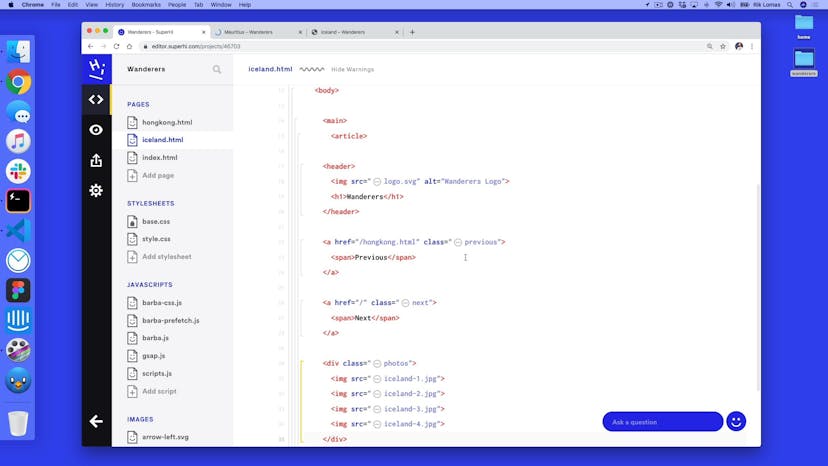
Setting up our project HTML
Lesson 03
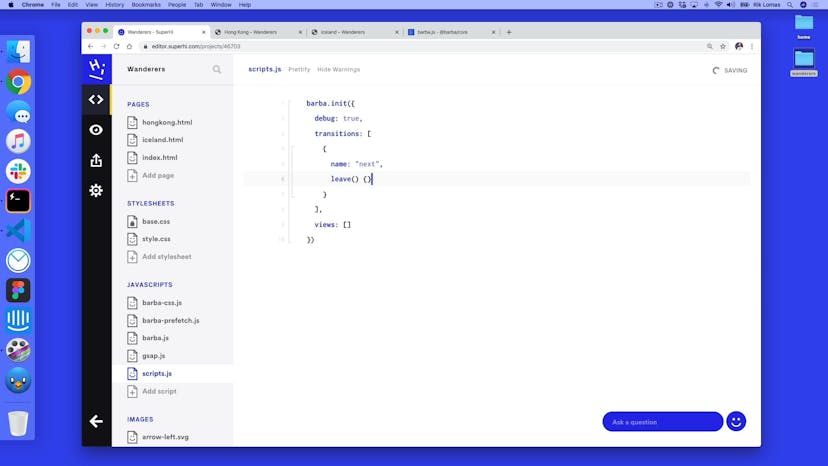
Setting up Barba
Lesson 04
Fading in our navigation
Lesson 05
Adding a photos fade and movement
Lesson 06
Adding a wiper effect
Lesson 07
Adding an image to our interstitial

Lesson 08
Adding text transitions
Lesson 09
Changing the text with data attributes
Lesson 10
Adding in multiple transitions
Lesson 11
Barba Prefetch

Lesson 12
Thanks for joining our course
SuperHi students work at the best
Our students are based all over the world and work at creative companies large and small. Why not check out some of their work?
View student workFeeling stuck?
Don’t worry, we are here to help you with:
- Speedy help from one of our team members
- Detailed, relevant solutions
- Direct access to peer support through Discord!
Remember, there’s no such thing as a silly question, so don’t hesitate to reach out, we love hearing from you!