
Plan, Design + Code Your First App
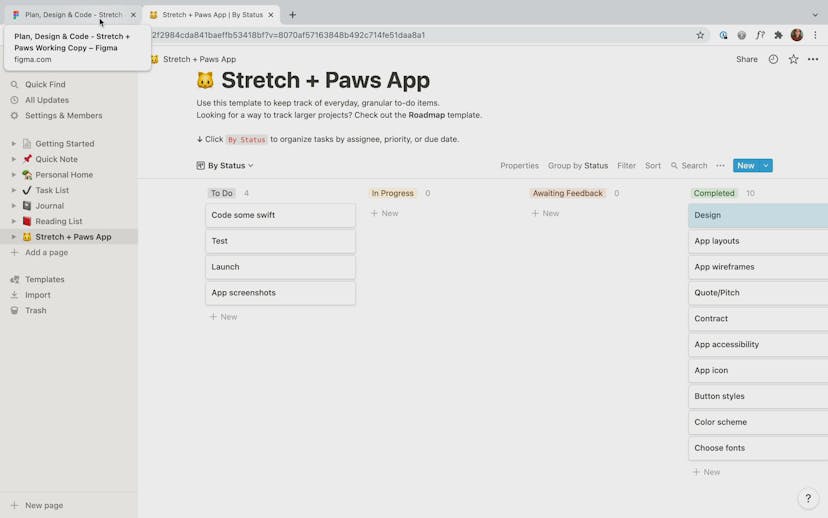
In this short course you’ll learn how to tackle a client brief, plan your work, design an app’s user interface, code it from scratch, and launch it on the App Store.

Taught by
Louise Bishop

Get access to Plan, Design + Code Your First App
- Practical, go-at-your-own pace learning, with help from our industry experts and experienced teachers
- Projects and code that you can alter and include in your own sites and portfolio
- Resources to get you started and going post-course
Your instructor

Louise Bishop
Course structure



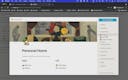

Lesson 01
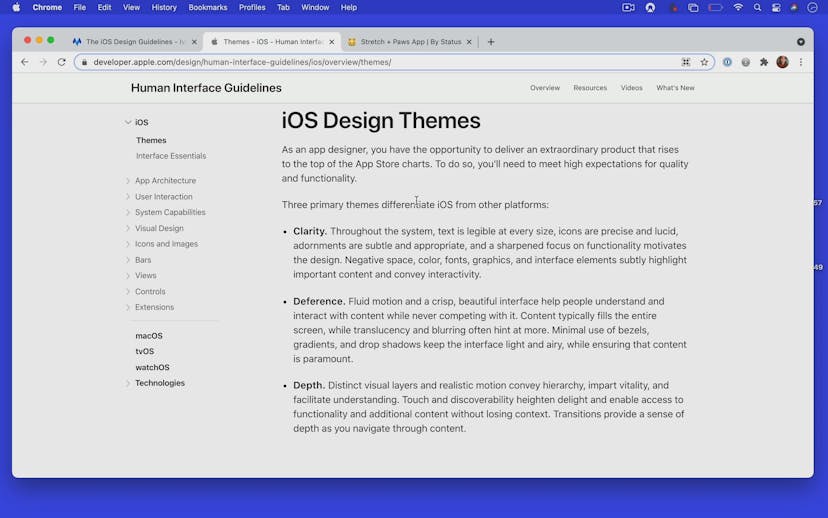
Designing for iOS
Lesson 02
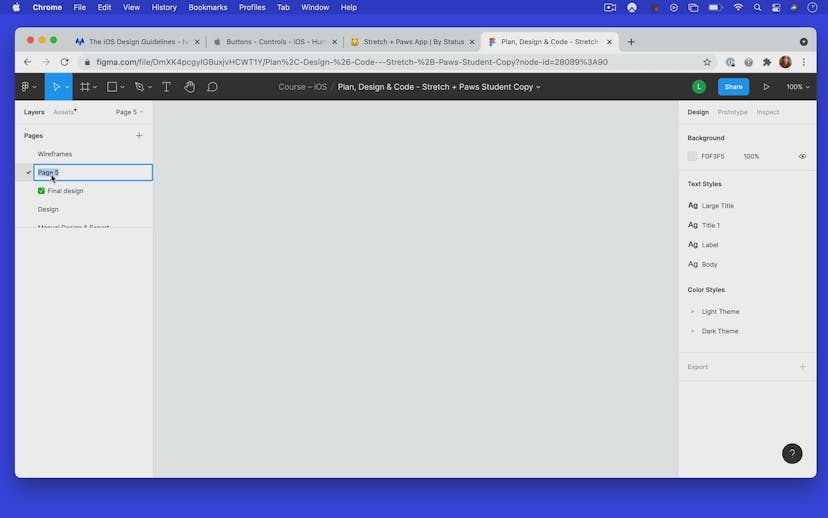
Using Figma
Lesson 03
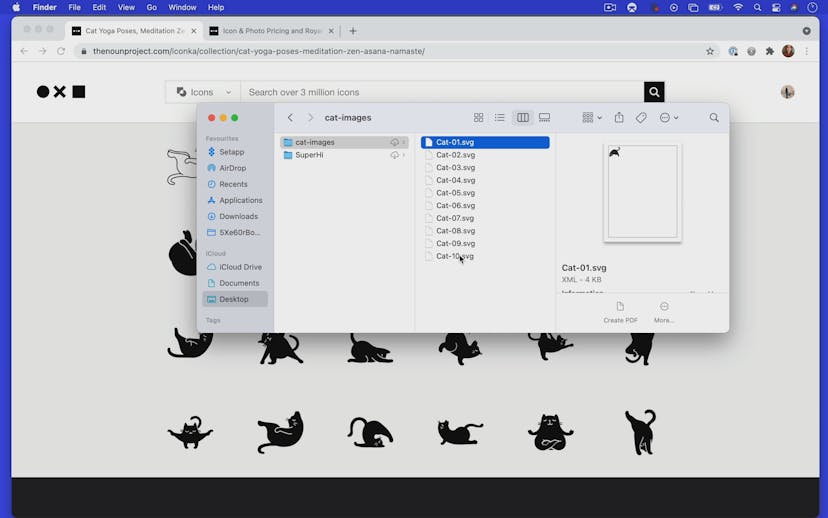
Sourcing our cat illustrations
Lesson 04
Creating our list components
Lesson 05
Auto layout
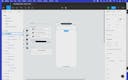
Lesson 06
Creating the Home screen
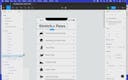
Lesson 07
Text Styles
Lesson 08
Color Styles
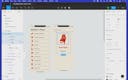
Lesson 09
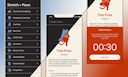
Creating the Pose Detail screen
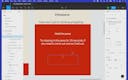
Lesson 10
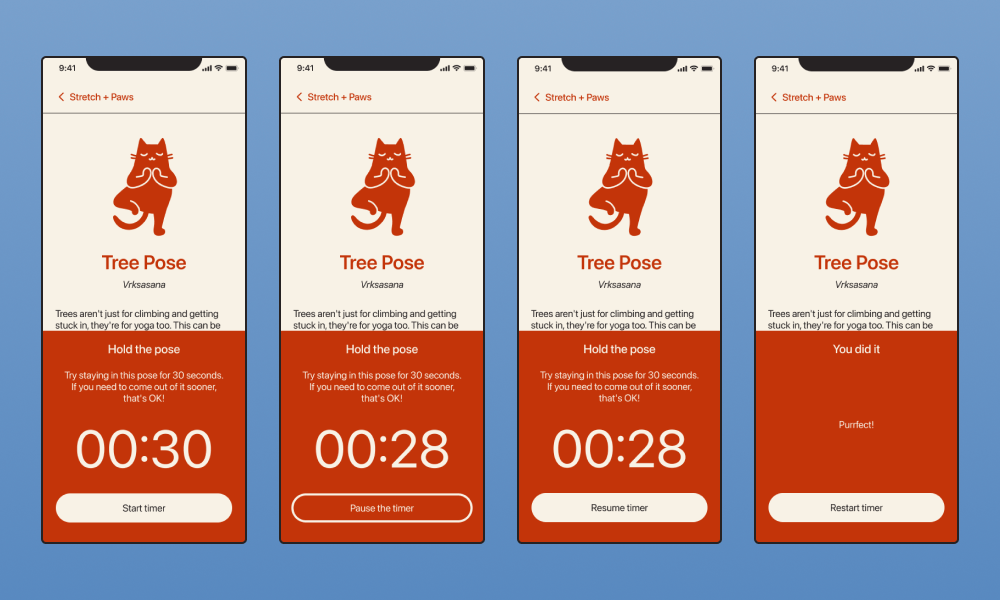
Timer States
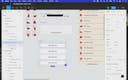
Lesson 11
Button Variants
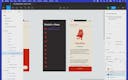
Lesson 12
Light + Dark Mode
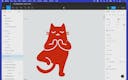
Lesson 13
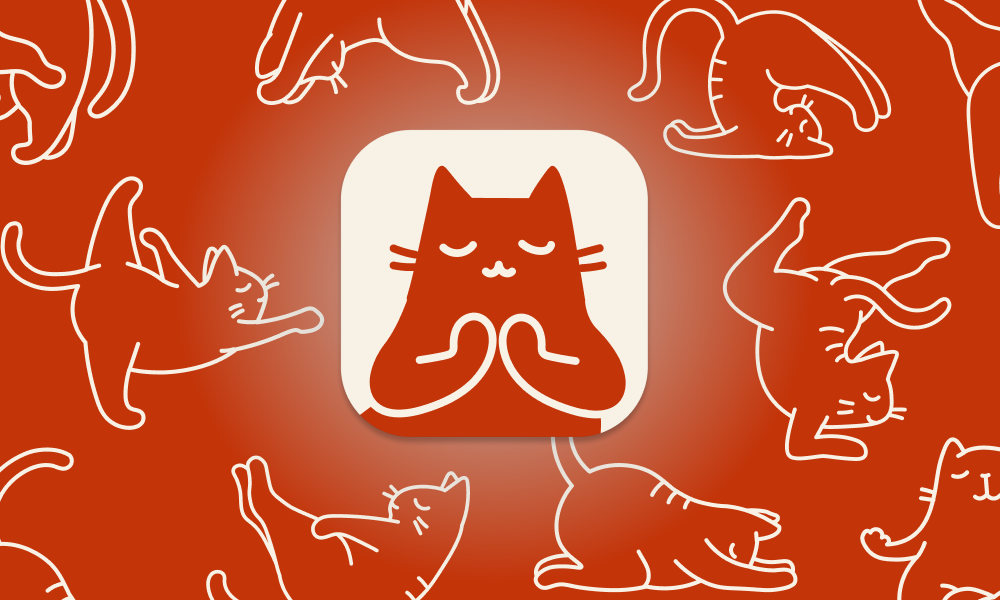
Creating an app icon
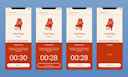

Lesson 01
Let's get coding!
Lesson 02
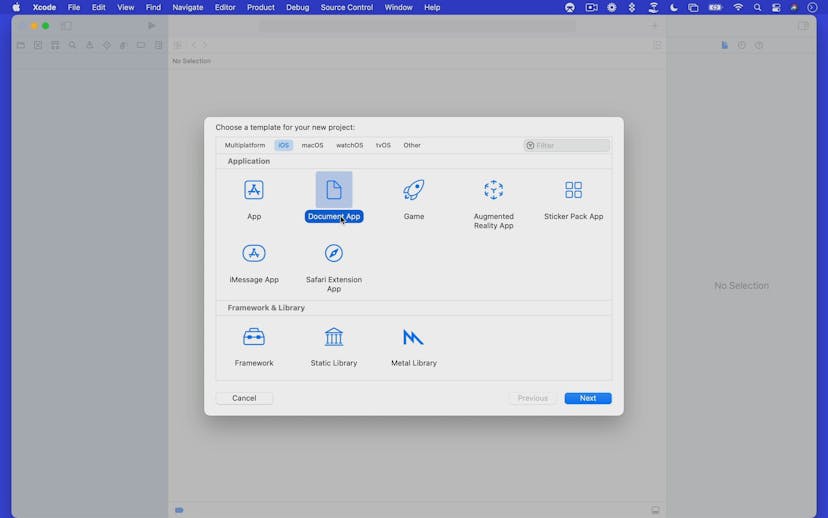
Setting up Xcode
Lesson 03
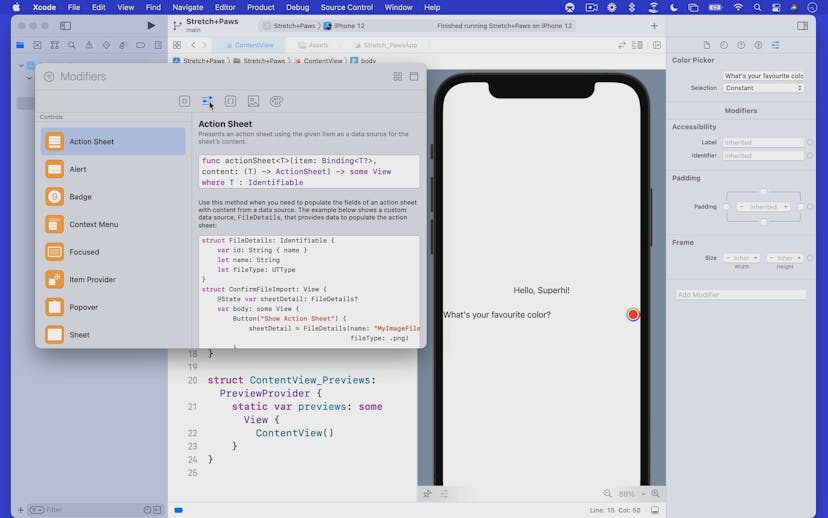
The Xcode interface
Lesson 04
Swift + SwiftUI
Lesson 05
Content View + Data types
Lesson 06
Adding colors
Lesson 07
Adding images
Lesson 08
Navigation View + Navigation Bar
Lesson 09
Creating a list

Lesson 10
Adding the Detail View
Lesson 11
Navigation Link
Lesson 12
Cat yoga data model
Lesson 13
Cat yoga data
Lesson 14
Get set up with Github
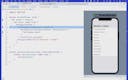
Lesson 15
Displaying data in Content View
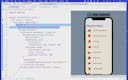
Lesson 16
Changing the background color
Lesson 17
Running your app on your phone
Lesson 18
Displaying data in Detail View
Lesson 19
Challenge One: Add the pose data
Lesson 20
Challenge Two: Styling the Detail View
Lesson 21
Creating the timer panel

Lesson 22
States + Bindings
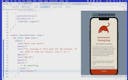
Lesson 23
Timer View Styling
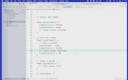
Lesson 24
The Yoga Timer
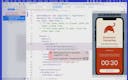
Lesson 25
State Objects + Observable Objects

Lesson 26
Conditional Buttons + Views
Lesson 27
Playing a sound

Lesson 28
Finishing touches


Lesson 01
Time to launch
Lesson 02
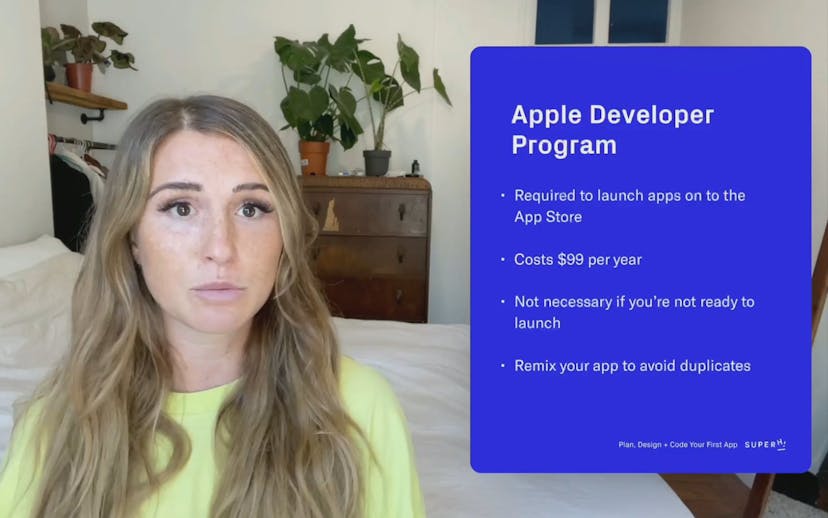
The Apple Developer Program
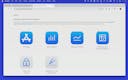
Lesson 03
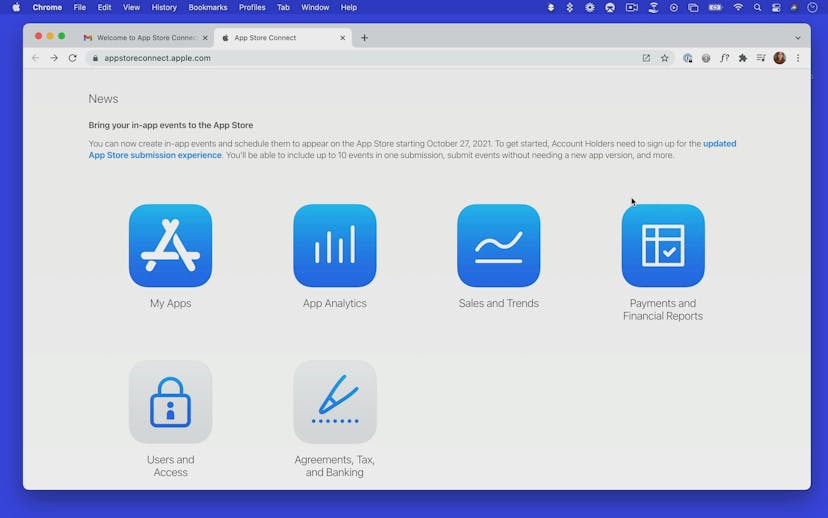
App Store Connect
Lesson 04
Uploading your app bundle
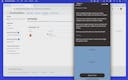
Lesson 05
Getting feedback with TestFlight
Lesson 06
App Store Review Guidelines

Lesson 07
Privacy Policy
Lesson 08
App Store Optimisation
Lesson 09
Filling in the app listing
Lesson 10
App Screenshots
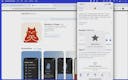
Lesson 11
App Launched
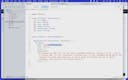
Lesson 12
Remixing your app
SuperHi students work at the best
Our students are based all over the world and work at creative companies large and small. Why not check out some of their work?
View student workFeeling stuck?
Don’t worry, we are here to help you with:
- Speedy help from one of our team members
- Detailed, relevant solutions
- Direct access to peer support through Discord!
Remember, there’s no such thing as a silly question, so don’t hesitate to reach out, we love hearing from you!