
Creative Coding
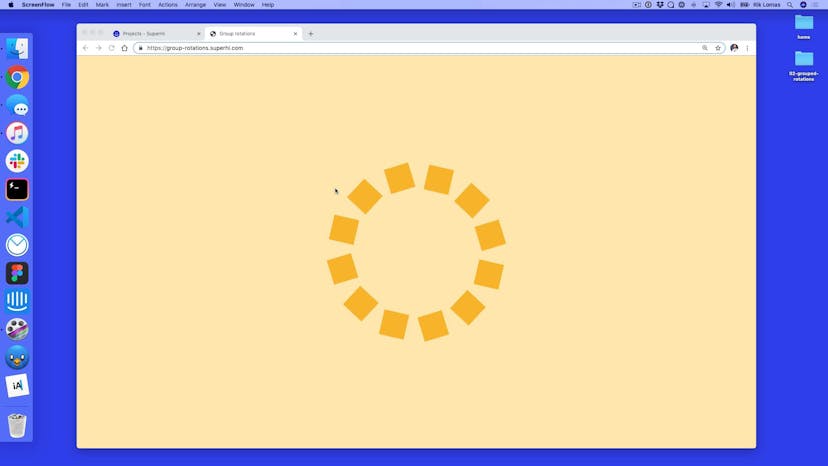
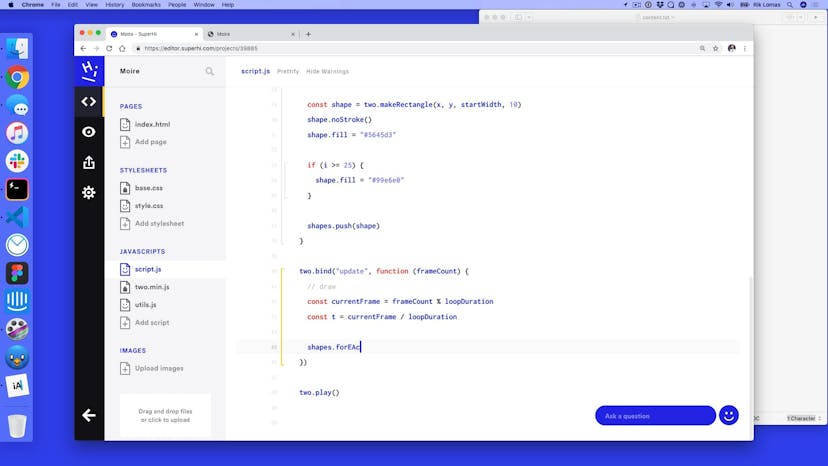
Motion, timings and easings: you'll learn these techniques to create animation toys using Two.js, a Javascript tool for creating and manipulating shapes.


Taught by
Guy Moorhouse and Rik Lomas



Get access to Creative Coding
- Practical, go-at-your-own pace learning, with help from our industry experts and experienced teachers
- Projects and code that you can alter and include in your own sites and portfolio
- Resources to get you started and going post-course
Your instructors
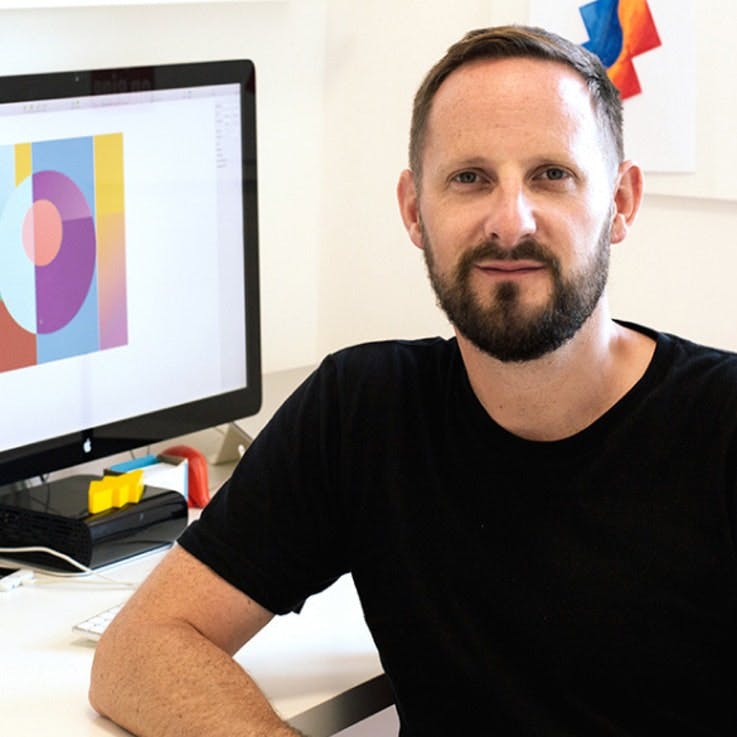
Guy Moorhouse

Rik Lomas
Course structure







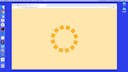
Lesson 01
Introduction
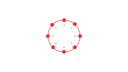
Lesson 02
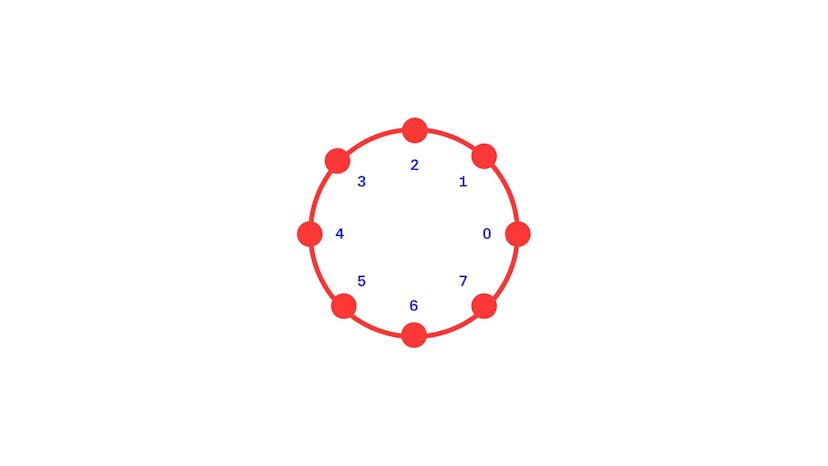
Working out geometry

Lesson 03
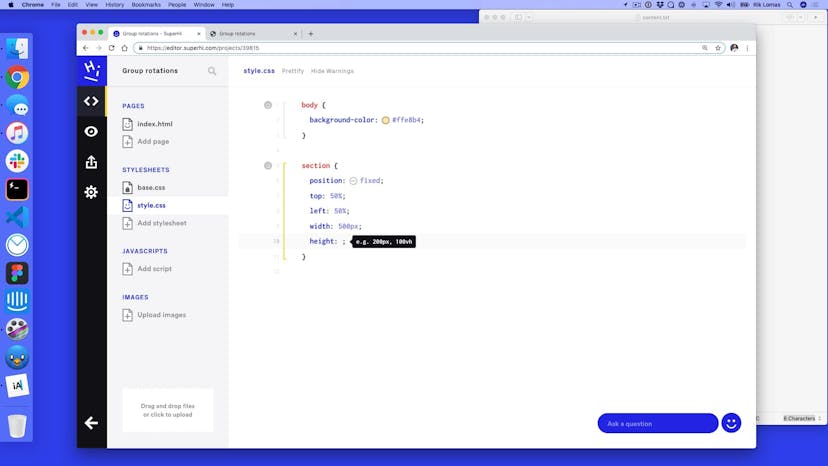
Setting up our HTML and CSS

Lesson 04
Setting up Two.js

Lesson 05
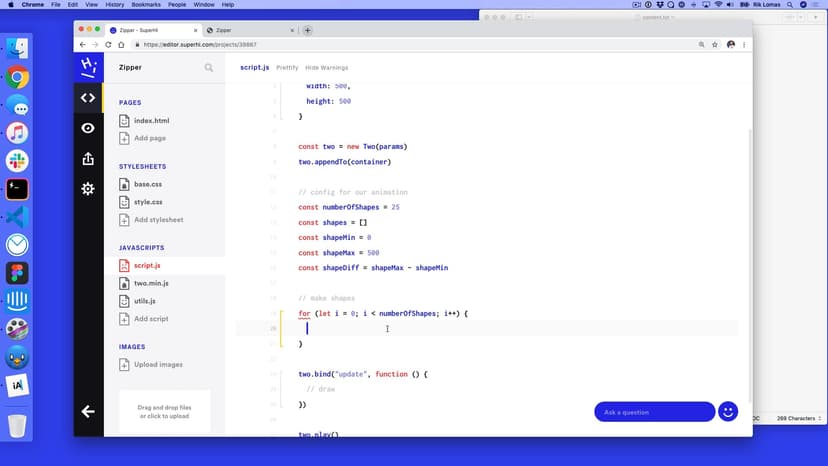
Adding a for loop to add multiple shapes

Lesson 06
Making our squares into a circle

Lesson 07
Rotating our shapes
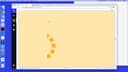
Lesson 08
Group our shapes together
Lesson 09
Variation 2: Stick version

Lesson 10
Variation 3: Grow and shrink scale

Lesson 01
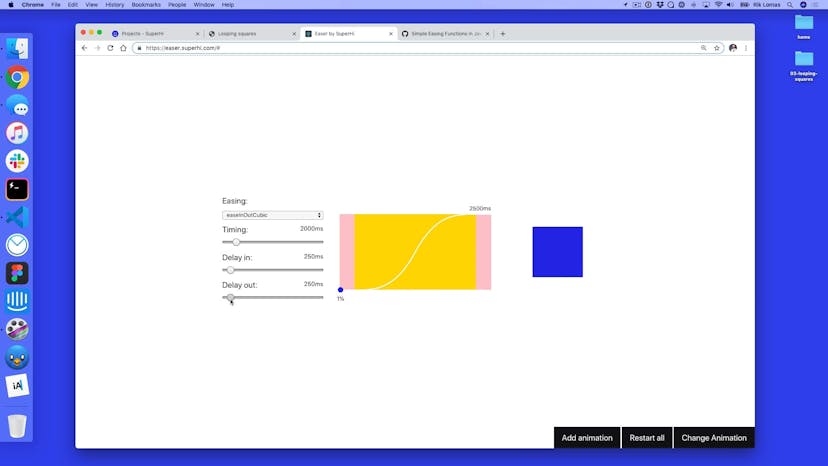
Easing fun time!

Lesson 02
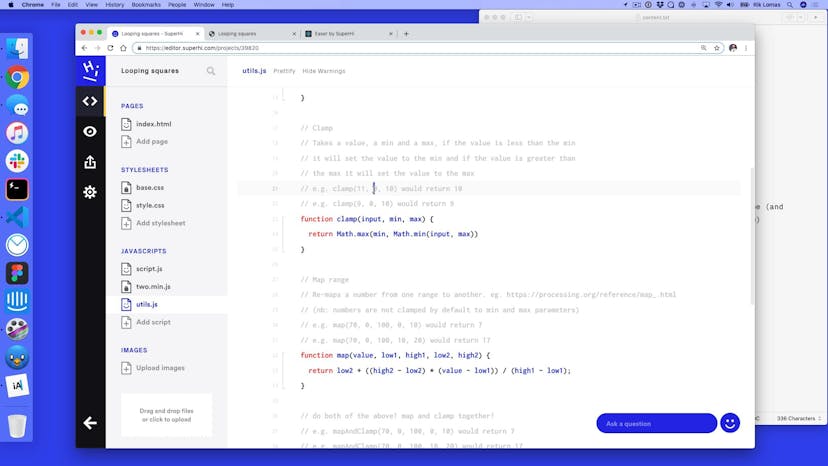
Project setup + utils.js
Lesson 03
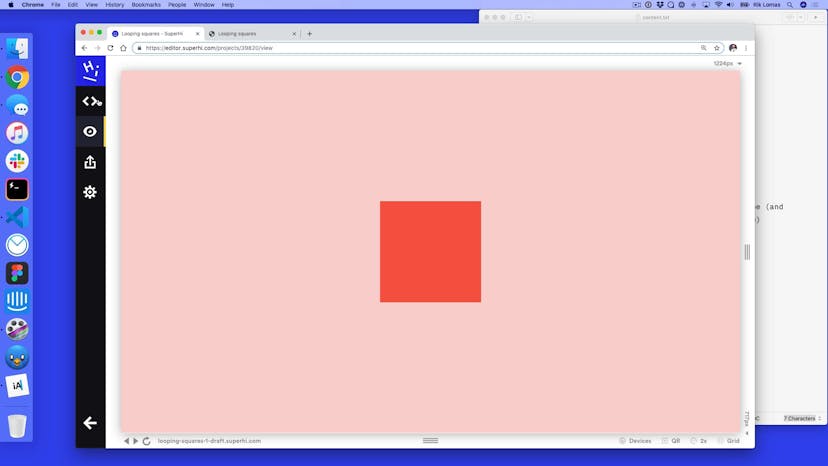
Adding our squares
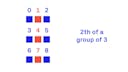
Lesson 04
What is modulo?

Lesson 05
Applying different fills using modulo

Lesson 06
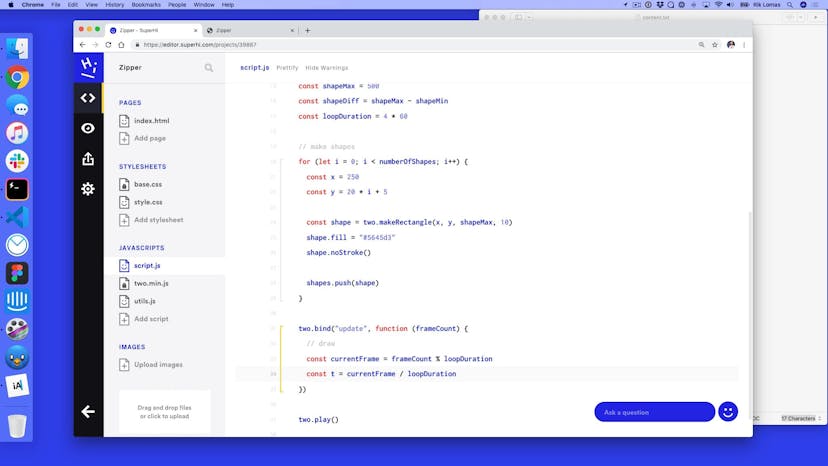
Making and looping a timeline
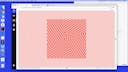
Lesson 07
Adding easing to our movements

Lesson 08
Making individual timelines
Lesson 09
Variation 2: switching ordering

Lesson 10
Variation 3: using modulo to change rotations

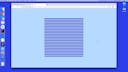







Lesson 01
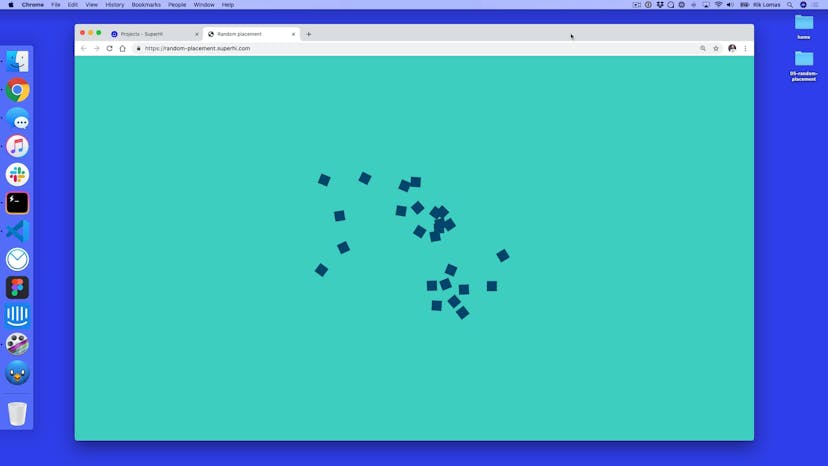
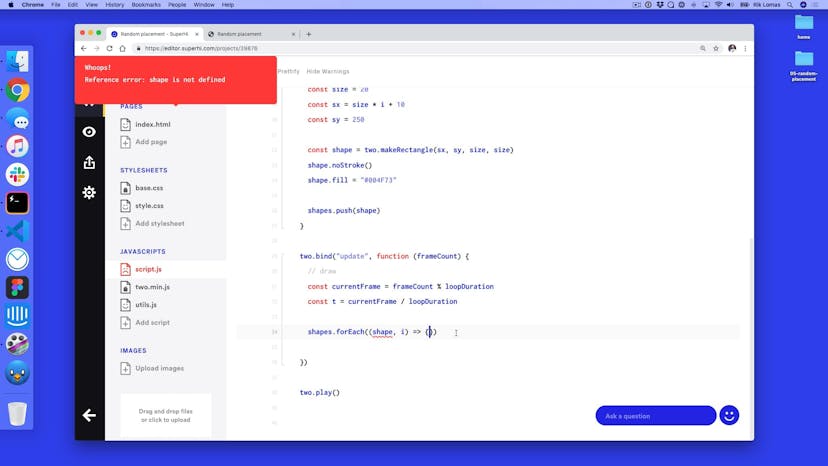
Intro to random positions!

Lesson 02
Setting up a line of squares
Lesson 03
Setting up a general timeline
Lesson 04
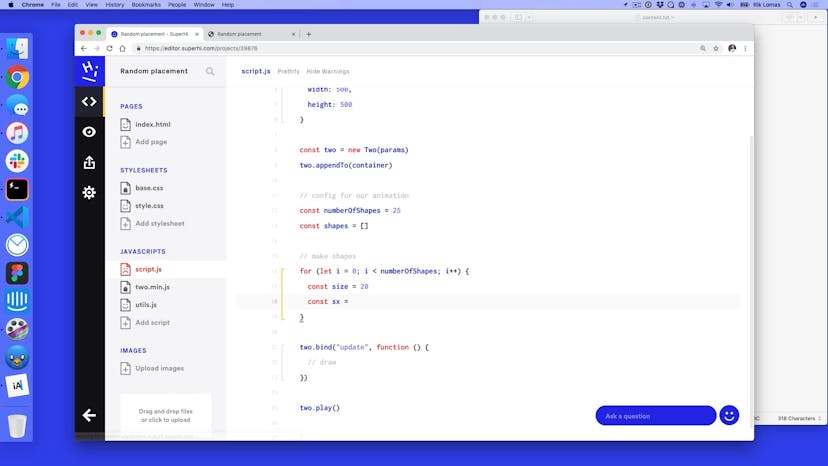
Setting up shape data
Lesson 05
Adding rotation to our data
Lesson 06
Reversing the timeline

Lesson 07
Adding easing
Lesson 08
Adding delays to our timeline
Lesson 09
Variation B: scaling
Lesson 10
Variation C: into a circle

Lesson 11
Variation D: reset the randomness on loop

Lesson 12
Variation E: Change colors on click
Lesson 01
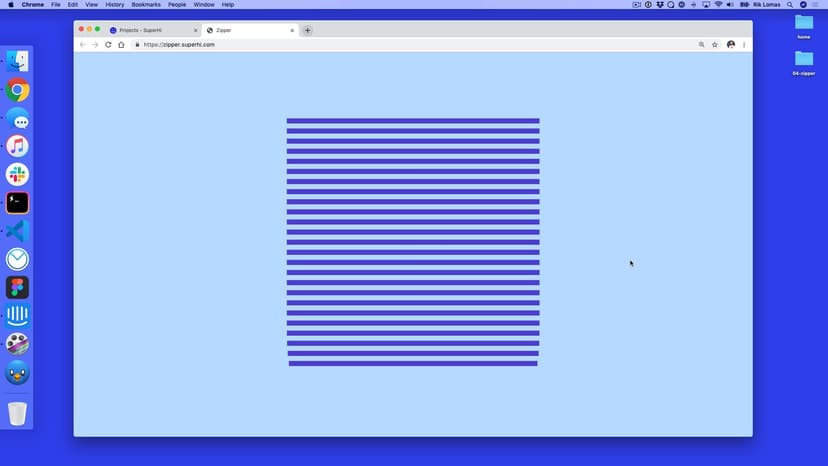
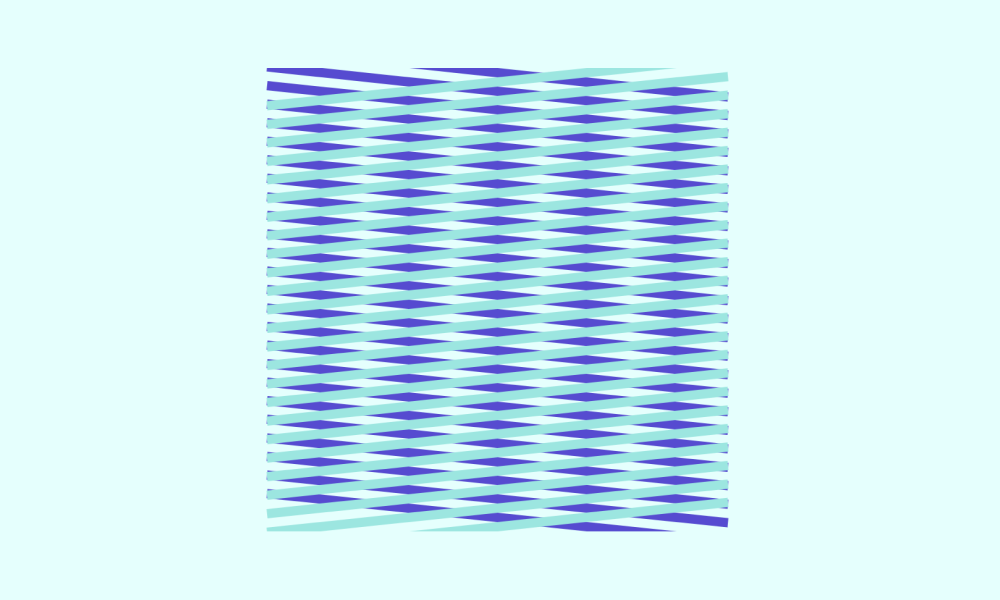
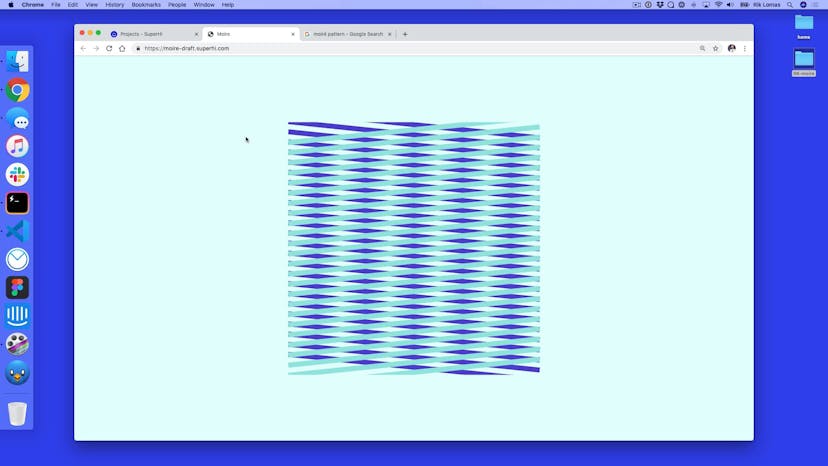
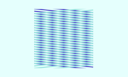
Welcome to the Moiré effect

Lesson 02
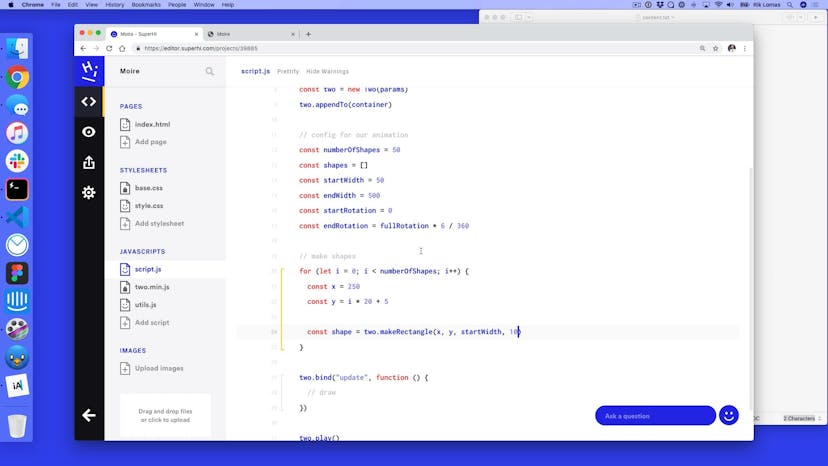
Setting up our rectangles

Lesson 03
Animating our shapes

Lesson 04
Setting up our four-part sequence

Lesson 05
Changing our width with our sequences
Lesson 06
Adding per-sequence rotation
Lesson 07
Altering our rotations

Lesson 08
Adding a per-sequence easing

Lesson 09
Adding delays to each sequence

Lesson 10
Thank you for watching this course!
SuperHi students work at the best
Our students are based all over the world and work at creative companies large and small. Why not check out some of their work?
View student workFeeling stuck?
Don’t worry, we are here to help you with:
- Speedy help from one of our team members
- Detailed, relevant solutions
- Direct access to peer support through Discord!
Remember, there’s no such thing as a silly question, so don’t hesitate to reach out, we love hearing from you!