
Ajax + APIs
Remix projects by learning how to work with APIs (how different websites talk to each other) and Ajax (a way of grabbing and working with that data).

Taught by
Rik Lomas


Get access to Ajax + APIs
- Practical, go-at-your-own pace learning, with help from our industry experts and experienced teachers
- Projects and code that you can alter and include in your own sites and portfolio
- Resources to get you started and going post-course
Your instructor

Rik Lomas
With support from...

Lawrence Gosset
Course structure

Lesson 01
Welcome to the course!

Lesson 02
What is Ajax + what are APIs?
Lesson 03
Setting up our Design Knowledge project
Lesson 04
Setting up Javascript events
Lesson 05
Adding our data in an static array
Lesson 06
Making our data an array of objects
Lesson 07
Moving data into a JSON file
Lesson 08
Fetching data in the Javascript console
Lesson 09
Pulling in JSON into the page
Lesson 10
Cleaning our code with shortcut functions
Lesson 11
Getting a real data source
Lesson 12
How SuperHi uses Ajax + APIs
Lesson 13
Using the random data source
Lesson 14
Adding styling to our data and site
Lesson 15
Other data sources
Lesson 01
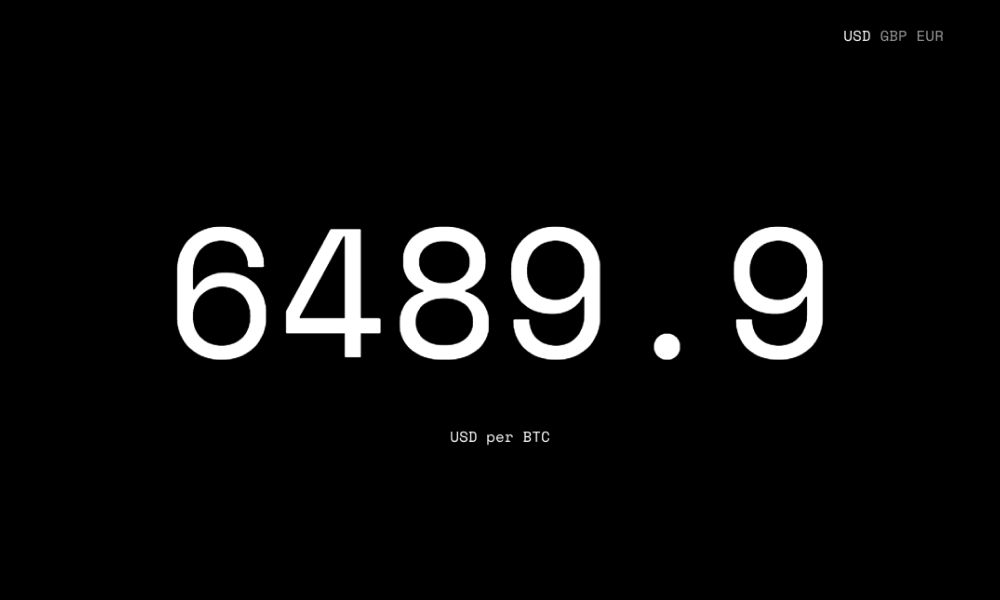
Introduction to Coin Price
Lesson 02
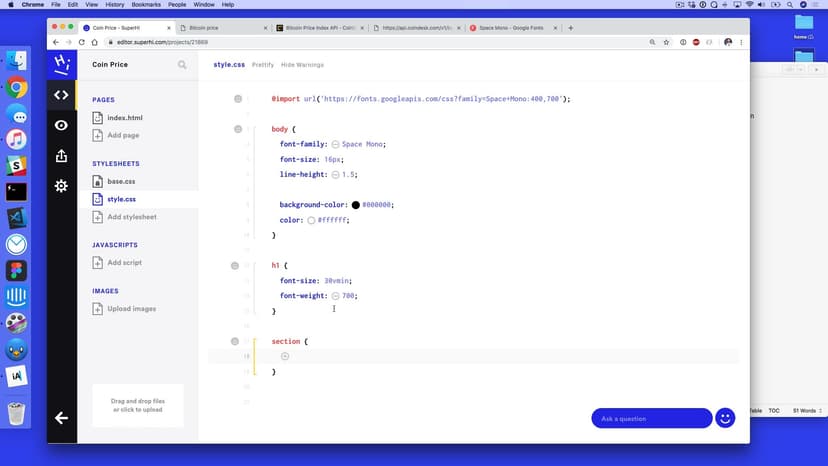
Setting up our HTML and CSS
Lesson 03
Adding a price checking function
Lesson 04
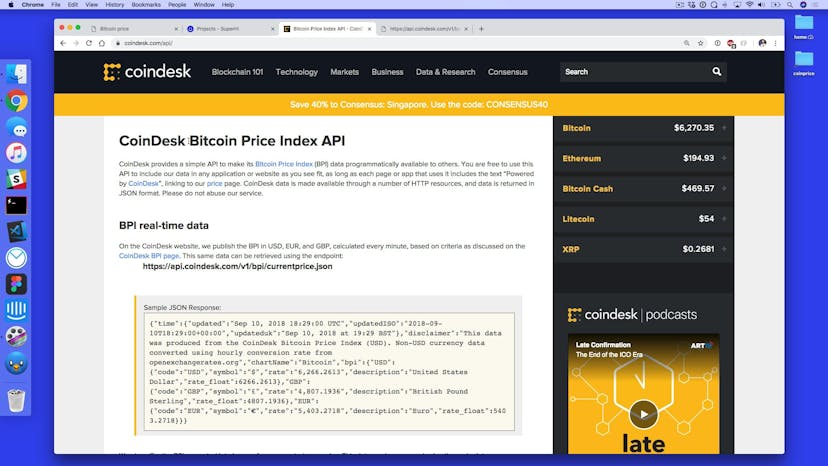
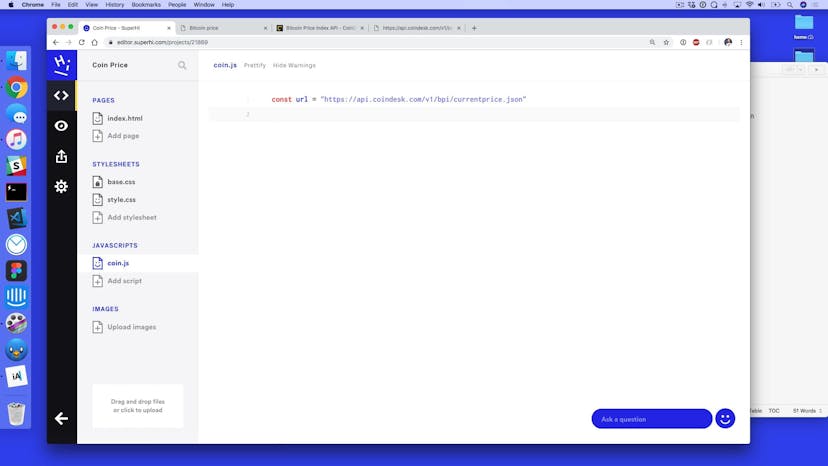
Pulling in JSON from our API
Lesson 05
Changing the currency type
Lesson 06
Updating HTML on site
Lesson 07
Adding a setInterval to get every 60 seconds
Lesson 08
Other features of the Coindesk API


Lesson 01
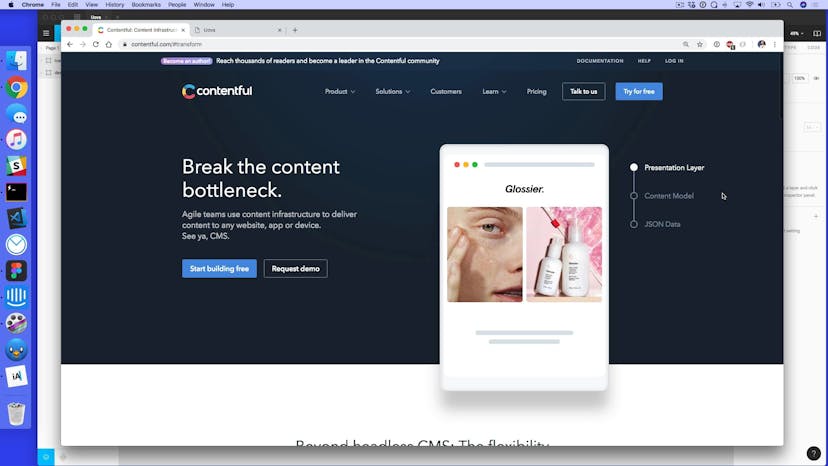
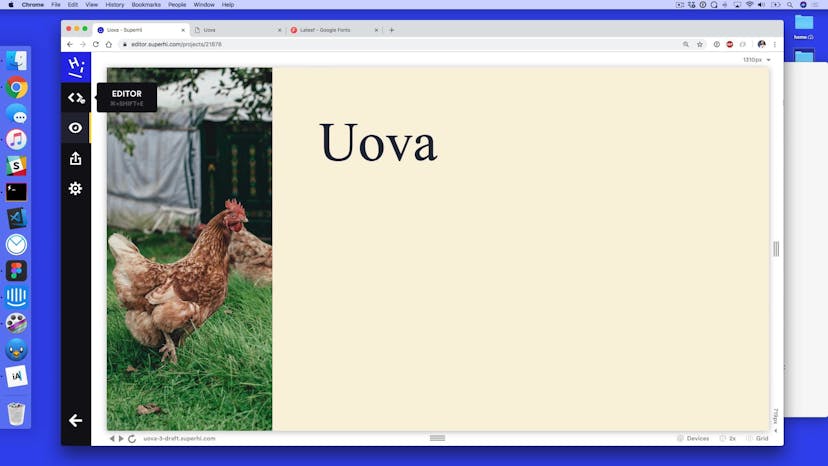
Introduction to Uova and Contentful
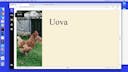
Lesson 02
Setting up a static HTML and CSS page
Lesson 03
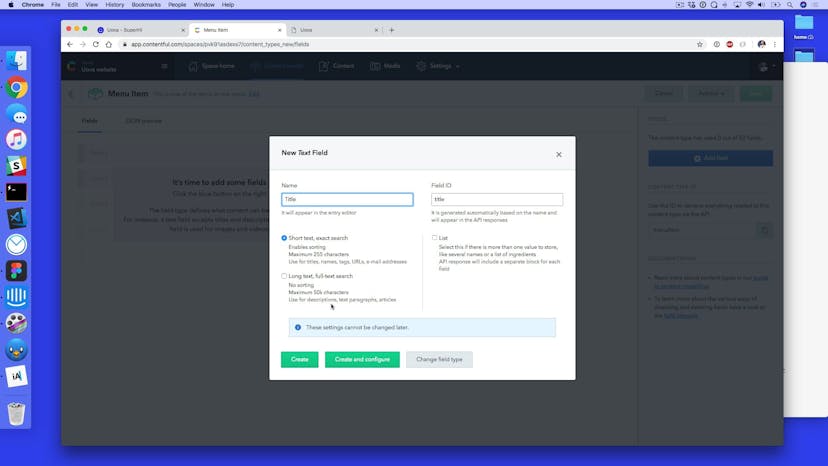
How to use Contentful
Lesson 04
Getting the JSON response from Contentful
Lesson 05
Taming Contentful data
Lesson 06
Pulling data from Contentful
Lesson 07
Using Javascript map to transform our array
Lesson 08
Adding Ajax-enabled HTML
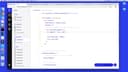
Lesson 09
Adding in fuller HTML
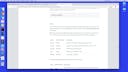
Lesson 10
Ordering data from Contentful
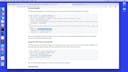
Lesson 11
More Contentful features
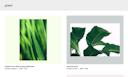
Lesson 01
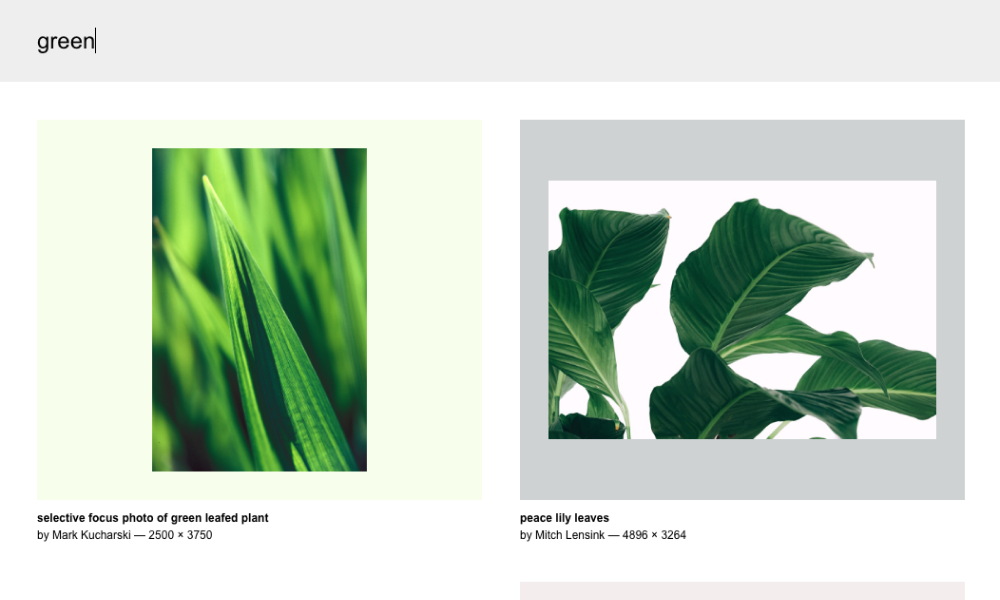
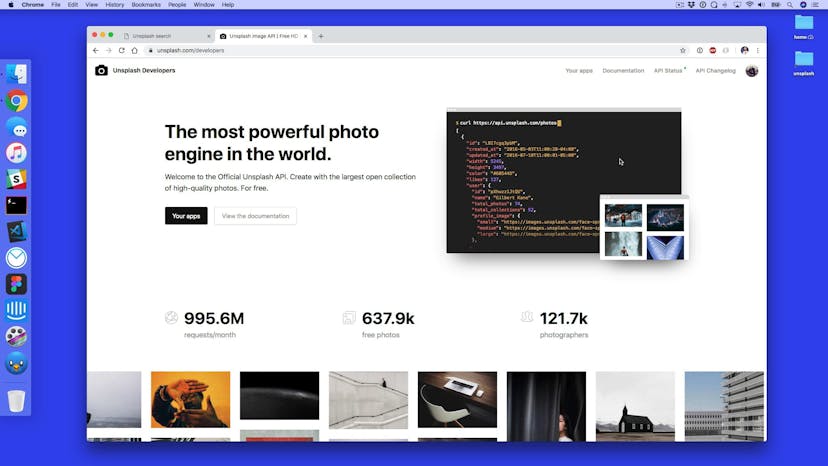
Introduction to Unsplash Search
Lesson 02
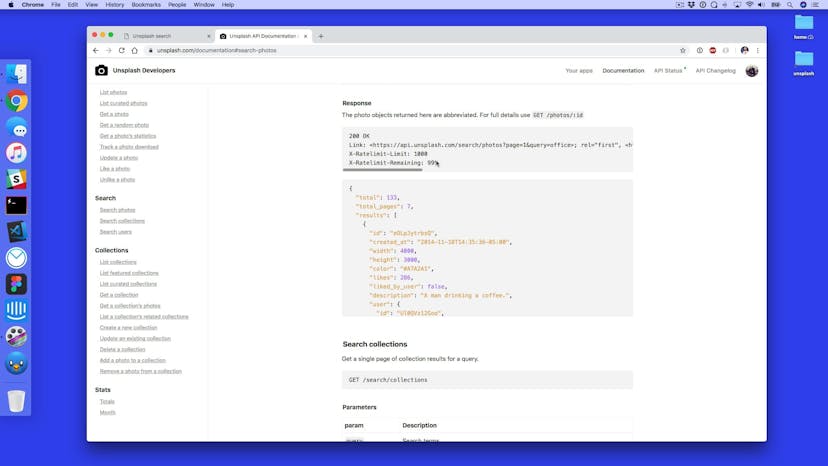
How Unsplash's API works
Lesson 03
Static site with loading screen
Lesson 04
Adding form events to our site
Lesson 05
Fetching the Unsplash search URL
Lesson 06
Adding Authorization headers
Lesson 07
Introducing Postman
Lesson 08
Using Postman to clean up JSON responses
Lesson 09
Display search results
Lesson 10
Adding more data from our API response

Lesson 11
Adding background color to the page
Lesson 12
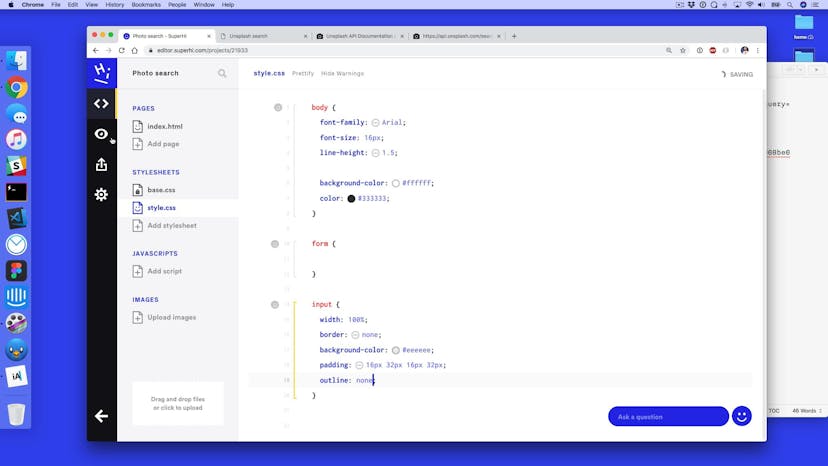
Adding final styles
Lesson 01
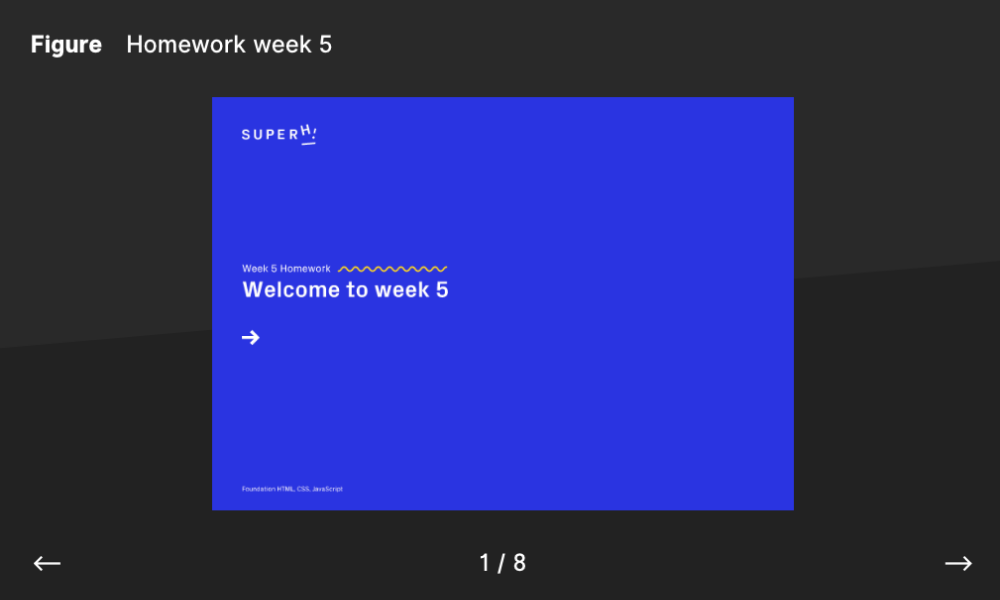
Introduction to our client presentation tool
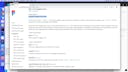
Lesson 02
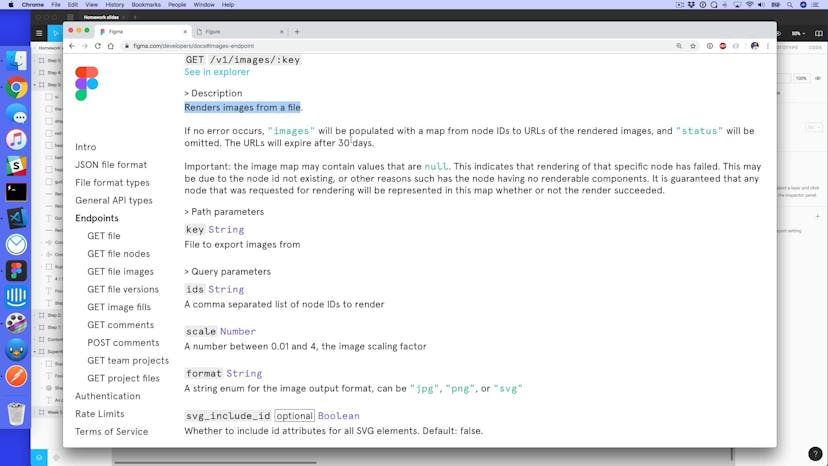
The Figma developer documentation
Lesson 03
Adding our static site with styles
Lesson 04
How to think about the project with Javascript
Lesson 05
Adding promise chaining
Lesson 06
Fetching our Figma file
Lesson 07
Getting frame ids from Figma
Lesson 08
Generating images using the Figma API
Lesson 09
Adding extra query string information
Lesson 10
Changing the loader to the Figma document title
Lesson 11
Turning our grid into a slideshow
Lesson 12
Getting and sending comments using the Figma API

SuperHi students work at the best
Our students are based all over the world and work at creative companies large and small. Why not check out some of their work?
View student workFeeling stuck?
Don’t worry, we are here to help you with:
- Speedy help from one of our team members
- Detailed, relevant solutions
- Direct access to peer support through Discord!
Remember, there’s no such thing as a silly question, so don’t hesitate to reach out, we love hearing from you!