Next: Chapter 03
Bien – Part 3
Back: Chapter 01
Bien – Part 1
Don’t worry, we are here to help you with:
Remember, there’s no such thing as a silly question, so don’t hesitate to reach out, we love hearing from you!
SuperHi
Ruby on Rails
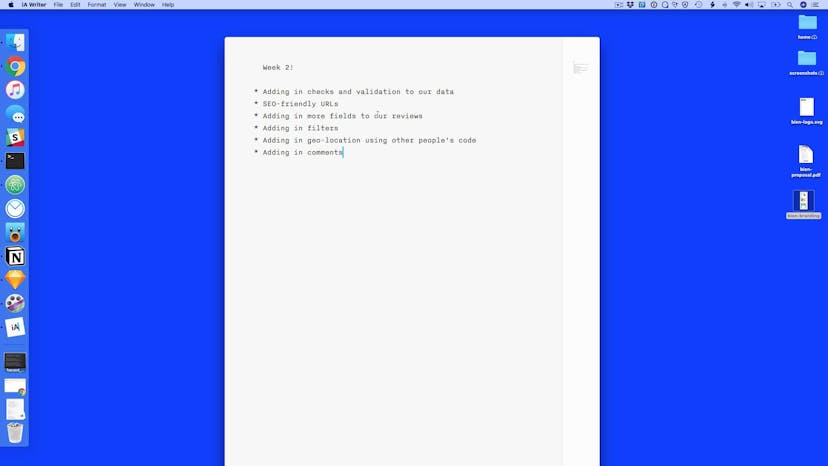
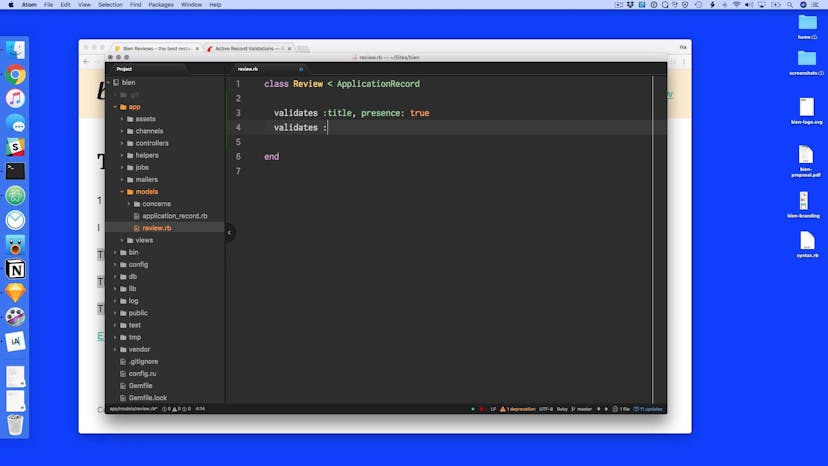
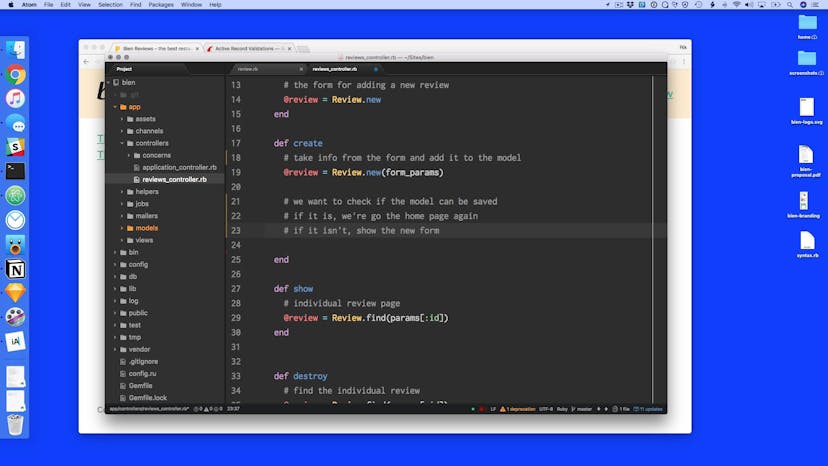
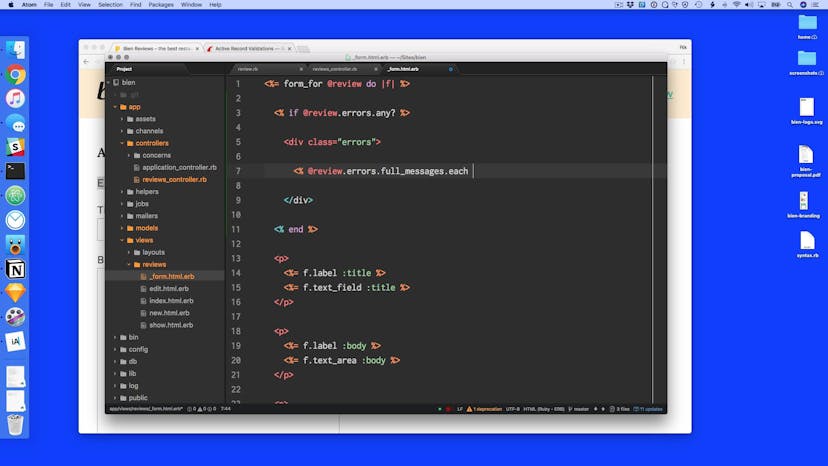
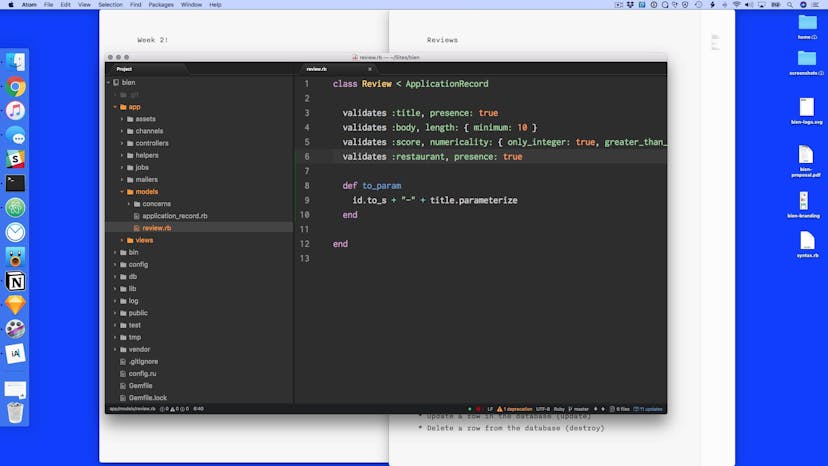
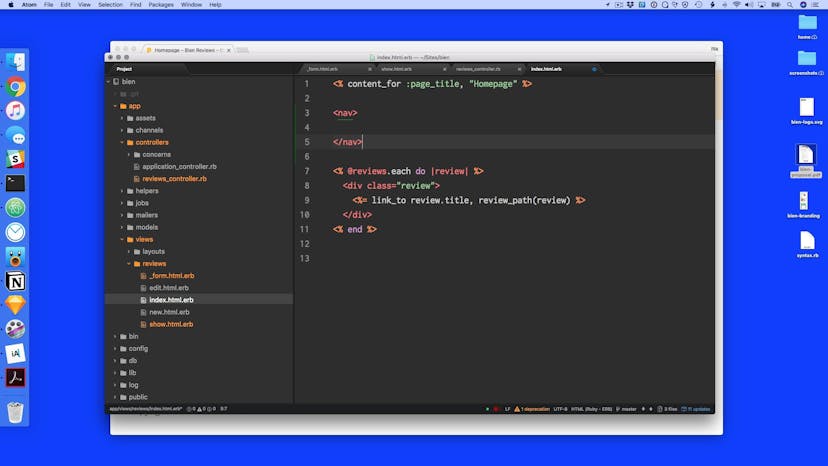
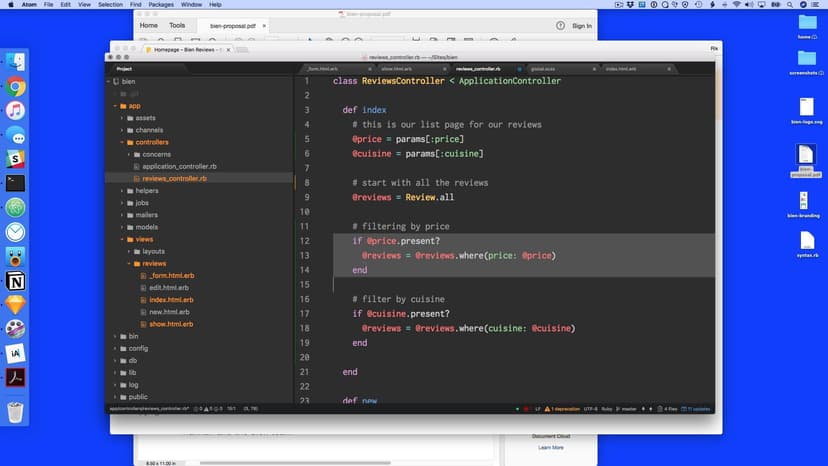
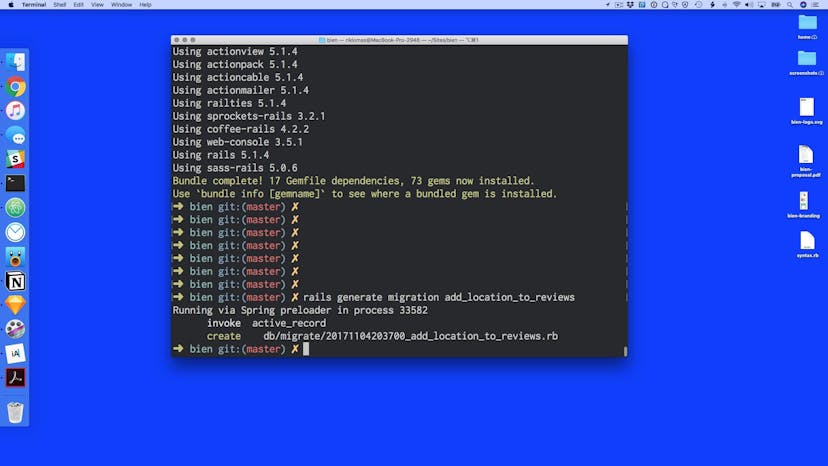
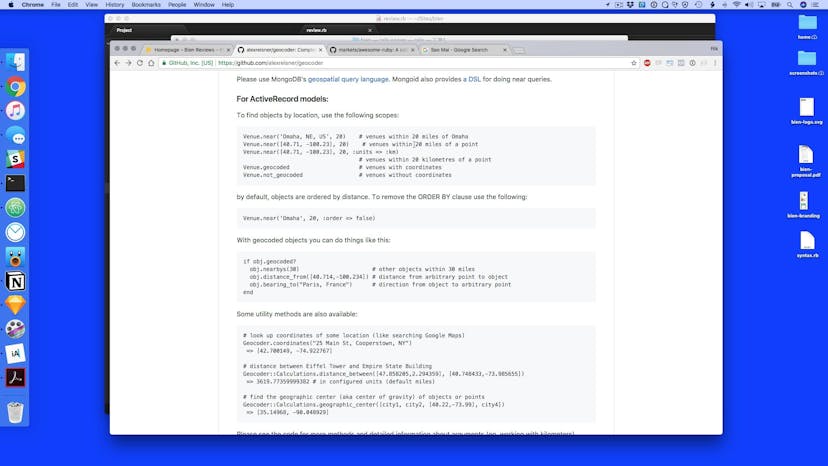
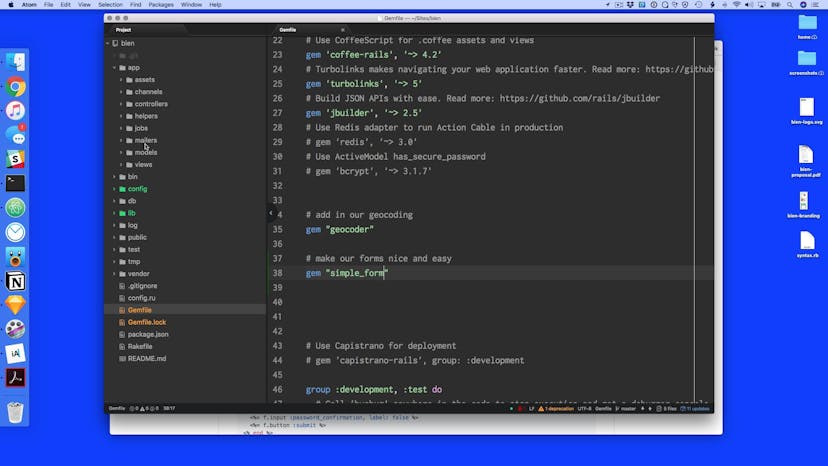
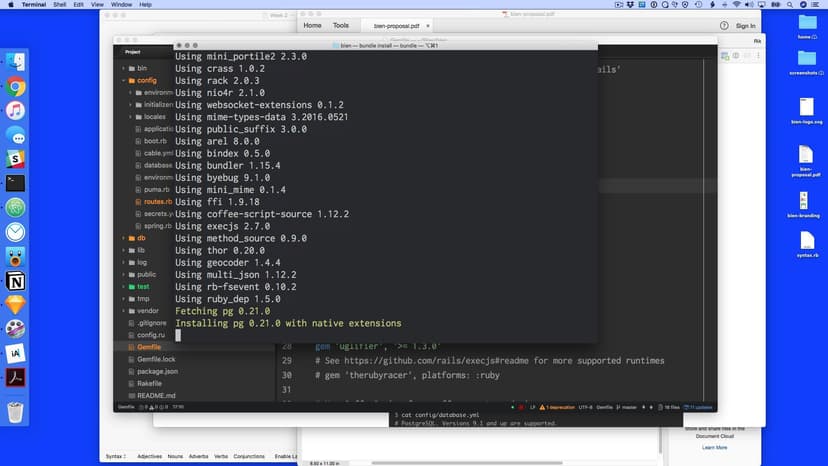
This week, we talk about how to add validations, SEO-friendly URLs, geolocation and filters. We also explore how to add gems to our project and get our site on Heroku.
Lesson 01
Lesson 02
Lesson 03
Lesson 04
Lesson 05
Lesson 06
Lesson 07
Lesson 08
Lesson 09
Lesson 10
Lesson 11
Lesson 12
Lesson 13
Lesson 14
Lesson 15
Lesson 16
Lesson 17
Lesson 18
Lesson 19
Lesson 20
Lesson 21
Lesson 22
Lesson 23
Lesson 24
Lesson 25
Lesson 26
Lesson 27
Lesson 28
Homework 01
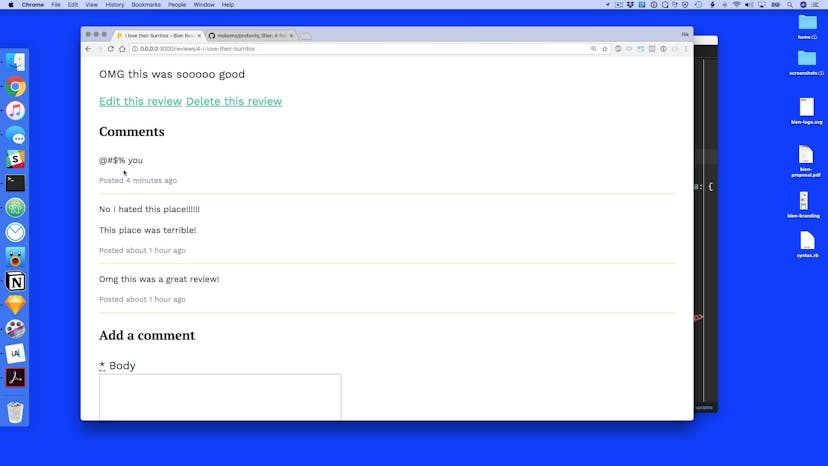
With anonymous comments, we might want to have the ability to stop people cursing and swearing (or “effing and jeffing” as my mum would say). To do this we can use <a href="https://github.com/mobomo/profanityfilter">the profanityfilter gem</a>. Use the technique for installing a gem in the videos, then follow the instructions to stop people swearing in the comments.
A place for you to post notes about anything on this page. Only you can view your notes.
Want some ambient music in the background? Play our radio station!