
Intro to User Interface Design
Build scalable design systems and bring wireframes to life through UI best practices, styles, components, and more.

Taught by
Paras Memon
Get access to Intro to User Interface Design
- Practical, go-at-your-own pace learning, with help from our industry experts and experienced teachers
- Projects and code that you can alter and include in your own sites and portfolio
- Resources to get you started and going post-course
Your instructor

Paras Memon
Course structure
Lesson 01
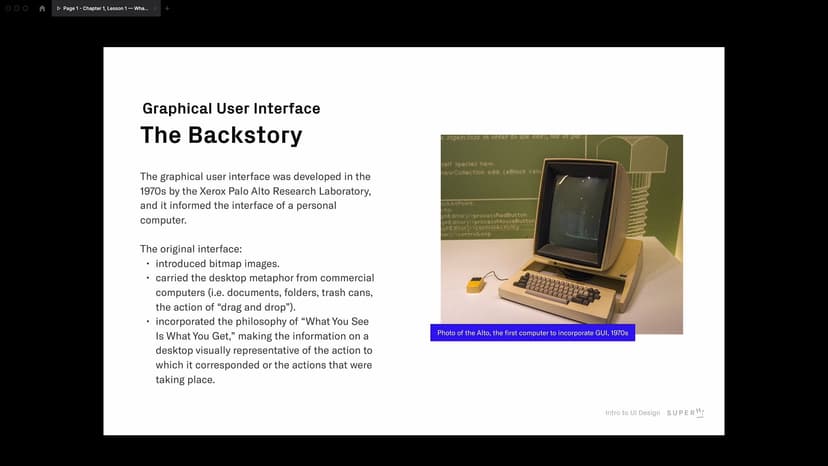
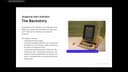
A Brief History of the Graphic User Interface
Lesson 02
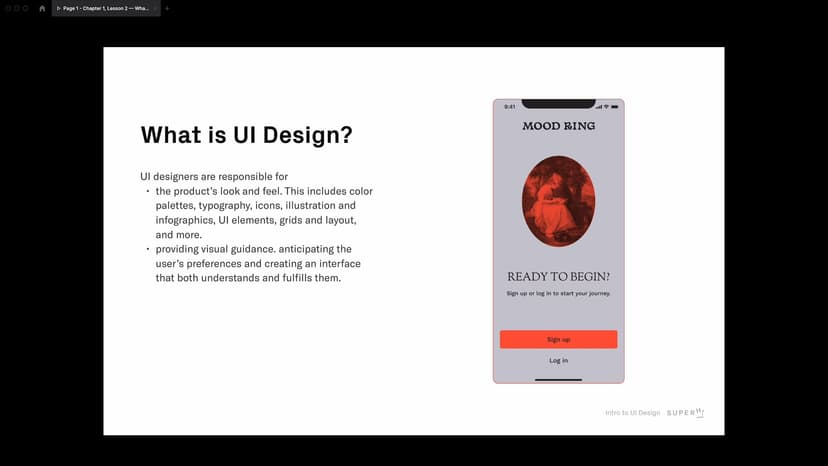
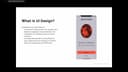
Understanding UI Design
Lesson 03
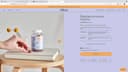
Introducing Patterns
Lesson 04
Design Elements and Principles in the Context of UI Design
Lesson 05
Introducing Exercise 1: Design Styles
Lesson 06
Exercise 1: Design Styles in Figma
Lesson 07
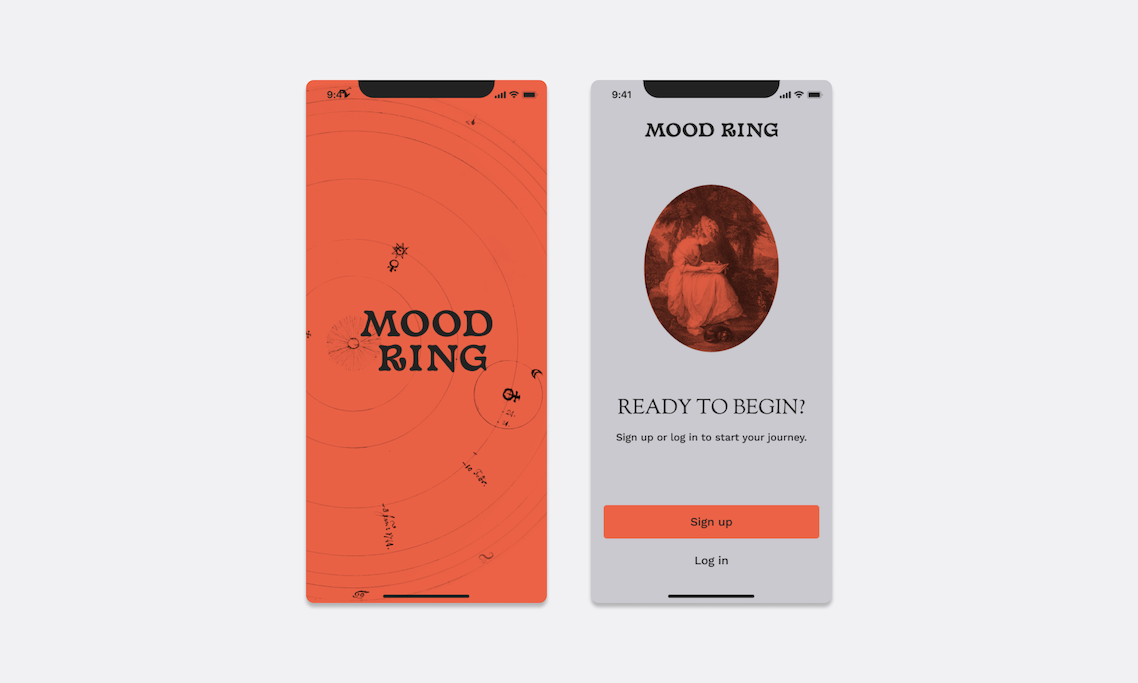
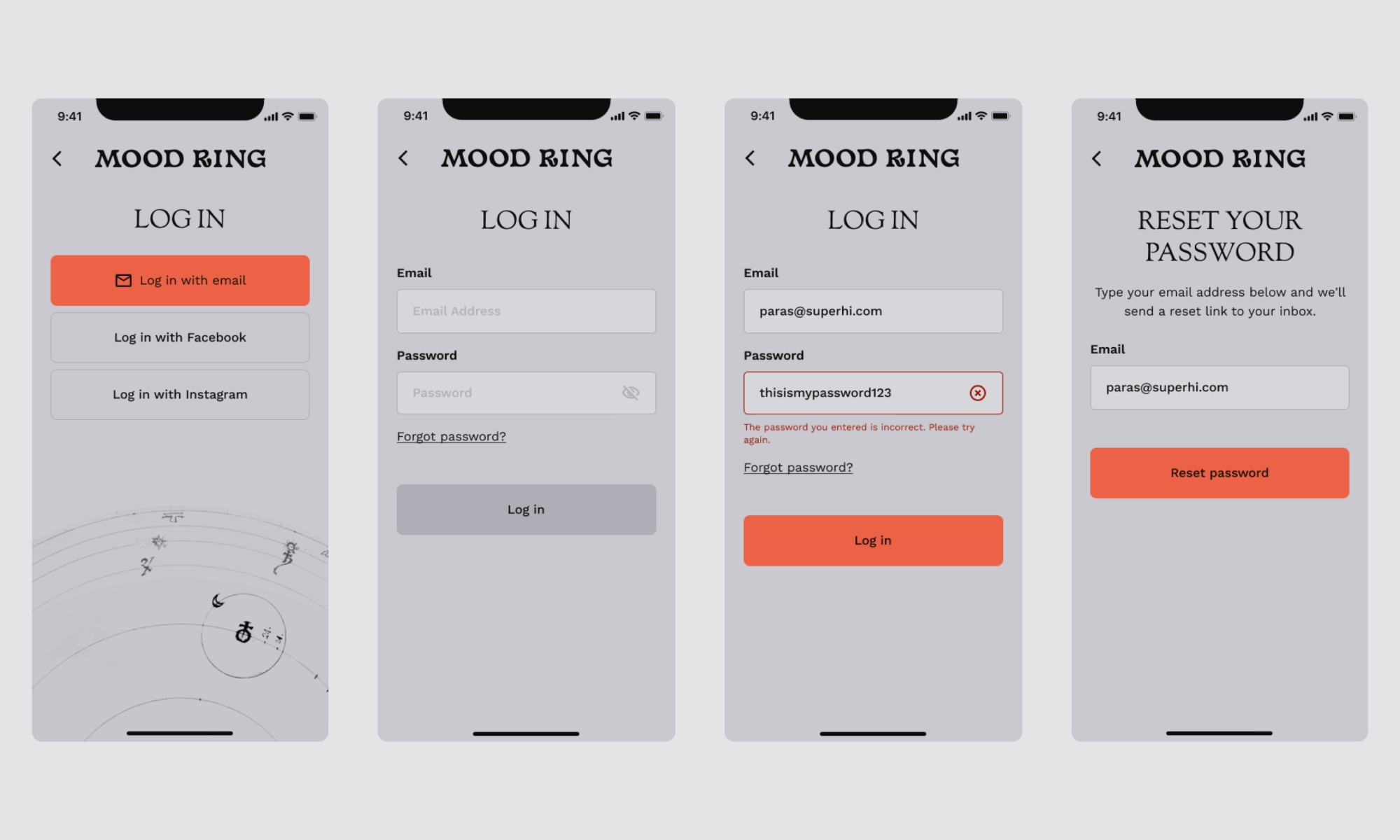
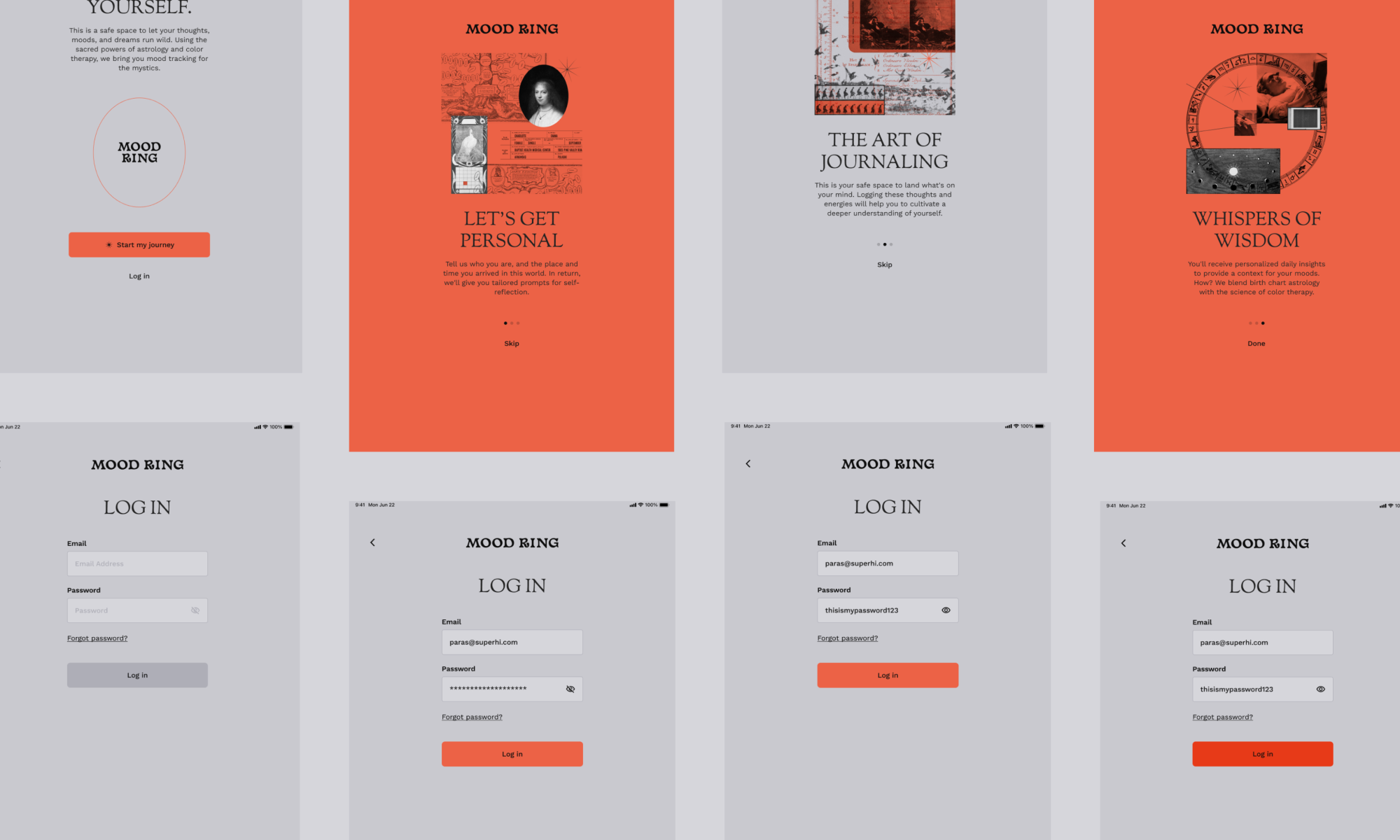
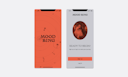
Introducing Project 1: Mood Ring
Lesson 08
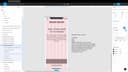
Project 1: Starting to Design Mood Ring
Lesson 09
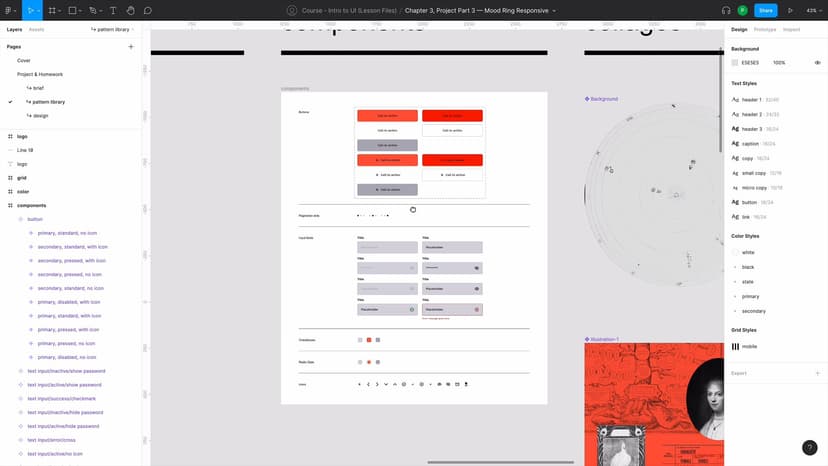
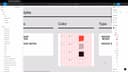
Project 1: Implementing Styles + Working on Mood Ring’s Pattern Library
Lesson 10
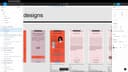
Project 1: Designing Remaining Onboarding Screens for Mood Ring

Homework 01
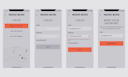
Mood Ring: More Onboarding Screens
Lesson 01
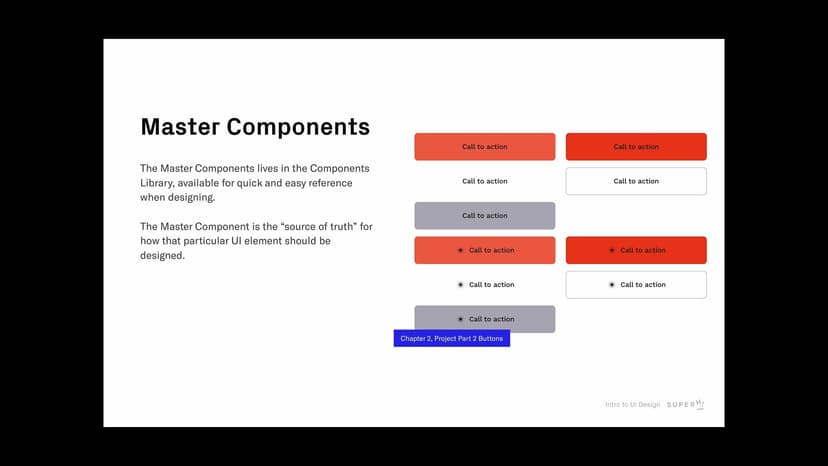
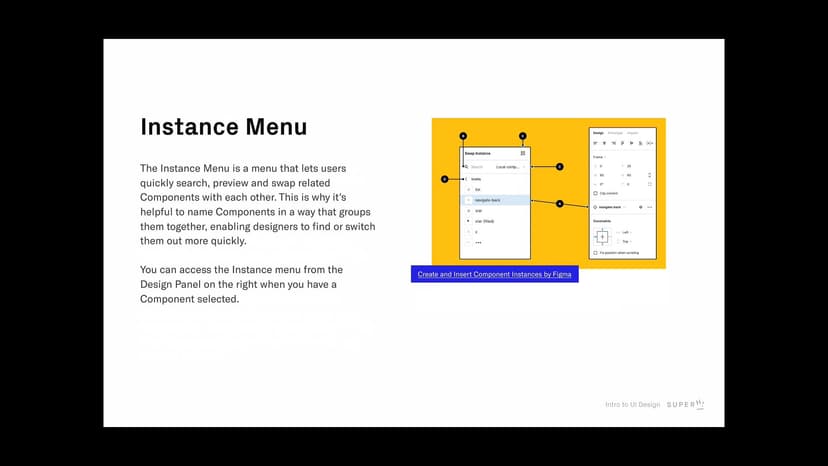
Introducing Components and Instances
Lesson 02
Naming and Understanding Components and Instances
Lesson 03
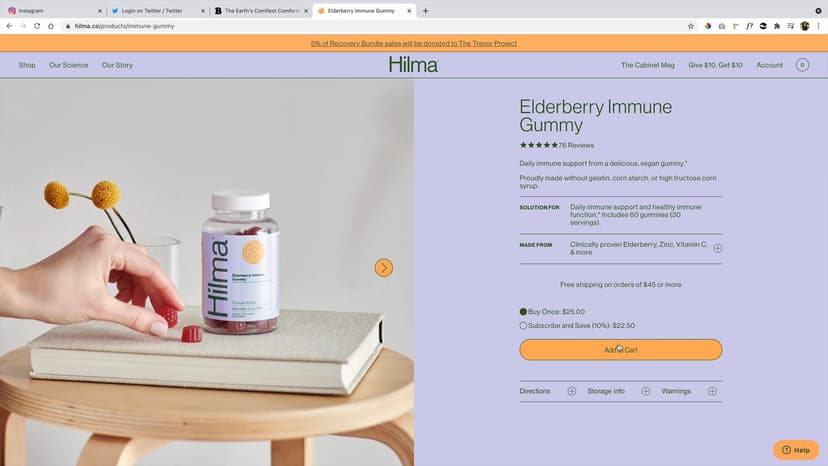
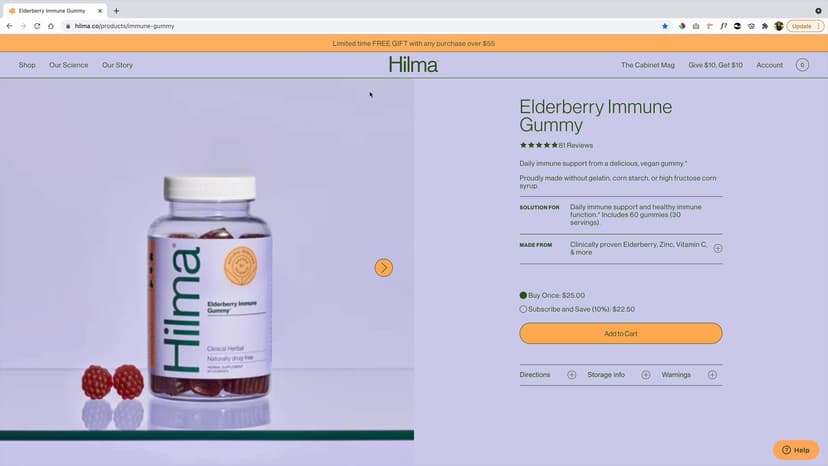
Looking for Components in the Wild
Lesson 04
Introducing Exercise 1: Building Components from the Wild
Lesson 05
Continuing Exercise 1: Building Components from the Wild Ctd
Lesson 06
Introducing Project Part 2: Mood Ring Log In
Lesson 07
Project Part 2: Starting Mood Ring Log In
Lesson 08
Project Part 2: Continuing Mood Ring Log In 1
Lesson 09
Project Part 2: Continuing Mood Ring Log In 2
Lesson 10
Project Part 2: Completing Mood Ring Log In
Lesson 01
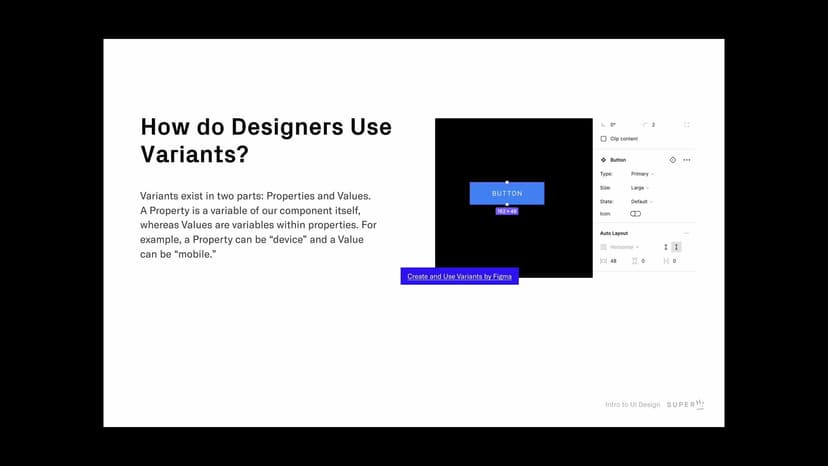
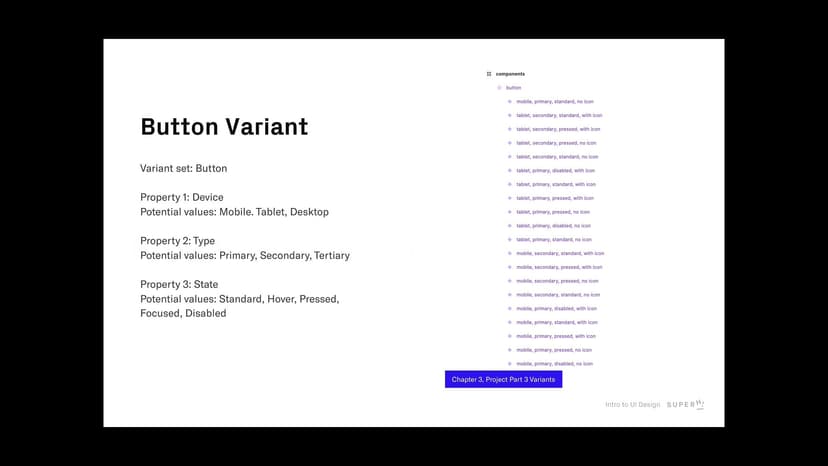
Learning About Variants and Different States
Lesson 02
Understanding States in the Context of Accessibility
Lesson 03
Introducing Project Part 3: Designing Variants and Responsive Design for Mood Ring
Lesson 04
Project Part 3: Introducing Tablet Styles
Lesson 05
Project Part 3: Updating Existing Components and Adding New Components
Lesson 06
Project Part 3: Applying New Styles and Components to Tablet Onboarding Screens
Lesson 07
Project Part 3: Designing Project Part 1 in Tablet
Lesson 08
Project Part 3: Designing Project Part 2 in Tablet
SuperHi students work at the best
Our students are based all over the world and work at creative companies large and small. Why not check out some of their work?
View student workFeeling stuck?
Don’t worry, we are here to help you with:
- Speedy help from one of our team members
- Detailed, relevant solutions
- Direct access to peer support through Discord!
Remember, there’s no such thing as a silly question, so don’t hesitate to reach out, we love hearing from you!