
Command Line for Creatives
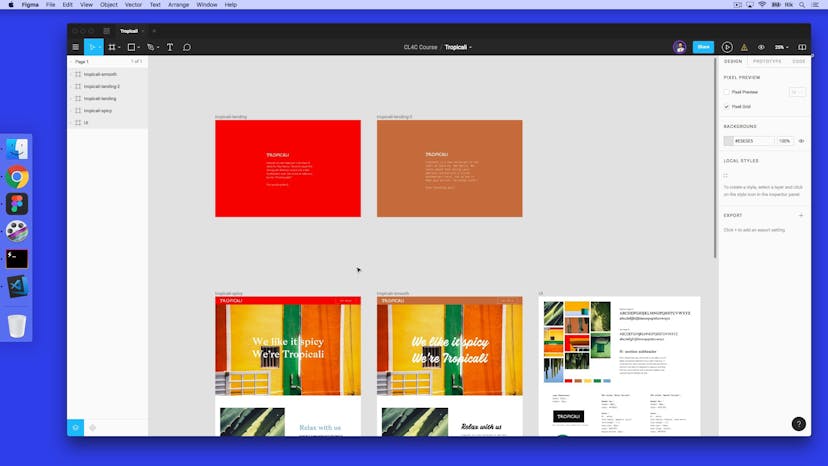
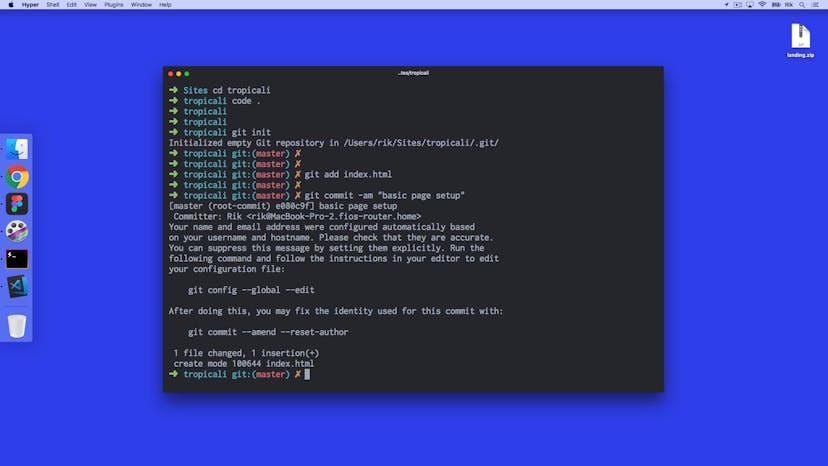
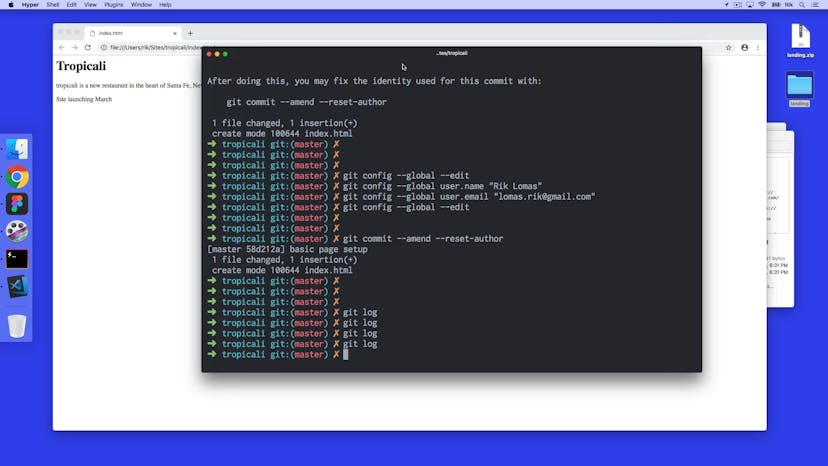
Use the command line to integrate design and development tools such as VS Code, Github, Sass, Jekyll, and Netlify into your workflow.

Taught by
Rik Lomas


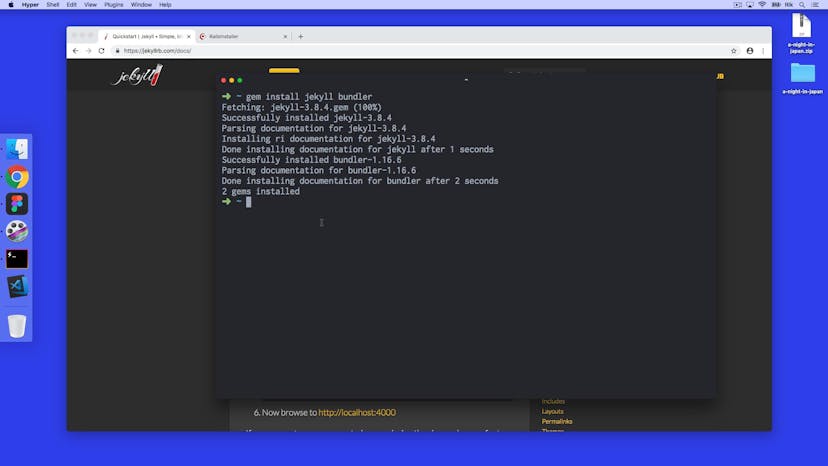
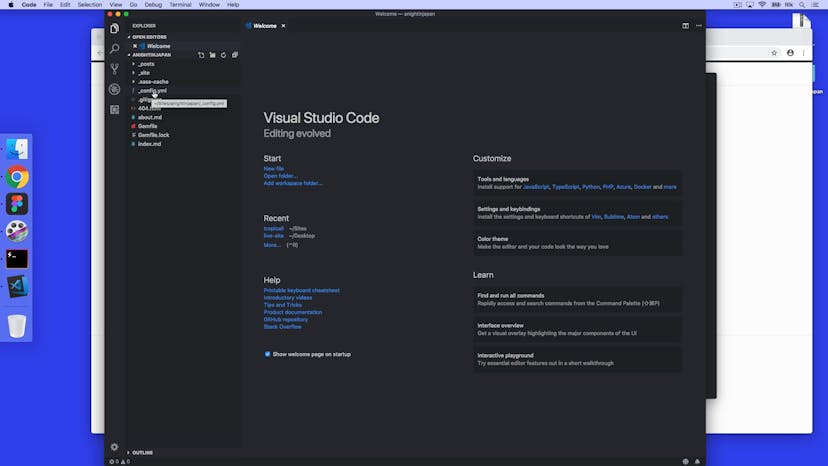
Get access to Command Line for Creatives
- Practical, go-at-your-own pace learning, with help from our industry experts and experienced teachers
- Projects and code that you can alter and include in your own sites and portfolio
- Resources to get you started and going post-course
Your instructor

Rik Lomas
With support from...

Lawrence Gosset
Course structure
Lesson 01
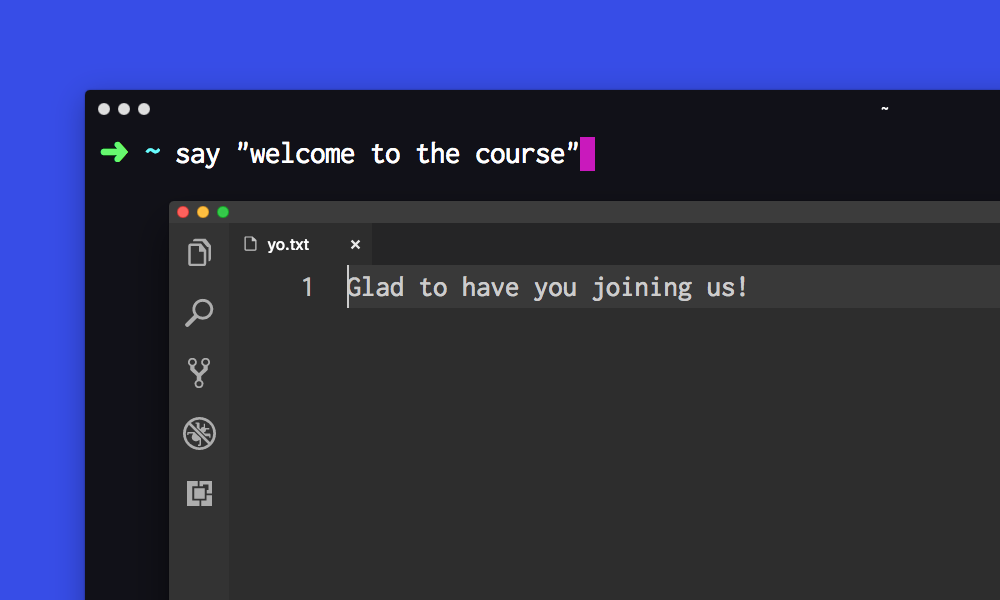
Welcome to Command Line For Creatives
Lesson 02
What we'll be covering

Lesson 03
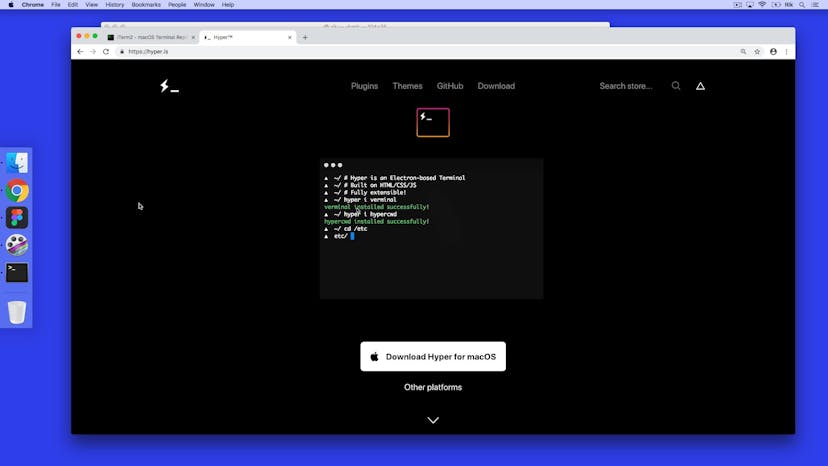
Installing Hyper

Lesson 04
Adding a theme to Hyper
Lesson 05
Installing VS Code
Lesson 06
VS Code Settings
Lesson 07
cd, ls and dir
Lesson 08
Our sites folder and touch command
Lesson 09
Atom and Code shell commands

Lesson 10
Adding oh-my-zsh (Mac)
Lesson 11
Editing our project
Lesson 12
Hyper plugins

Lesson 01
Introduction to Git
Lesson 02
Git setup on a project
Lesson 03
What is a git commit?
Lesson 04
What are command line flags?

Lesson 05
Setting up GitHub
Lesson 06
SSH key setup with GitHub
Lesson 07
GitHub Pages and git pull
Lesson 08
Getting a site online with Netlify
Lesson 09
Adding a new file and commiting

Lesson 01
Introduction to our project
Lesson 02
Git branching
Lesson 03
Merging a git branch
Lesson 04
How to solve a git merge conflict
Lesson 05
Adding our assets
Lesson 06
What is ngrok?

Lesson 07
Installing Sass
Lesson 08
Running Sass and using Sass variables
Lesson 09
Importing stylesheets
Lesson 10
Nesting styles in Sass
Lesson 11
What are Sass mixins?
Lesson 12
Cleaning up our code
Lesson 13
Making a pull request in GitHub

Lesson 01
Introduction to A Night In Japan
Lesson 02
Setting up Jekyll
Lesson 03
Jekyll configuration
Lesson 04
Default layouts in Jekyll
Lesson 05
Page site variables
Lesson 06
Making an about page
Lesson 07
Looping in Jekyll with Liquid tags
Lesson 08
Content for homepage
Lesson 09
What is front matter?
Lesson 10
Jekyll includes
Lesson 11
Setting up an assets folder
Lesson 12
Live reloading with Jekyll
Lesson 13
Styling up our site
Lesson 14
Extending our default layout

Lesson 15
Adding our project to GitHub
Lesson 16
Setting up Siteleaf
Lesson 17
Adding content to Siteleaf
Lesson 18
What is Markdown formatting, and adding images

Lesson 19
Git pull and push for Siteleaf
Lesson 20
Tweaks for Siteleaf
SuperHi students work at the best
Our students are based all over the world and work at creative companies large and small. Why not check out some of their work?
View student workFeeling stuck?
Don’t worry, we are here to help you with:
- Speedy help from one of our team members
- Detailed, relevant solutions
- Direct access to peer support through Discord!
Remember, there’s no such thing as a silly question, so don’t hesitate to reach out, we love hearing from you!